Text Expander for Managers: Stop Retyping the Same Messages


Founder & CEO, Slashit App
A text expander for managers turns your most-used messages into short shortcuts you can reuse anywhere you type. Type a few letters, and your 1:1 agenda, status update, or feedback template appears in full. That’s it.
No searching old emails. No retyping the same paragraph for the fifth time this week.
If you manage people, you already know the drill. Monday brings five 1:1 preps. Friday brings a status update for leadership.
In between, you answer the same Slack questions and draft feedback that needs to sound careful, not rushed. A good text expander clears all of that off your plate in seconds.
Most managers didn’t sign up for this much typing. You took the role to coach people and ship outcomes. Retyping the same thirty messages every week was never part of the plan.
What Is a Text Expander?
A text expander is a tool that turns short typed triggers into full blocks of text. You type something like /1on1, and it expands into your complete meeting agenda. The same trick works for emails, Slack replies, and status reports.
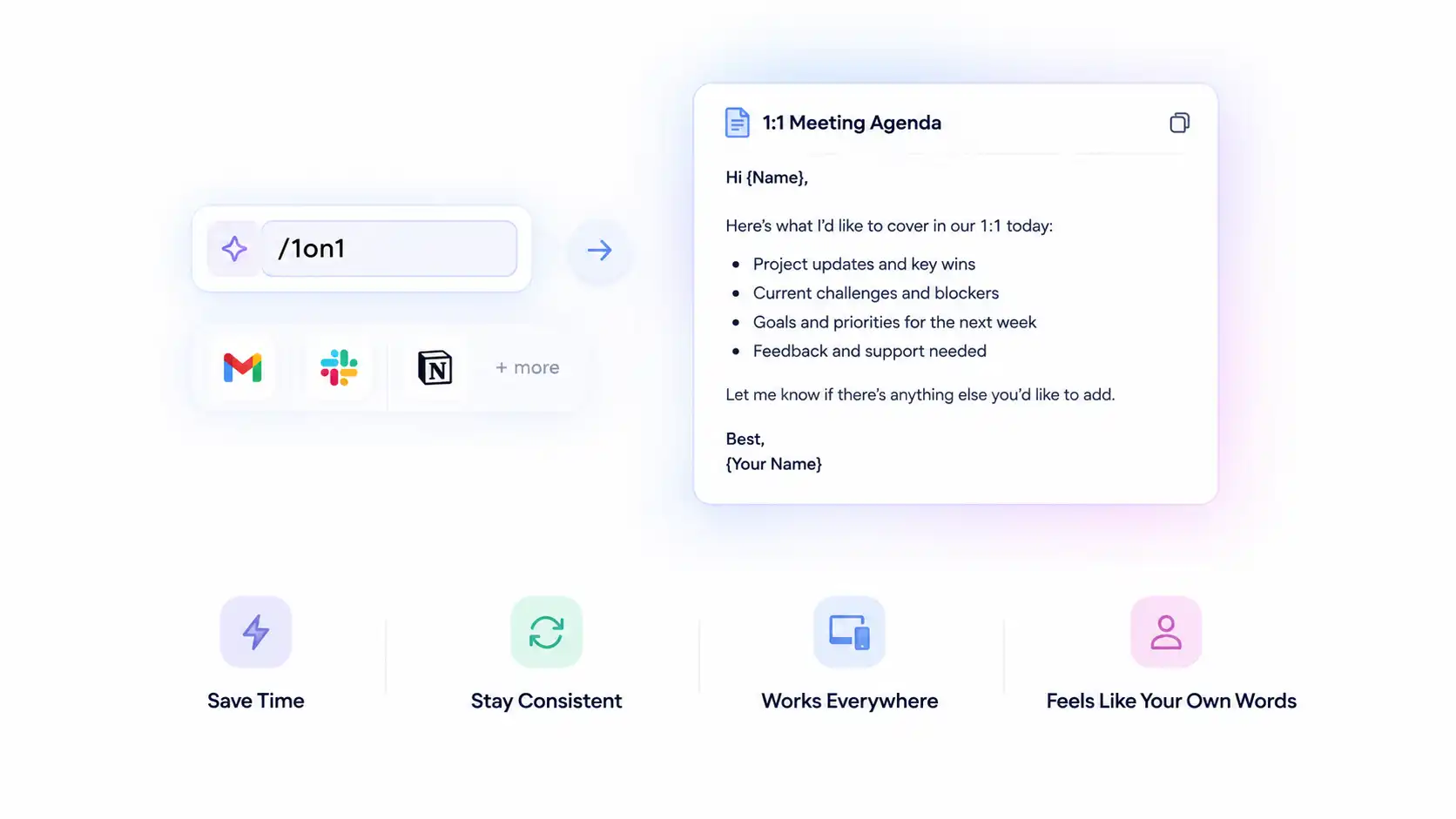
Most text expanders work across every app you use. That includes Gmail, Slack, and Notion, all with the same shortcuts.
You set the trigger once. After that, it works everywhere you type, on any device you’re signed into.
Some tools stop at basic snippets. Others go further and let you build a whole message around a few blanks.
The shortcut still feels like your own words, not a canned reply.
For managers, this goes beyond a typing shortcut. It’s a way to standardize how your team communicates, without losing the personal touch each message needs.
That consistency matters more once you see the real cost of retyping the same thing all week.
Why Do Managers Waste So Much Time Retyping Messages?

Managers waste hours every week retyping messages that barely change from one report to the next. The words shift slightly. The structure stays exactly the same.
It’s not laziness. It’s just math. Five direct reports times one 1:1 agenda equals the same paragraph, written five separate times.
Look at a normal week, and the pattern shows up everywhere:
- Writing a fresh 1:1 agenda for every direct report, every single week
- Retyping the same status update across Slack, email, and the project doc
- Drafting feedback that follows the same shape, again and again
- Answering the same Slack questions about priorities and deadlines
- Onboarding each new hire with a welcome message typed from scratch
- Replying to approvals and PTO requests in nearly identical wording
Every one of those tasks pulls time away from real leadership. That’s time you could spend coaching a struggling report.
Or removing a blocker before it slows the whole team down. Some people call this repetitive communication work, and it quietly eats a manager’s calendar.
Tired managers also send sloppier messages. A rushed status update raises more questions than it answers.
Those questions land right back in your inbox, and the cycle starts again.
None of this is a personal failing. It’s a systems problem, and a text expander solves it directly.
How Do Text Expanders Help Managers Every Day?
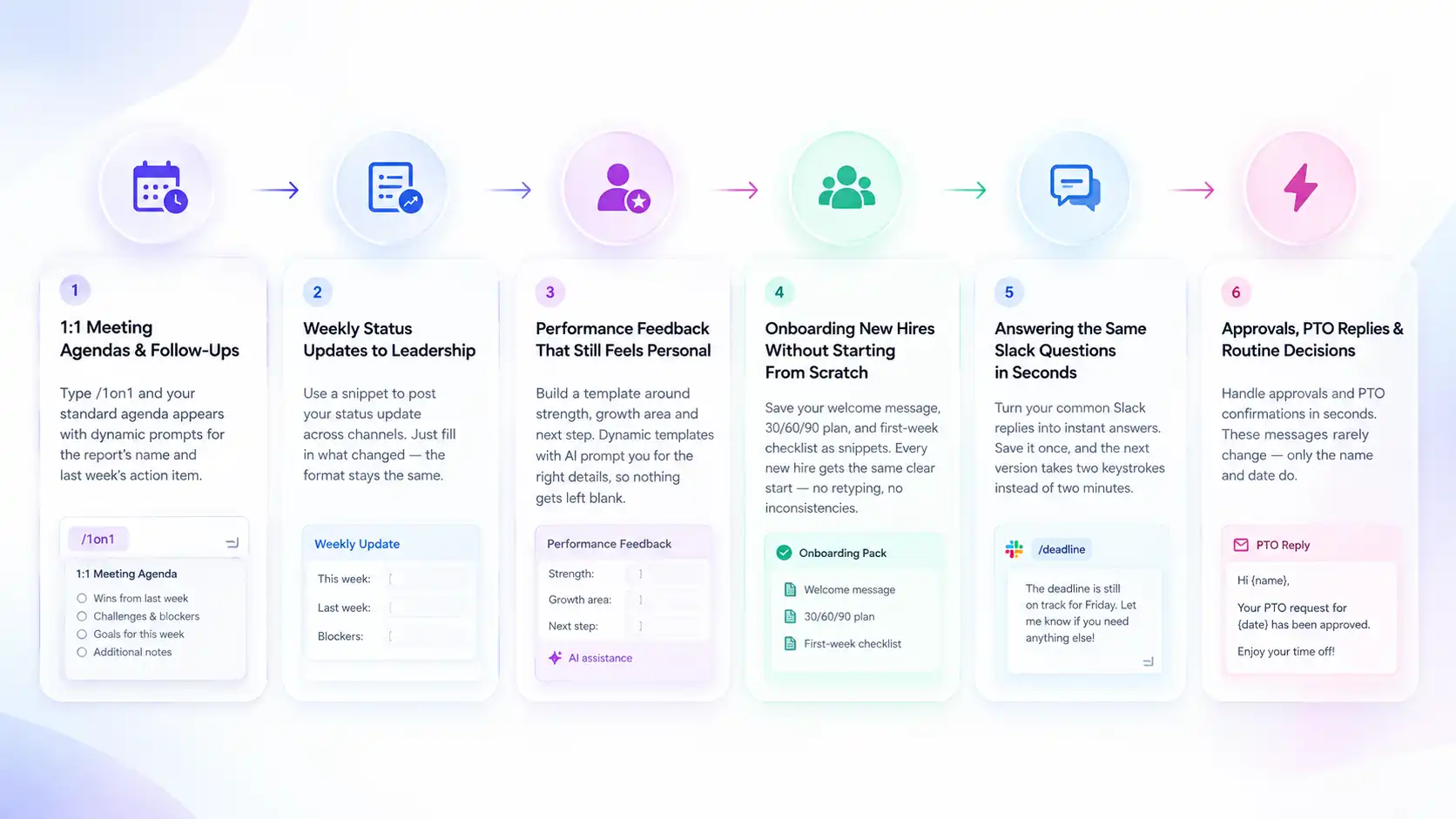
Text expanders help managers by replacing repeated writing with a few keystrokes, no matter which message you need. The value shows up across six specific parts of a manager’s week.
1:1 Meeting Agendas and Follow-Ups
A text expander turns your 1:1 agenda into a two-keystroke shortcut. Type /1on1, and your standard agenda structure appears, ready for you to fill in.
The best tools use dynamic templates with placeholders. Instead of a generic form, you get prompted for the report’s name and last week’s action item.
The agenda still feels personal. You just didn’t have to write it from scratch this time.
Weekly Status Updates to Leadership
A text expander lets you post the same status update everywhere in seconds. That beats retyping it three separate times.
You build the structure once, then fill in what actually changed each week. A simple snippet works fine here, since the format rarely shifts.
Only the numbers and the blockers change from week to week.
Performance Feedback That Still Feels Personal
A text expander helps you draft feedback faster without making it sound canned. You build a template around strength, growth area, and next step, then fill in the specifics.
Dynamic templates powered by AI work best for this. They prompt you for the right details as you go, so nothing gets left blank.
The framework stays consistent from report to report. The message still reads like you wrote it for that one person.
In the parts that matter, you did write it.
Onboarding New Hires Without Starting From Scratch
A text expander gives every new hire the same quality welcome, without you retyping it each time. Save your welcome message, your 30/60/90 plan, and your first-week checklist as snippets once.
From there, every new hire gets the same clear start. Nothing depends on how busy you happened to be that particular Monday.
The first week sets the tone for how someone sees their new team. A rushed, inconsistent welcome sends the wrong signal early.
New managers benefit the most here. They can borrow a proven onboarding sequence instead of guessing what to say on day one.
Answering the Same Slack Questions in Seconds
A text expander turns your most common Slack replies into instant answers. If someone asks about a deadline, you probably typed nearly the same reply last week too.
Save that answer once. The next version takes two keystrokes instead of two minutes.
Over a month, that difference adds up to real hours back on your calendar.
Approvals, PTO Replies, and Routine Decisions
A text expander handles approvals and PTO confirmations in seconds. That beats letting them eat a chunk of your afternoon.
These messages rarely change in structure. Only the name and the date do.
That’s exactly the kind of task a good snippet library was built to absorb. Free up that time, and it goes straight back into the work only you can do.
Once you see these six use cases working together, the next question becomes obvious. Which features actually matter when you pick a tool?
Key Features Managers Should Look For in a Text Expander
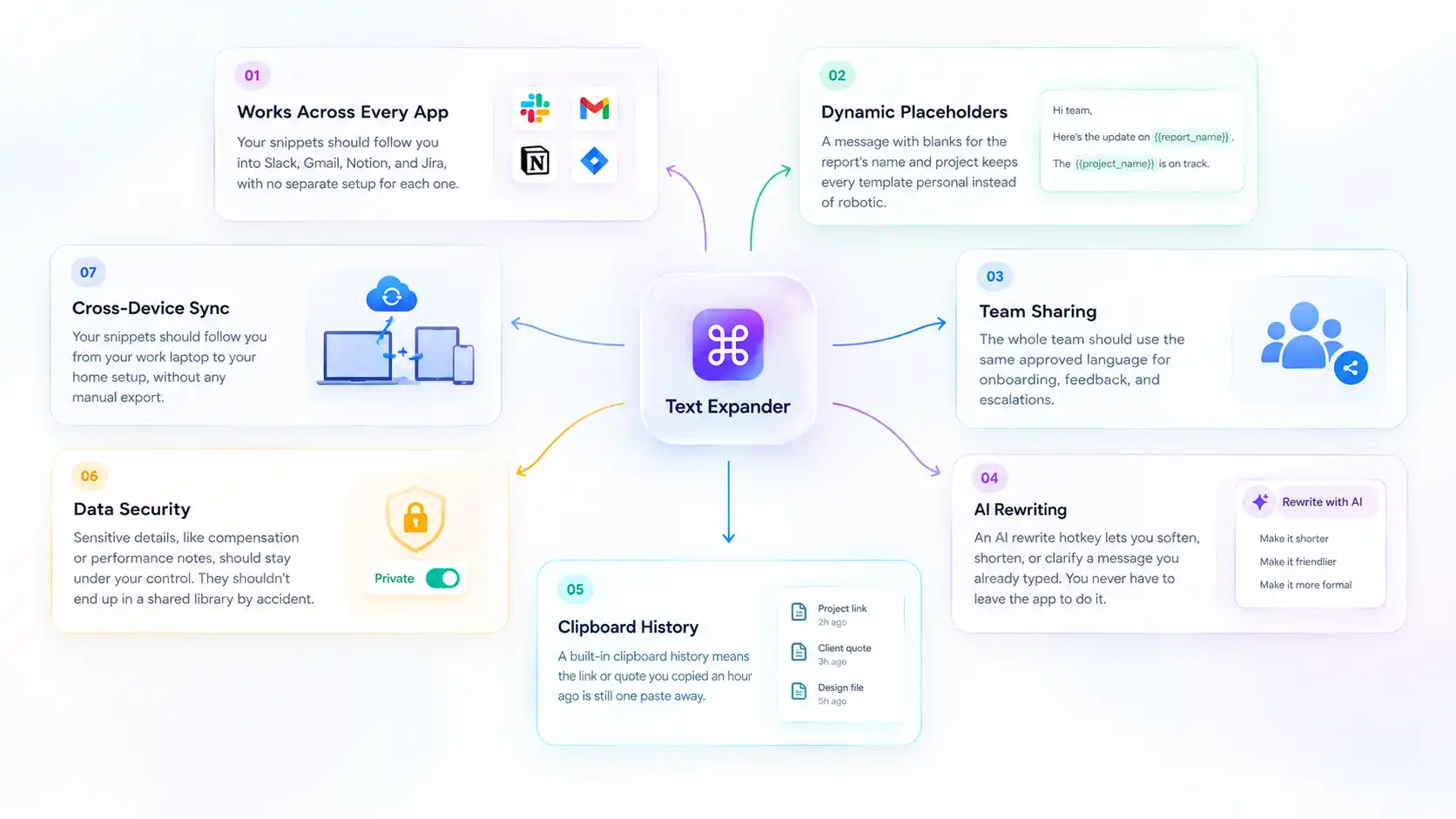
The right text expander for managers needs specific features, not just basic shortcuts. Look for a tool that covers each of these:
- Works across every app. Your snippets should follow you into Slack, Gmail, Notion, and Jira, with no separate setup for each one.
- Dynamic placeholders. A message with blanks for the report’s name and project keeps every template personal instead of robotic.
- Team sharing. The whole team should use the same approved language for onboarding, feedback, and escalations.
- AI rewriting. An AI rewrite hotkey lets you soften, shorten, or clarify a message you already typed. You never have to leave the app to do it.
- Clipboard history. A built-in clipboard history means the link or quote you copied an hour ago is still one paste away.
- Data security. Sensitive details, like compensation or performance notes, should stay under your control. They shouldn’t end up in a shared library by accident.
- Cross-device sync. Your snippets should follow you from your work laptop to your home setup, without any manual export.
A tool that checks every box on this list saves more than time. It removes a whole category of small decisions from your day.
You stop deciding how to phrase the same request for the third time. You just send it.
Once you know what to look for, the next step is comparing the tools that actually offer it. A few tools cover most of this list. Fewer cover all of it.
Best Text Expander Tools for Managers, Compared
Slashit, TextExpander, PhraseVault, and Espanso are the four text expander tools managers compare most often. Each one takes a different approach to price, team sharing, and AI features.
Some are built for individuals. Others are built for a whole department rolling out shared templates together. The right pick depends on how many people need the same library.
| Tool | Best for | Team sharing | AI rewriter | Starting price |
|---|---|---|---|---|
| Slashit | AI rewriting, team sharing, price | Yes | Yes | Free, then $5/month |
| TextExpander | Enterprise compliance | Yes | No | $4.16/month, no free plan |
| PhraseVault | One-time pricing, offline use | No | No | One-time fee |
| Espanso | Free, open-source use | No | No | Free |
Slashit
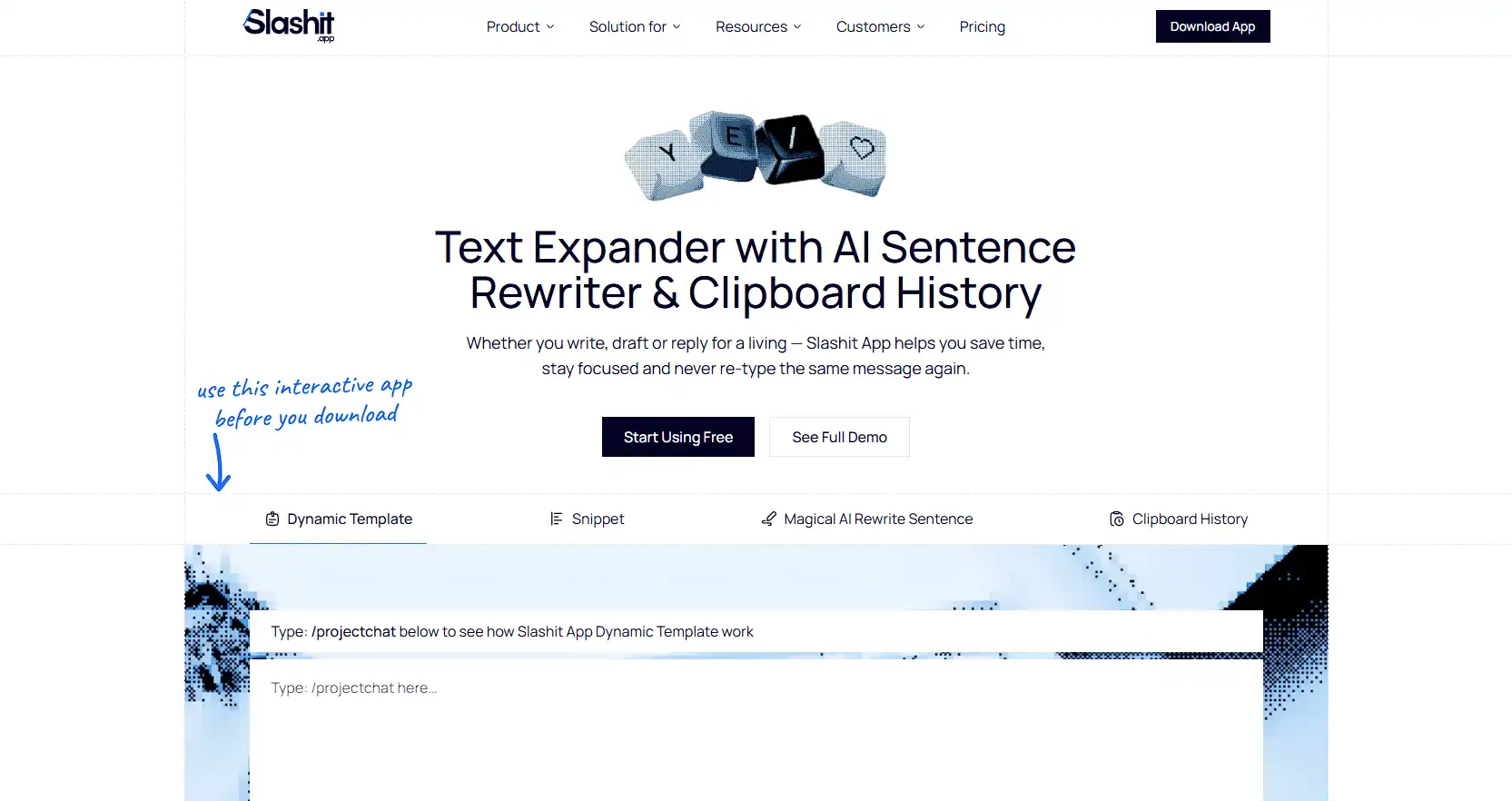
Slashit combines text expansion with an AI rewriter and team sharing. It’s built for people who type for a living, not just occasionally.
Managers use it for 1:1 agendas, status updates, feedback drafts, and onboarding. All of it works inside the apps they already use, with no extra setup.
The free plan covers the basics. Premium starts at $5 a month, well below most competitors.
Even a team of five managers on Slashit costs less than a single seat on TextExpander’s business plan.
TextExpander
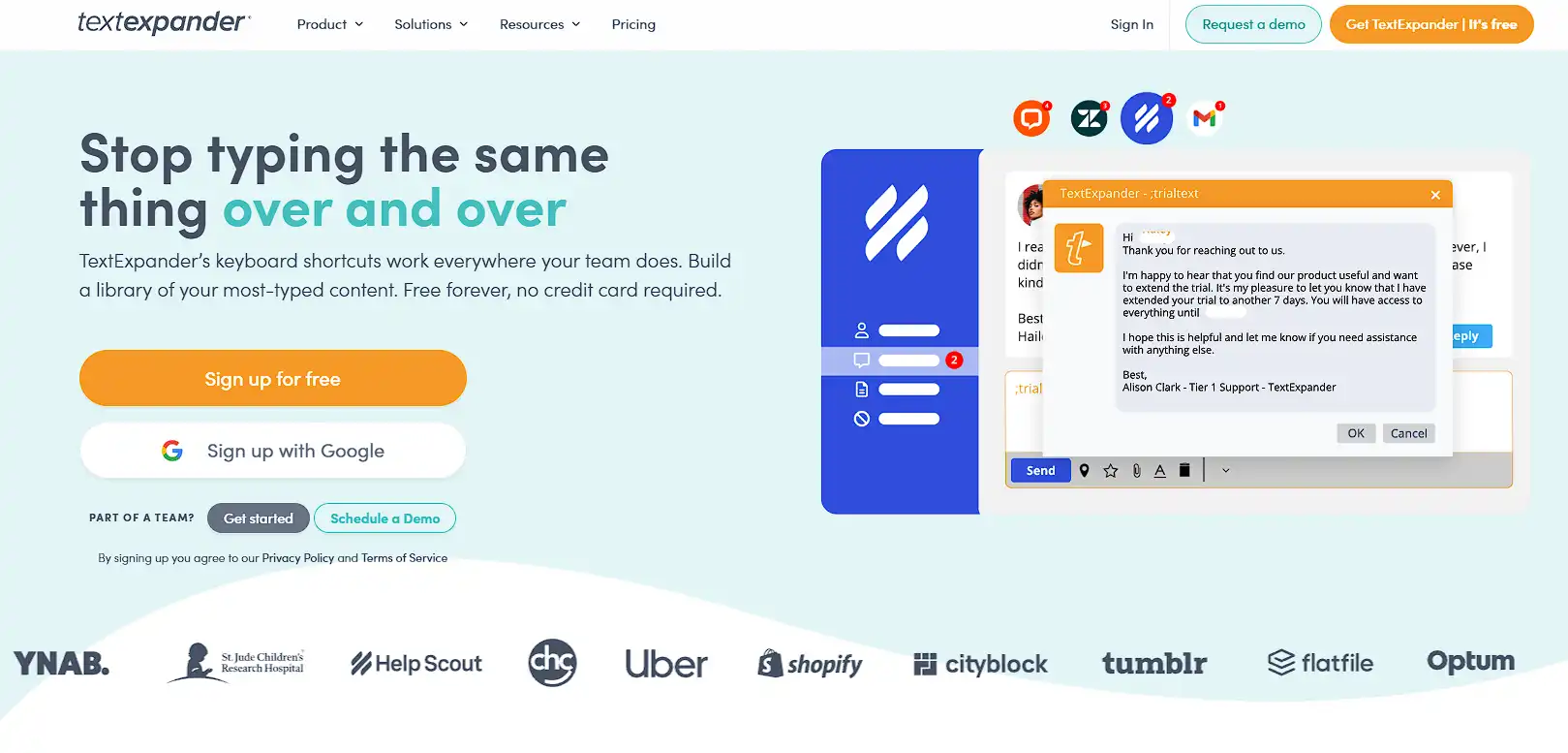
TextExpander works well for teams that need shared snippets and advanced fill-in fields. It has no free plan.
Pricing starts around $4.16 a month per user on the individual plan. Team seats cost more and climb from there.
It also skips an AI rewriter. Softening a blunt message still means editing it by hand.
PhraseVault
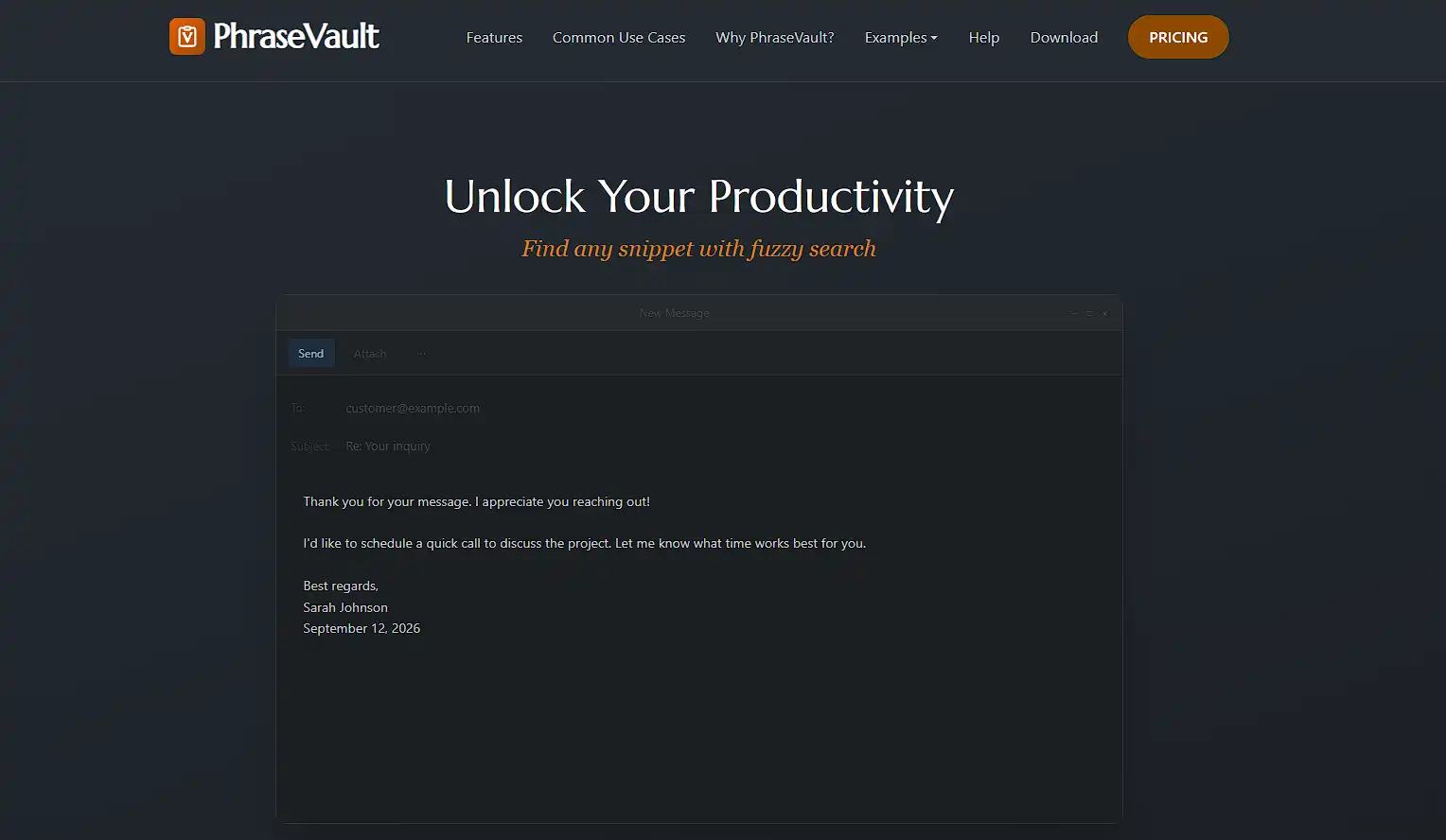
PhraseVault suits managers who want a one-time purchase instead of a subscription. It works well for storing templates and AI prompts offline.
It skips team sharing entirely. That limits its use for a manager rolling out shared templates across a department.
Espanso
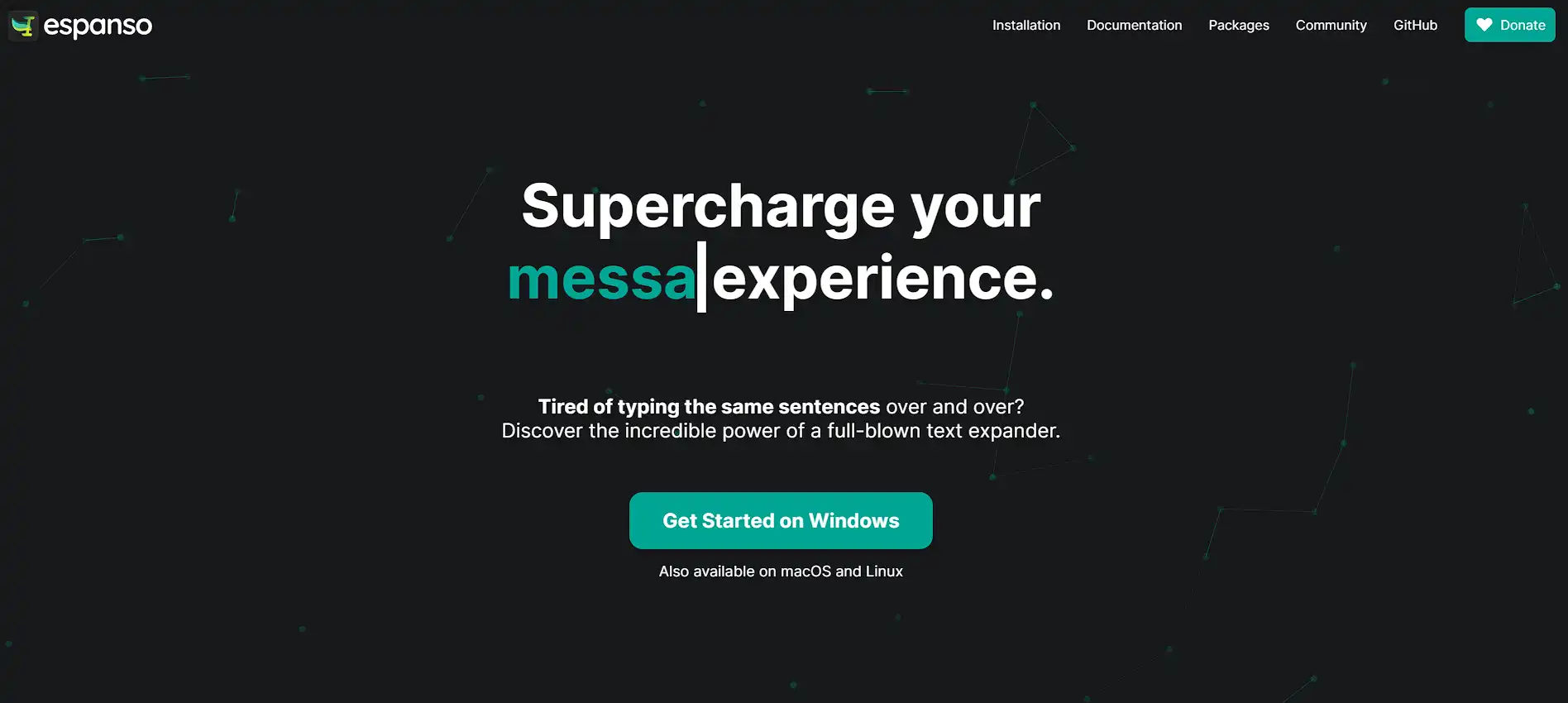
Espanso is free and open-source, built for developers who want full control. It runs system-wide on Windows, macOS, and Linux.
It has no visual interface and no team sharing. That fits a solo, technical user better than a manager leading a team.
Seeing the options side by side makes one thing clear. Managers need more than plain snippets.
They need AI help and team sharing built in from day one. A tool that only expands text is solving half the problem.
Why Are Managers Switching to Slashit?
Managers are switching to Slashit because it combines snippets, AI rewriting, and team sharing in one tool. The manager-focused setup maps directly onto a manager’s actual week, not a generic productivity checklist.
Take the AI rewriter. Write a piece of feedback that came out too blunt, highlight it, and hit the hotkey.
Pick “soften the tone” or “make it clearer,” and the message gets rewritten in place, in any app. No copying it into a separate tool and back again.
That matters most during review season, when you’re drafting feedback for several reports back to back. A tone slip in one message can undo weeks of trust.
Team sharing pays off even more. One shared snippet library means every manager on your team sends the same onboarding message.
Everyone also uses the same feedback framework. New hires ramp faster, and nothing falls through the cracks between one manager’s style and another’s.
Snippets sync across Mac and Windows too. Build a 1:1 agenda at home, and it’s ready the moment you open your work laptop.
Real customers describe the shift in plain terms. One engineering manager put it simply.
He used to dread Mondays because of the typing they required. That meant 1:1 prep, plus the leadership update.
Now he handles all of it in twenty minutes.
He starts the week with a clear head instead.
A head of customer success shared a similar result. Sharing snippets across her team changed how new hires get onboarded.
Everyone now gets the same expectations doc and the same 30/60/90 framework, right from day one.
That kind of shift doesn’t happen with a plain snippet tool. It happens when AI rewriting and team sharing work together, inside the apps you already use.
A product manager who uses Slashit shared a similar story. The AI rewriter saved him from sending feedback that would have landed badly.
One hotkey, and it became the message he meant to write.
How Do You Set Up Text Expander Snippets as a Manager?
You set up your first manager snippets in five simple steps. Start with the messages you already type the most, and the whole process takes less than twenty minutes.
- List your five most repeated messages. Think 1:1 agendas, status updates, feedback openers, and Slack replies you send weekly.
- Turn each one into a template. Swap the specific names and numbers for placeholders like {report_name} and {project}.
- Assign a short trigger to each one. Keep it memorable, like /1on1 or /status, so it’s easy to recall under pressure.
- Test it inside the app you use most. Slack and Gmail are good starting points for most managers.
- Share your best templates with your team. Once a template works well for you, your template library can save your fellow managers the same setup time.
Once your first few snippets are live, expanding the library gets easier every week. Most managers add new ones naturally, right after they notice themselves typing the same thing twice.
Frequently Asked Questions About Text Expanders for Managers
What is the best text expander for managers?
Slashit is the best text expander for managers who want AI rewriting and team sharing in one tool. TextExpander suits larger teams focused purely on compliance and shared templates. Espanso works for technical managers who want a free, offline option.
The right answer often depends on team size. A department rolling out shared templates gets more value from Slashit or TextExpander.
A solo, offline tool like Espanso fits a single manager better.
Can my whole team share the same templates?
Yes, most modern text expanders, including Slashit and TextExpander, support shared snippet libraries. That means your whole team can use the same onboarding message, feedback framework, and status update format.
Is a text expander safe for sensitive employee feedback?
Yes, as long as the tool keeps sensitive details as placeholders rather than hard-coded text. Names, compensation, and specific feedback should stay under your control, not baked into a shared template by default.
That way, your team shares the structure of a message without ever sharing the private details inside it.
How much does a text expander cost for a small team of managers?
A small team of managers can expect to pay between free and around $15 a month per manager. It depends on the tool.
Slashit’s free plan covers the basics, and premium runs $5 a month per person. TextExpander starts higher, with no free option for individuals or teams.
How is an AI text expander different from a regular one?
A regular text expander only inserts saved text. An AI text expander, like Slashit, can also rewrite text you already typed.
That includes softening tone or shortening a message, all with one hotkey and no extra app.
Do text expanders work in Slack and Gmail?
Yes, most text expanders work inside any app where you can type. That includes Slack, Gmail, Notion, and Jira, usually with no separate integration to set up.
Does a text expander work on both Mac and Windows?
Yes, tools like Slashit run on both macOS and Windows, and snippets sync across devices. The agenda you build on your work laptop is ready on any machine you sign into.
Is there a free text expander for managers?
Yes, Slashit and Espanso both offer free plans. Slashit’s free plan covers core text expansion and basic templates, while Espanso is fully free and open-source.
Fewer Repeated Messages, More Time to Lead
A text expander for managers turns your most repeated messages into a two-keystroke habit. That beats a daily chore that eats into real leadership time.
The time you save adds up fast, especially once your whole team shares the same library. Most managers who build one out save several hours a week.
Some save a full workday a month. That’s not a small tweak to your workflow.
It means more time coaching your team and faster onboarding for new hires. It also means less time spent as a human messaging hub.
Roll it out across your whole team, and the time savings compound. Every manager who joins adds to the shared library instead of starting their own from zero.
Start with Slashit’s free plan and build your first five snippets today. See how much of your week opens back up.
Download Slashit and stop retyping the same message for good.
// more articles
 Productivity
 10 Best Grammarly Alternatives in 2026: Free and Paid
Comparing the best Grammarly alternatives for 2026 by price, AI customization, and use case, so you can find the right fit fast and skip the guesswork.
 Productivity
 Text Expander for Founders: Save Hours Every Week
A text expander for founders turns investor updates, cold outreach, and hiring replies into one hotkey. Compare tools, get templates, and set up in minutes.
 Productivity
 Best AI Tools for Founders and the One Most Lists Miss
The best AI tools for founders in 2026, for building, research, meetings, and the daily outreach most lists forget. Compare tools and pricing.

// blog updates
