10 Best Grammarly Alternatives in 2026: Free and Paid


Founder & CEO, Slashit App
Grammarly built its reputation by catching typos and awkward phrasing before you hit send. But if you’re searching for Grammarly alternatives, something about that experience stopped working for you.
Maybe you burned through your monthly AI prompts by the fifteenth. Maybe the renewal bill made you wince. Or maybe you’re simply tired of accepting suggestions instead of shaping the AI to sound like you.
The best Grammarly alternatives in 2026 solve different problems. ProWritingAid goes deep on writing analysis. LanguageTool covers more languages.
QuillBot leans into paraphrasing. And a newer group of tools, including Slashit, hand you the keys to the AI itself, letting you write your own prompts instead of picking from someone else’s menu.
This guide breaks down ten solid picks, what each one gets right, where it falls short, and which one actually fits how you write.
Why People Look for a Grammarly Alternative in 2026
Most people go looking for a grammar checker alternative for one of five reasons: price, prompt limits, rigid suggestions, missing features, or no say in which AI model does the writing. Here’s how those pain points usually show up.
- Pricing has climbed. Grammarly Pro runs $144 a year, and a five-person team costs $720 a year, every year.
- AI prompts are capped. Free plans give you 100 prompts a month, and Pro caps out at 2,000.
- Suggestions are one size fits all. Grammarly decides what “professional” or “friendly” means, not you.
- No text expansion or clipboard tools. If you retype the same reply daily, Grammarly won’t save you there.
- No model choice. You get Grammarly’s proprietary AI instead of ChatGPT, Gemini, or whichever model you already trust.
Those gaps explain the demand. What they don’t explain is which alternative actually fills them, so let’s look at where Grammarly still holds its ground before ranking the challengers.
What Grammarly Still Does Best
Grammarly remains the deepest all-in-one grammar and tone checker on the market, and that’s worth saying plainly before recommending anything else. The platform serves roughly 40 million users and 50,000 organizations, backed by more than 17 years of language research. Its plagiarism checker, tone detector, and native mobile apps still beat most competitors on raw polish.
If your main need is catching grammar mistakes, flagging plagiarism, or enforcing a brand style guide across a large team, Grammarly earns its price tag. That said, Grammarly’s AI follows Grammarly’s rules, not yours, and that single fact is why so many writers start shopping around.
How We Compared These Grammarly Alternatives
Each tool below was evaluated on five factors: pricing, AI customization, language support, platform coverage, and how naturally it fits into a normal writing day.
Prices reflect publicly listed rates as of September 2026 and can shift, so double-check the current rate before you buy. Features were confirmed against each company’s own pricing and product pages rather than secondhand reviews.
With the criteria set, here’s how the ten alternatives stack up against each other before we go tool by tool.
Grammarly Alternatives at a Glance
If you only have a minute, this table sums up the best Grammarly alternatives by price and standout feature.
| Tool | Best For | Free Plan | Starting Price | Standout Feature |
|---|---|---|---|---|
| Slashit | AI rewriting you control | Yes | $5/month, or $54/year | Custom prompts and hotkeys |
| ProWritingAid | In-depth writing analysis | Yes, limited | $10/month billed annually | 20+ style and vocabulary reports |
| LanguageTool | Multilingual writing | Yes | $4.99/month billed annually | Grammar support in 30+ languages |
| QuillBot | Paraphrasing | Yes, limited | $8.33/month billed annually | Nine paraphrase modes |
| Hemingway Editor | Readability | Yes | $19.99 one-time desktop app | Color-coded readability grading |
| Trinka AI | Academic writing | Yes, limited | $6.67/month billed annually | Journal-style and citation checks |
| Writer | Brand style enforcement | No | $29/user/month billed annually | Custom style guide rules |
| Sapling | Support team replies | Yes | $12/month billed annually | Saved response snippets |
| Ginger | Budget grammar checking | Yes | About $7/month billed annually | Built-in 60+ language translator |
That’s the short version. Now let’s break down what each one actually does, starting with the tool built around a different idea of what AI writing help should look like.
The Best Grammarly Alternatives, Compared
Every tool on this list solves a different part of the writing problem, so read for the one that matches your actual complaint about Grammarly, not just the highest-ranking name.
1. Slashit: Best for AI Rewriting You Control
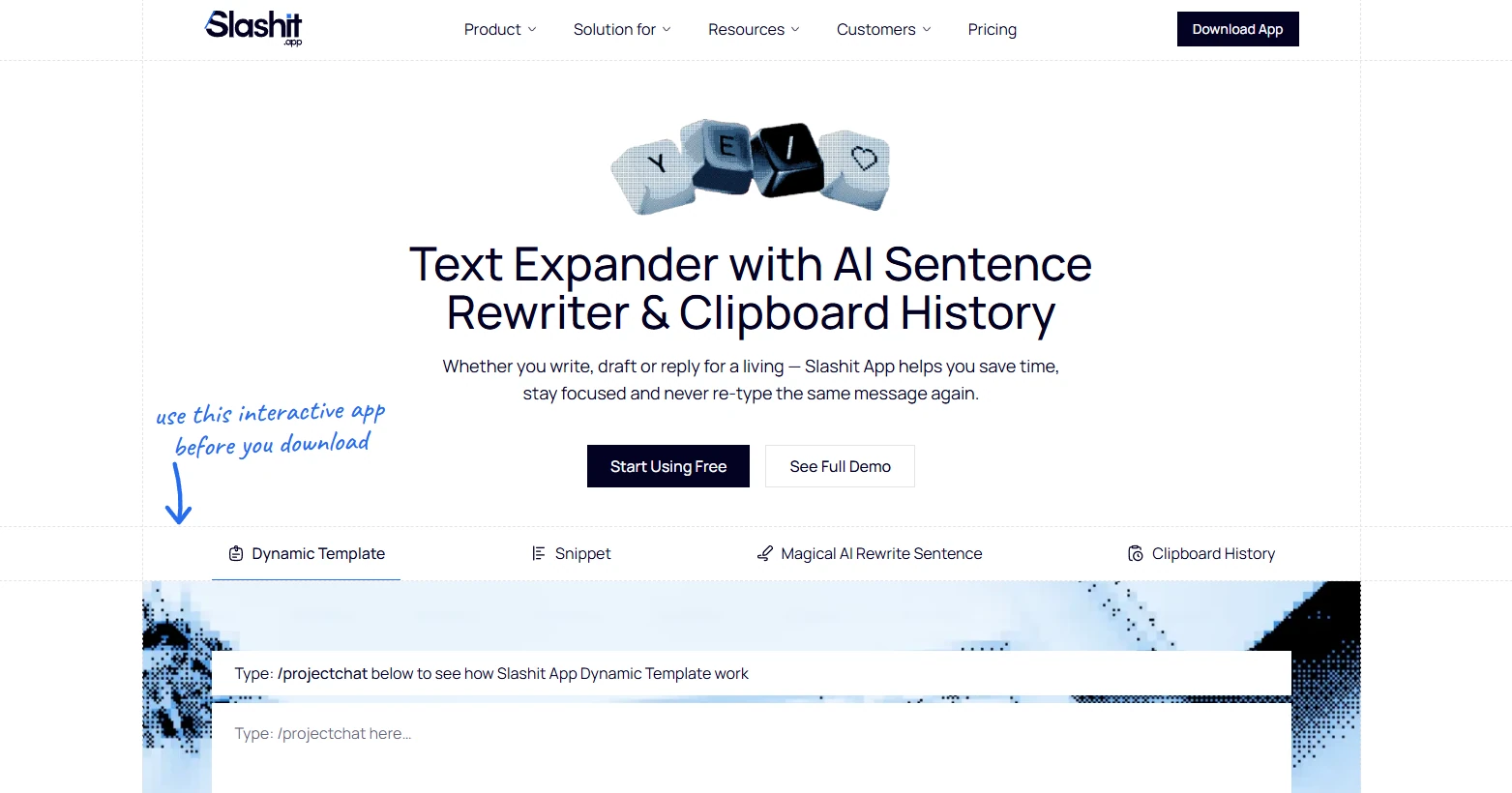
Slashit is the pick for anyone who wants an AI rewriting tool that follows their own instructions instead of Grammarly’s preset suggestions. It works nothing like a traditional grammar checker.
Instead of offering suggestions you accept or reject, its Magical AI rewrite feature lets you write your own prompt, assign it to a hotkey, and fire it off inside any app on your Mac or Windows machine. Want a punchy LinkedIn voice, a shorter email, or a warmer support reply?
You write that instruction once, and it runs the same way every time you press the key.
There’s no monthly cap on how often you use it, and you can plug in ChatGPT, Gemini, or another model of your choice. Slashit also bundles in text expansion, so a short trigger word expands into a full template, plus a searchable clipboard history for everything you copy during the day. All of it costs $54 a year, compared to Grammarly Pro’s $144 a year.
The honest limitation: Slashit doesn’t check grammar the way Grammarly does. If pure grammar correction is non-negotiable, plenty of users run both side by side, letting Grammarly catch typos while Slashit handles the custom rewriting and repetitive typing.
The full head-to-head against Grammarly covers pricing and real user feedback in more depth.
Slashit fits the reader who wants control over the AI itself. ProWritingAid fits the reader who wants the deepest possible read on their writing quality, and that’s the next stop.
2. ProWritingAid: Best Overall for In-Depth Writing Analysis
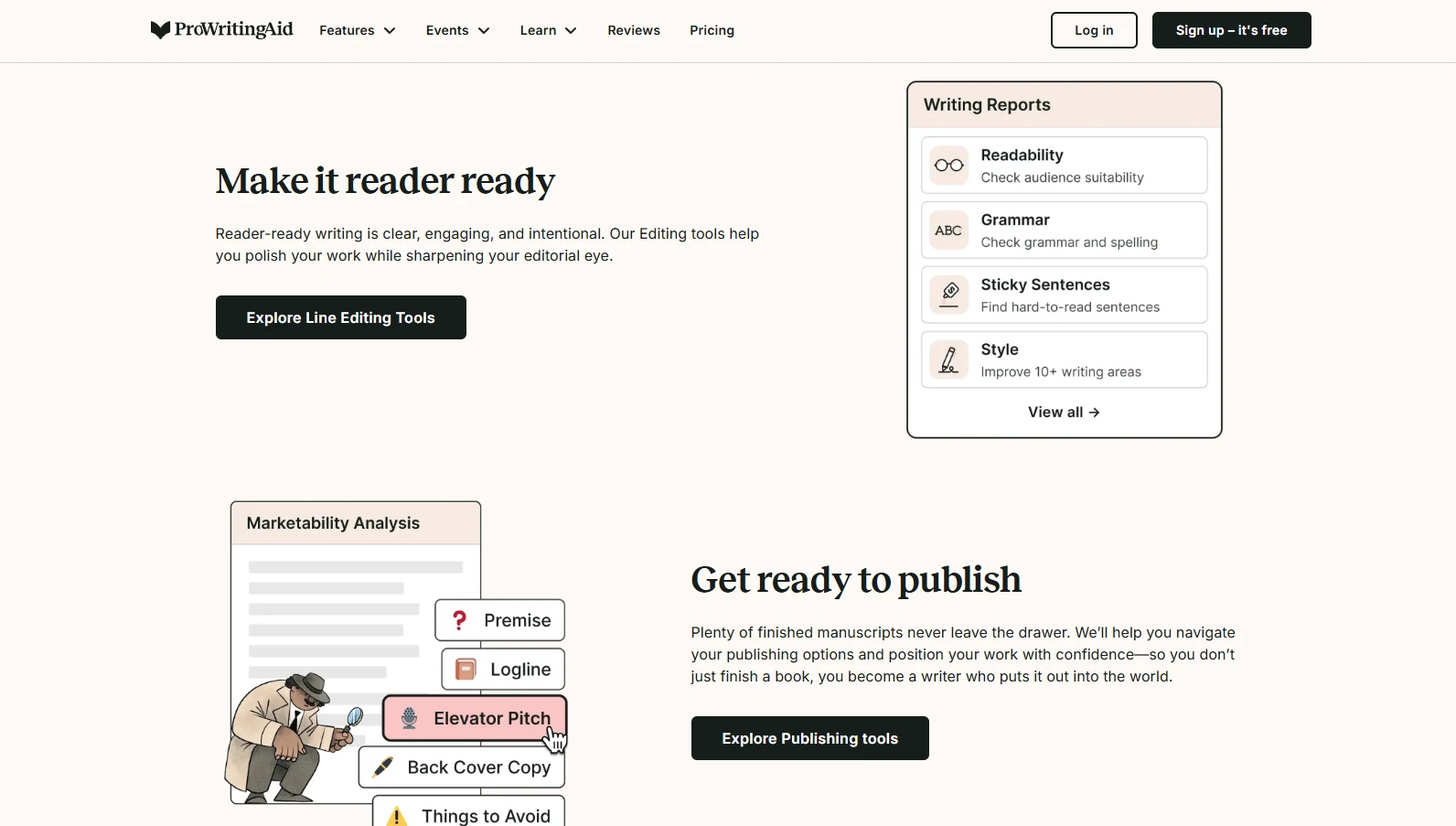
ProWritingAid is the strongest all-around Grammarly alternative for writers who want detailed reports on style, structure, and readability, not just error flags. It runs more than 20 reports covering vocabulary variety, sentence length, pacing, and passive voice, and it works inside Word, Google Docs, and Scrivener.
The free plan caps checks at 500 words, which is thin for anything longer than an email. Premium runs $10 a month billed annually, working out to $120 a year, or $30 month to month, and a lifetime license is available for $399.
It’s the go-to for novelists and long-form content writers who revise in batches, though it stays English-only and skips mobile apps entirely.
ProWritingAid is built for editing after the fact. LanguageTool takes a different angle, aiming at anyone who writes across more than one language.
3. LanguageTool: Best for Multilingual Writing
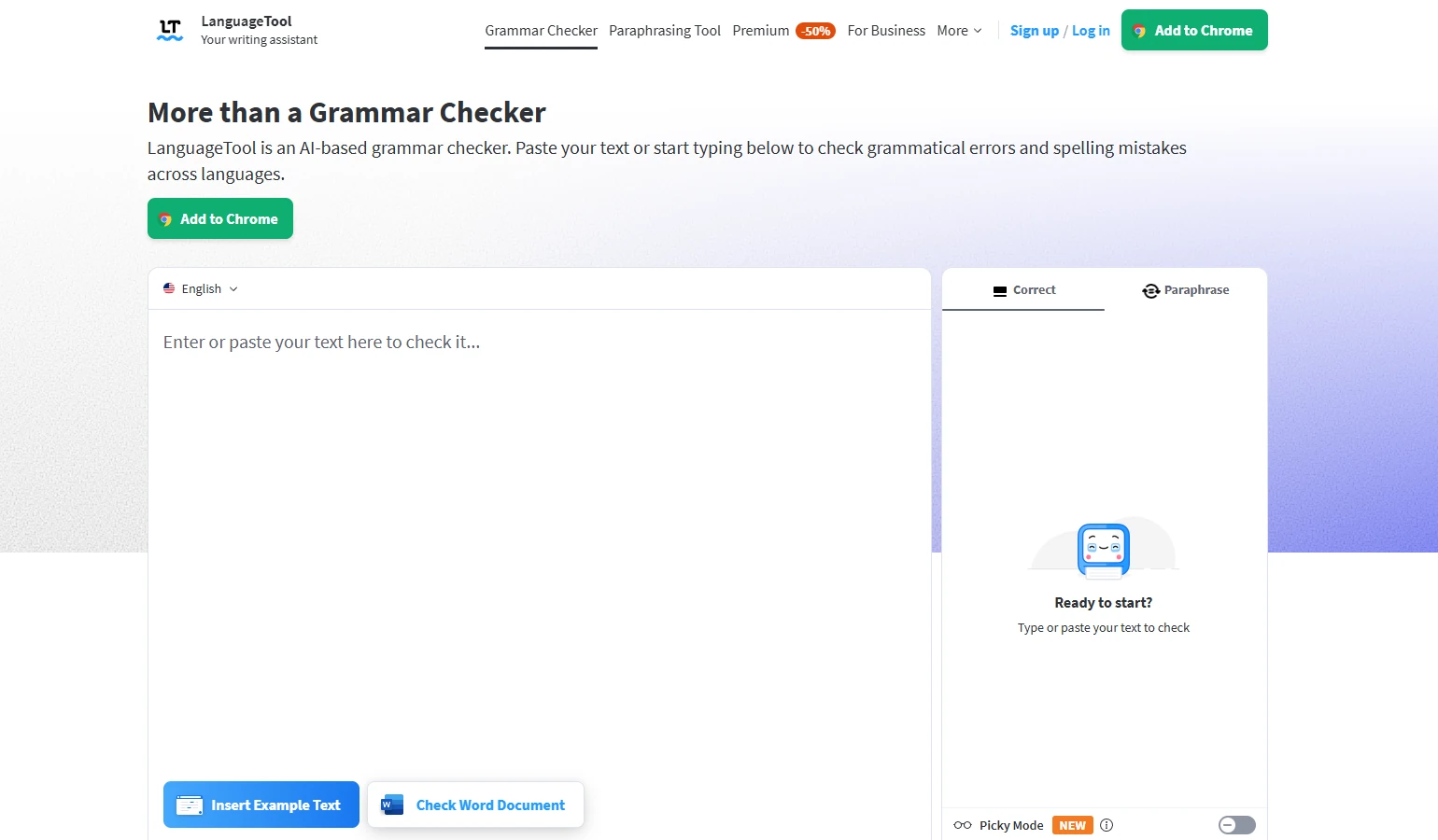
LanguageTool earns its spot by supporting grammar and style checking in more than 30 languages, which makes it the natural fit for international teams and non-native English writers. The free tier is genuinely usable, checking a generous character count before asking you to upgrade.
Premium starts at $4.99 a month billed annually and adds AI-powered paraphrasing, a personal dictionary, and higher character limits. It won’t match ProWritingAid’s depth on English style reports, but for anyone juggling more than one language, that trade feels worth it.
LanguageTool solves the language problem. QuillBot solves a different one entirely, rewording sentences fast when the words just aren’t landing.
4. QuillBot: Best for Paraphrasing
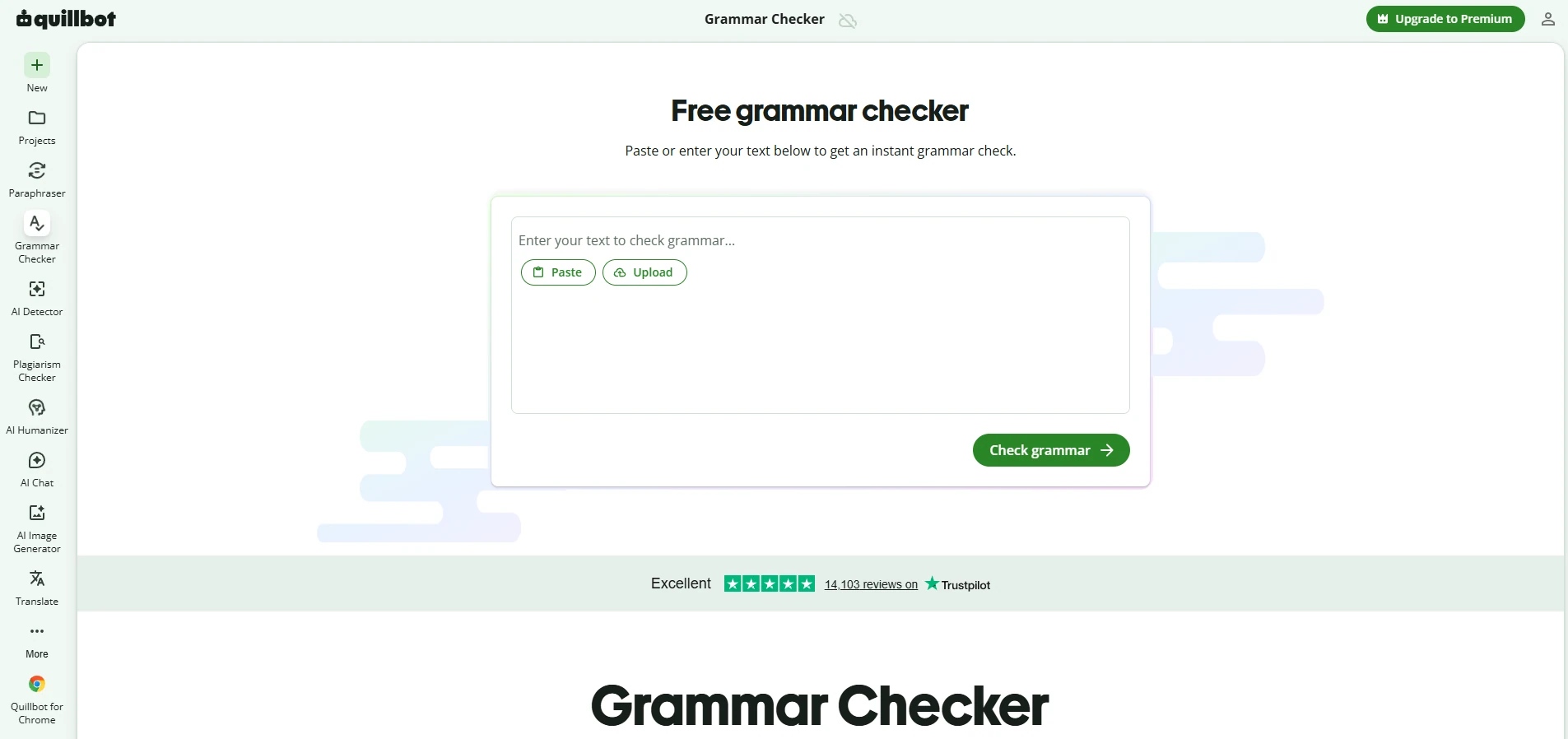
QuillBot’s core strength is turning one sentence into several different versions, which is why students, marketers, and content writers reach for it constantly. Premium unlocks nine paraphrase modes plus a grammar checker, summarizer, and plagiarism checker, all in one dashboard.
The free plan limits paraphrasing to 125 words at a time, which barely covers a paragraph. Premium runs $8.33 a month billed annually, or $99.95 for the year, and $19.95 month to month if you’d rather not commit. It’s a smart pick when you need quick rewordings, though the interface nudges you toward upgrading at nearly every turn.
QuillBot rewrites what’s already written. Hemingway Editor takes the opposite approach, teaching you to write cleaner sentences from the start.
5. Hemingway Editor: Best Free Tool for Readability
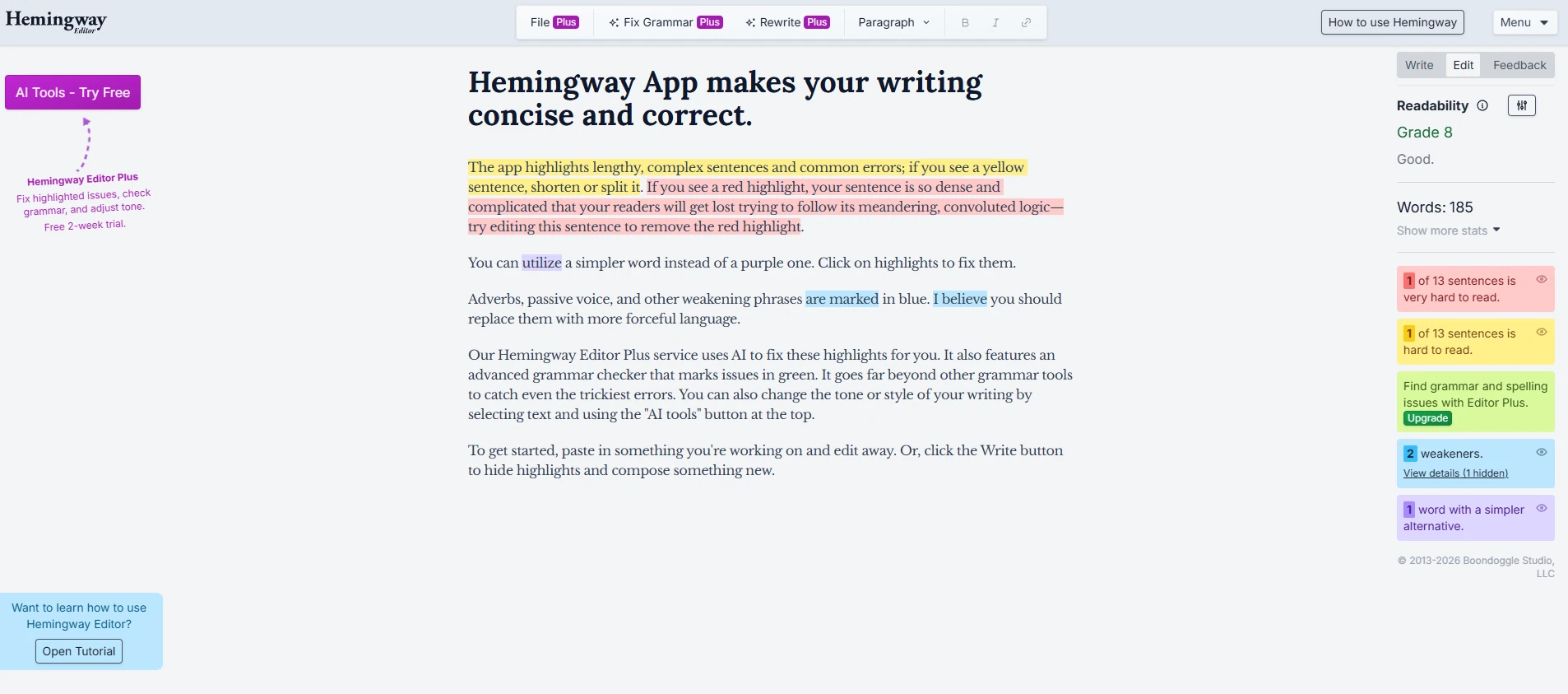
Hemingway Editor’s free web version catches long sentences, passive voice, and overly complex words directly in your browser, with no account required. It grades your writing on a school reading level, so you can see at a glance whether your draft is easy to follow.
The desktop app costs a one-time $19.99, and an AI-assisted Editor Plus tier runs $10 a month for automated rewrite suggestions. Bloggers writing for a general audience get the most value here, though the tool skips grammar and spelling entirely, so pair it with something else for that layer.
Hemingway keeps things simple on purpose. Trinka AI goes in the opposite direction, built for writing that has to survive peer review.
6. Trinka AI: Best for Academic and Technical Writing
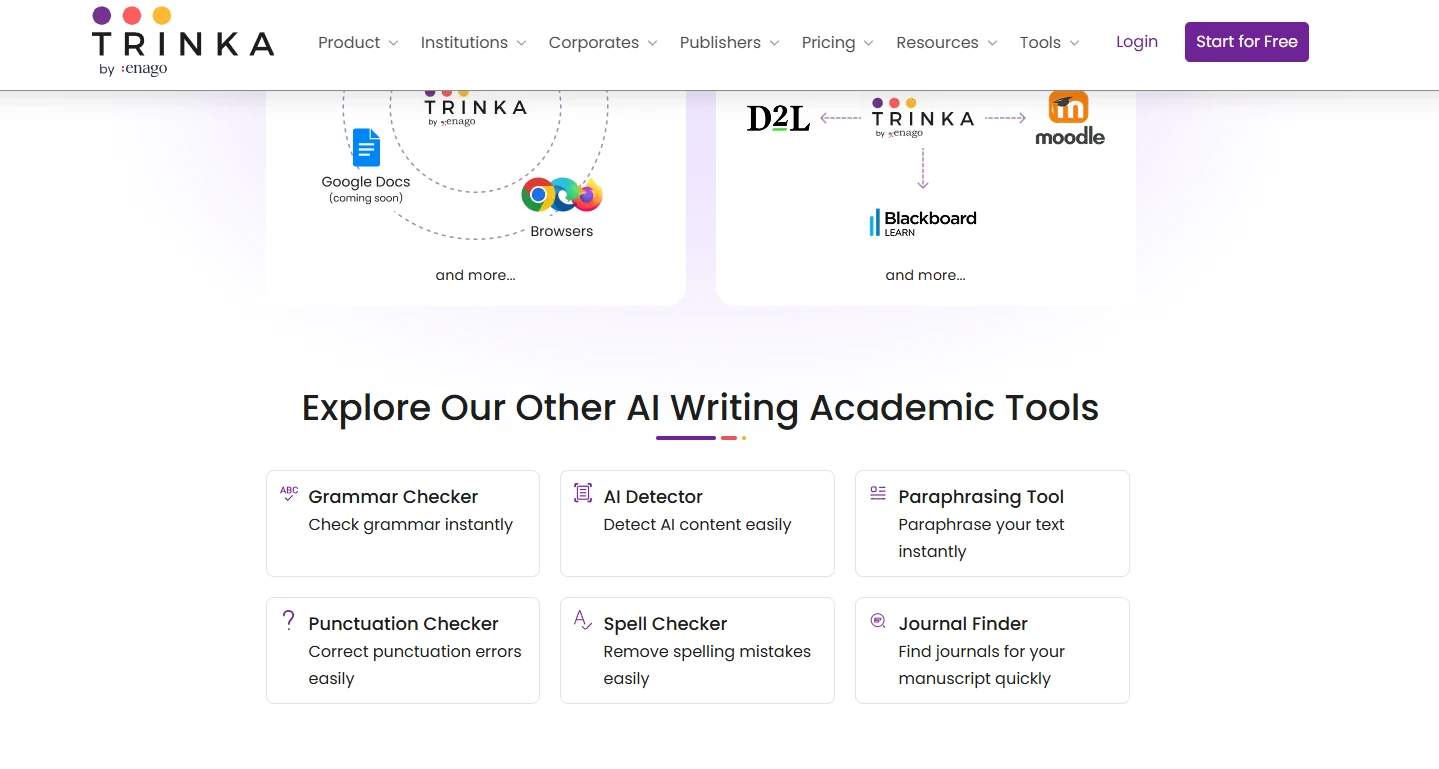
Trinka AI is purpose-built for researchers, catching field-specific terminology and citation formatting issues that generic checkers miss entirely. It flags inconsistent tense in methodology sections and checks writing against academic publishing conventions most tools don’t even attempt.
The free Basic plan covers 5,000 words a month, which suits light editing. Premium runs $6.67 a month billed annually, close to $80 a year, and unlocks unlimited grammar and paraphrase checks along with plagiarism scoring.
Grad students, academics, and technical writers submitting to journals get real value here, though it’s overkill for a casual blog post or a work email.
Trinka solves for rigor. Writer solves for something else entirely, keeping dozens of writers sounding like one brand.
7. Writer: Best for Brand Style Guide Enforcement
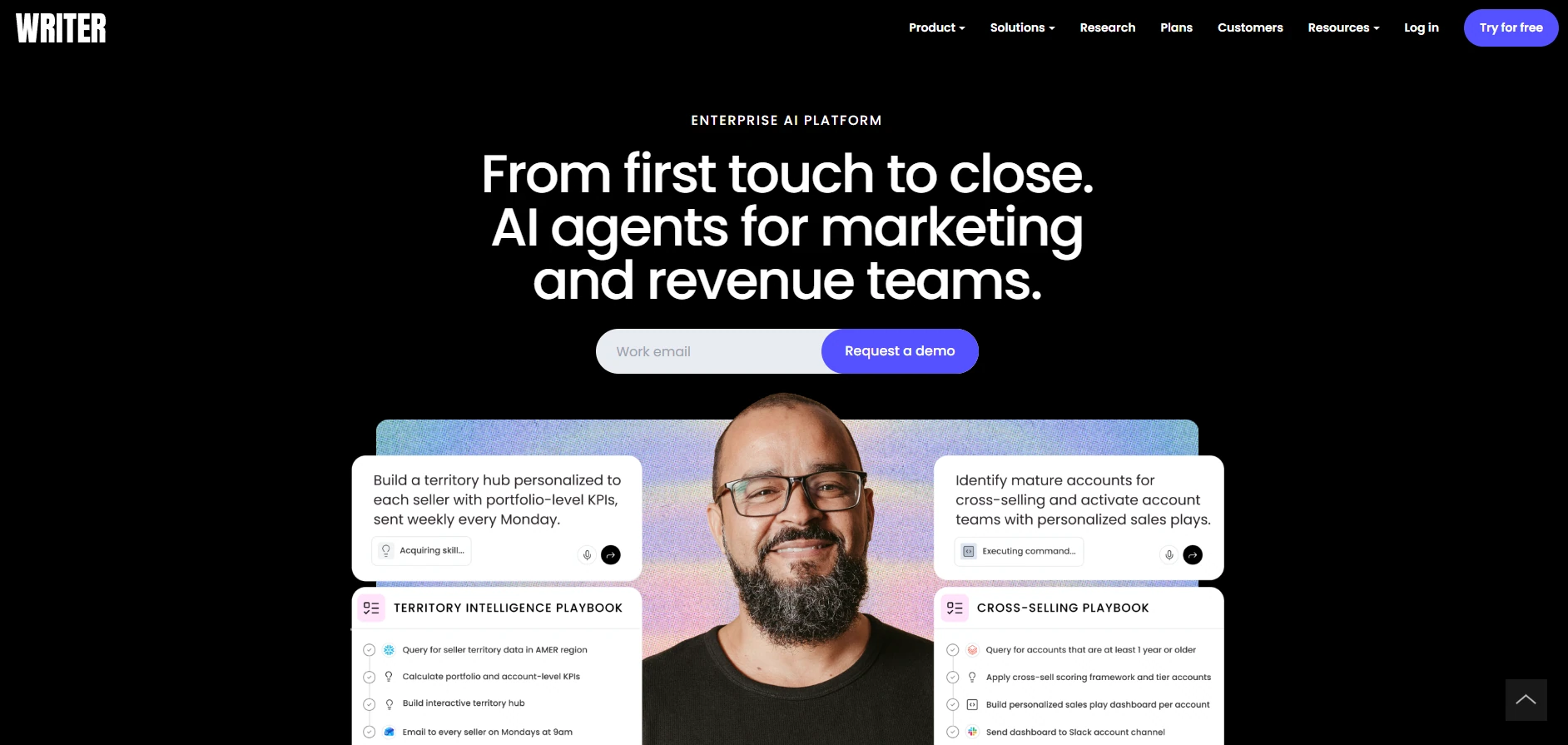
Writer targets teams that need every piece of content to sound consistent, no matter who wrote it. You can set granular rules covering tone, banned words, formatting, and even gendered language, and the platform checks every draft against those rules in real time.
There’s no permanent free tier, only a 14-day trial. Pricing starts at $29 per user a month billed annually, or $39 month to month, which puts it out of reach for solo writers and freelancers.
It’s built for marketing teams and companies with an established style guide to enforce, not individuals looking for a lighter AI writing assistant.
Writer keeps a whole team consistent. Sapling narrows the focus even further, built for the people answering the same kinds of messages all day long.
8. Sapling: Best for Customer Support Teams
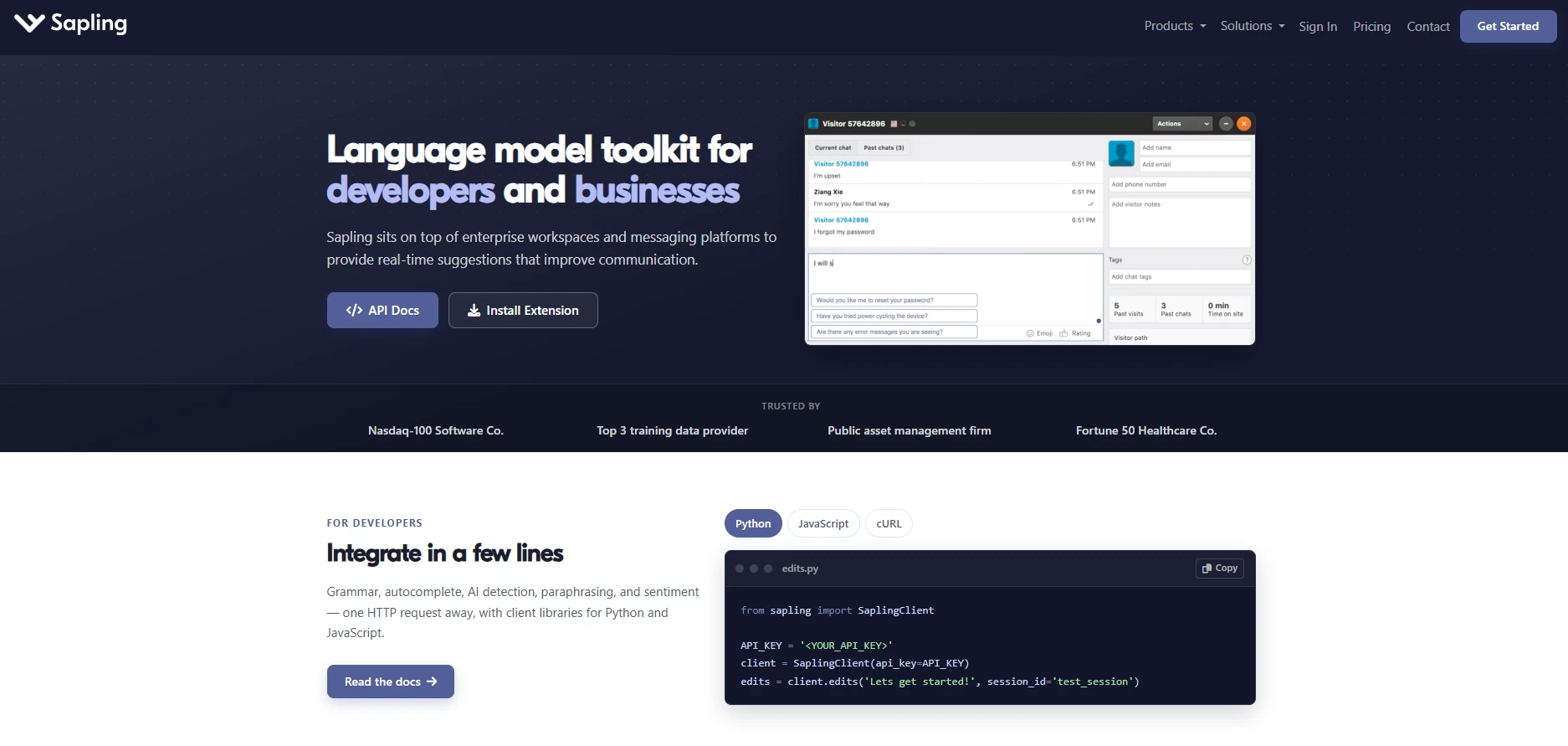
Sapling is designed around repetition, the kind that support and sales teams deal with constantly. It offers saved response snippets, autocomplete suggestions as you type, and integrations with Slack, email, and popular CRM tools, so agents spend less time retyping the same answer.
The free plan covers basic suggestions, and Pro runs $12 a month billed annually, or $25 month to month for the same features. Its grammar checking is lighter than Grammarly’s, but for a team drowning in repeat questions, the saved-reply workflow often matters more than grammar depth.
Sapling solves for speed inside support queues. Ginger closes out the list solving for something simpler: price.
9. Ginger: Most Budget-Friendly Grammar Checker
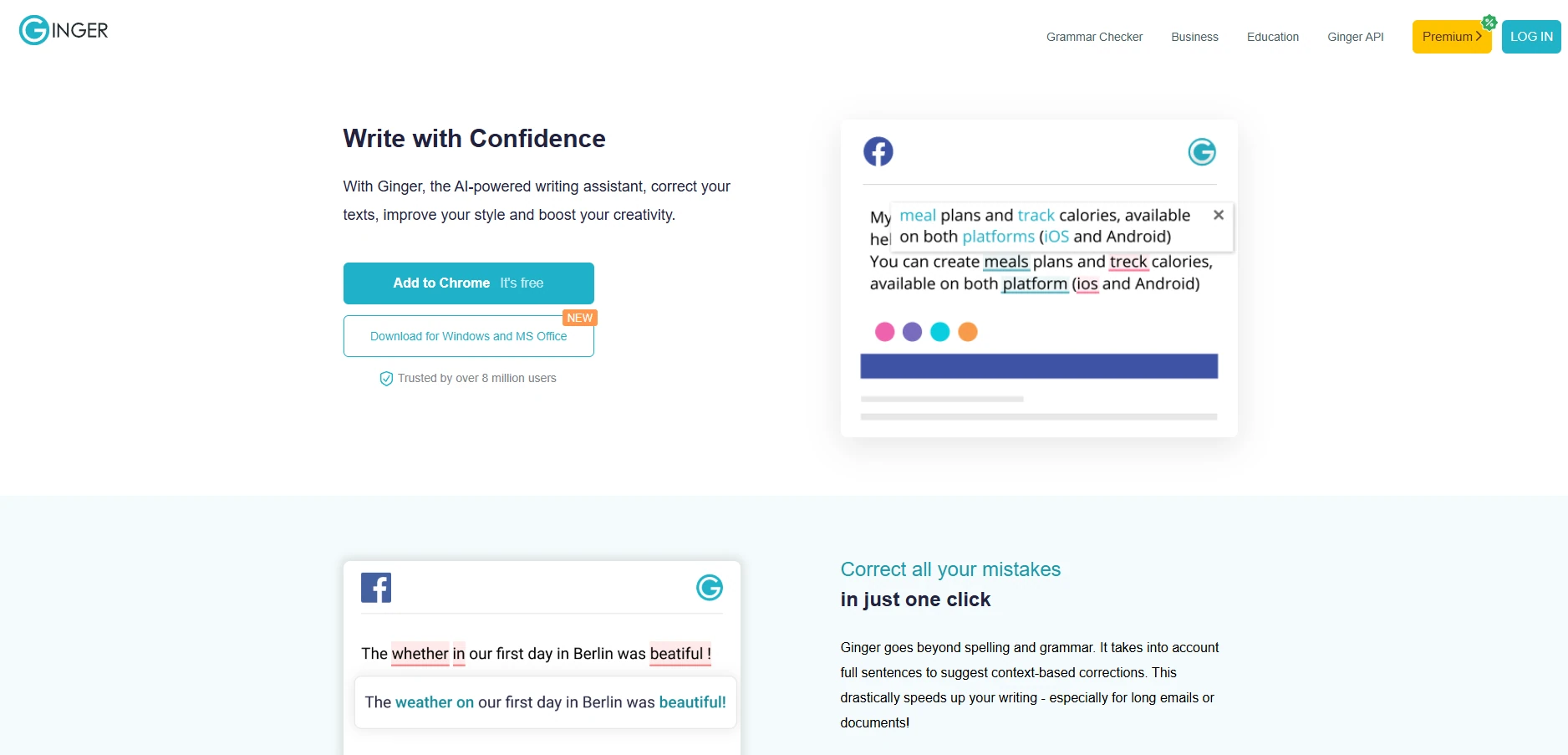
Ginger covers the basics, grammar, spelling, and sentence rephrasing, at a lower cost than Grammarly, with a built-in translator supporting more than 60 languages. It works across desktop, browser, and mobile, so it travels well for casual, everyday use.
The free plan handles light checking, and Premium runs about $7 a month billed annually, closer to $14 a month if you pay monthly instead. It’s a solid choice for anyone on a tight budget who mainly needs grammar and spelling coverage, though its reporting and insights stay noticeably thinner than ProWritingAid or Grammarly.
Nine tools, nine different strengths. The real question isn’t which one ranks highest. It’s which one matches the writing problem you actually have, and that’s what the next section maps out.
How to Choose the Right Grammarly Alternative for Your Workflow
The right Grammarly alternative depends on your role more than your budget, so match your situation to the table below before committing to a subscription.
| Your role | Try this | Why |
|---|---|---|
| Freelancer juggling multiple clients | Slashit | Build a custom AI voice per client and save proposal templates. See Slashit for freelancers |
| Marketer maintaining brand voice | Writer, or Slashit’s custom prompts | Consistency without losing your own voice. Check Slashit for marketers |
| Sales rep doing cold outreach | Slashit | Personalize templates fast, then polish tone with one hotkey. See Slashit for sales teams |
| Support agent answering repeat questions | Sapling, or Slashit | Saved replies plus AI tone matching. Check Slashit for support teams |
| Student or academic writer | Trinka AI | Citation formatting and technical accuracy |
| Non-native English writer | LanguageTool | Broadest language coverage |
| Novelist or long-form writer | ProWritingAid | Deepest style and structure reports |
| Blogger polishing short posts | Hemingway Editor | Free and fast readability scoring |
Once you know your lane, the last few questions people ask before switching are worth answering directly.
Frequently Asked Questions
Is there a free Grammarly alternative?
Yes. Slashit, ProWritingAid, LanguageTool, Trinka AI, Sapling, and Ginger all offer usable free plans, and Hemingway Editor’s web version is free with no account needed. None match Grammarly’s free AI prompt allowance exactly, so check each tool’s limits against how much you actually write.
What is the best Grammarly alternative for controlling your own AI prompts?
Slashit. Its Magical AI feature lets you write the exact instruction the AI follows, assign it to a hotkey, and use it in any app, without Grammarly’s fixed suggestion categories or monthly prompt cap.
Which Grammarly alternative supports the most languages?
LanguageTool, covering more than 30 languages for grammar checking. Ginger comes close for translation specifically, supporting over 60 languages there, though its grammar checking stays strongest in English.
Can I just use ChatGPT instead of Grammarly?
You can, but you’ll end up copying text back and forth between windows for every edit. Tools built around AI hotkeys close that gap by letting you trigger your chosen model directly inside whatever app you’re already typing in, so you skip the tab-switching entirely.
Is my writing private with AI writing tools?
It depends on the tool and the model behind it. Grammarly uses its own proprietary AI. Tools that let you bring your own API key send your text directly through your own ChatGPT or Gemini account instead of a third-party server, which matters if you write anything sensitive.
Is Slashit cheaper than Grammarly?
Yes. Grammarly Pro costs $144 a year. Slashit Premium costs $54 a year and includes AI rewriting, text expansion, and clipboard history in one app. For a five-person team, that gap widens to hundreds of dollars a year. Full pricing details are on Slashit’s site.
With those questions settled, here’s the short version of everything above.
Final Verdict
There’s no single best Grammarly alternative, only the best one for how you actually write. If grammar accuracy and brand enforcement matter most, Grammarly or Writer still lead. For deep editing on long-form projects, ProWritingAid wins.
For multiple languages, LanguageTool. For quick paraphrasing, QuillBot. For free readability scoring, Hemingway. For academic rigor, Trinka. For a support team buried in repeat replies, Sapling. For grammar checking on a tight budget, Ginger.
And if the real complaint was never about grammar at all, if it was about wanting AI that writes in your voice instead of Grammarly’s, with no monthly prompt ceiling, plus text expansion and clipboard history built in for $54 a year, Slashit was built exactly for that gap.
Try Slashit free and build your first AI hotkey in a few minutes. No credit card required.
// more articles
 Productivity
 Text Expander for Founders: Save Hours Every Week
A text expander for founders turns investor updates, cold outreach, and hiring replies into one hotkey. Compare tools, get templates, and set up in minutes.
 Productivity
 Text Expander for Managers: Stop Retyping the Same Messages
A text expander for managers turns repeated messages into instant shortcuts. See how tools like Slashit save managers hours every week.
 Productivity
 Best AI Tools for Founders and the One Most Lists Miss
The best AI tools for founders in 2026, for building, research, meetings, and the daily outreach most lists forget. Compare tools and pricing.

// blog updates
