Best AI Tools for Founders and the One Most Lists Miss


Founder & CEO, Slashit App
You started a company to build something. Instead, you’re typing the same investor email for the third time this week.
That’s the real story behind the best AI tools for founders in 2026. Most lists cover the tools that help you build a product or research a market.
Almost none of them cover the tool for the thing you do the most. That’s writing the same messages to investors, candidates, and customers.
This guide covers both. You’ll get the tools that build your product, sharpen your strategy, and run your meetings. Then you’ll get the category every other list skips, the one that gets your hours back.
Every tool here made the cut for a reason, not because it’s trending. We looked at what founders actually do in a normal week. Then we matched a tool to each job, no filler included.
Why Do Founders Need a Different AI Stack Than Employees?
Founders need a different AI stack because they cover five jobs at once, not one. You’re the engineer, the marketer, the recruiter, and the support line, often before lunch. An employee at a big company only needs one or two tools tied to their role.
A founder doesn’t have that luxury. So the right stack has to cover building, thinking, meeting, and talking. And it has to do that without adding a new tab to check every hour.
Time is the one resource you can’t raise more of. Every tool below earns its spot by giving you back real hours.
Say you’re pre-seed with no hires yet. You’re the only person who can decide what gets built.
You’re also the only person who can send the investor email. That’s the exact tension a good AI stack is meant to solve.
What Are the Best AI Tools for Product Building and Engineering?
The best AI tools for product building let you go from an idea to a working prototype. You don’t need to hire a developer first.
Cursor, Lovable, and v0 each handle a different part of that journey. Most technical founders end up using more than one.
Cursor: The AI-First Code Editor
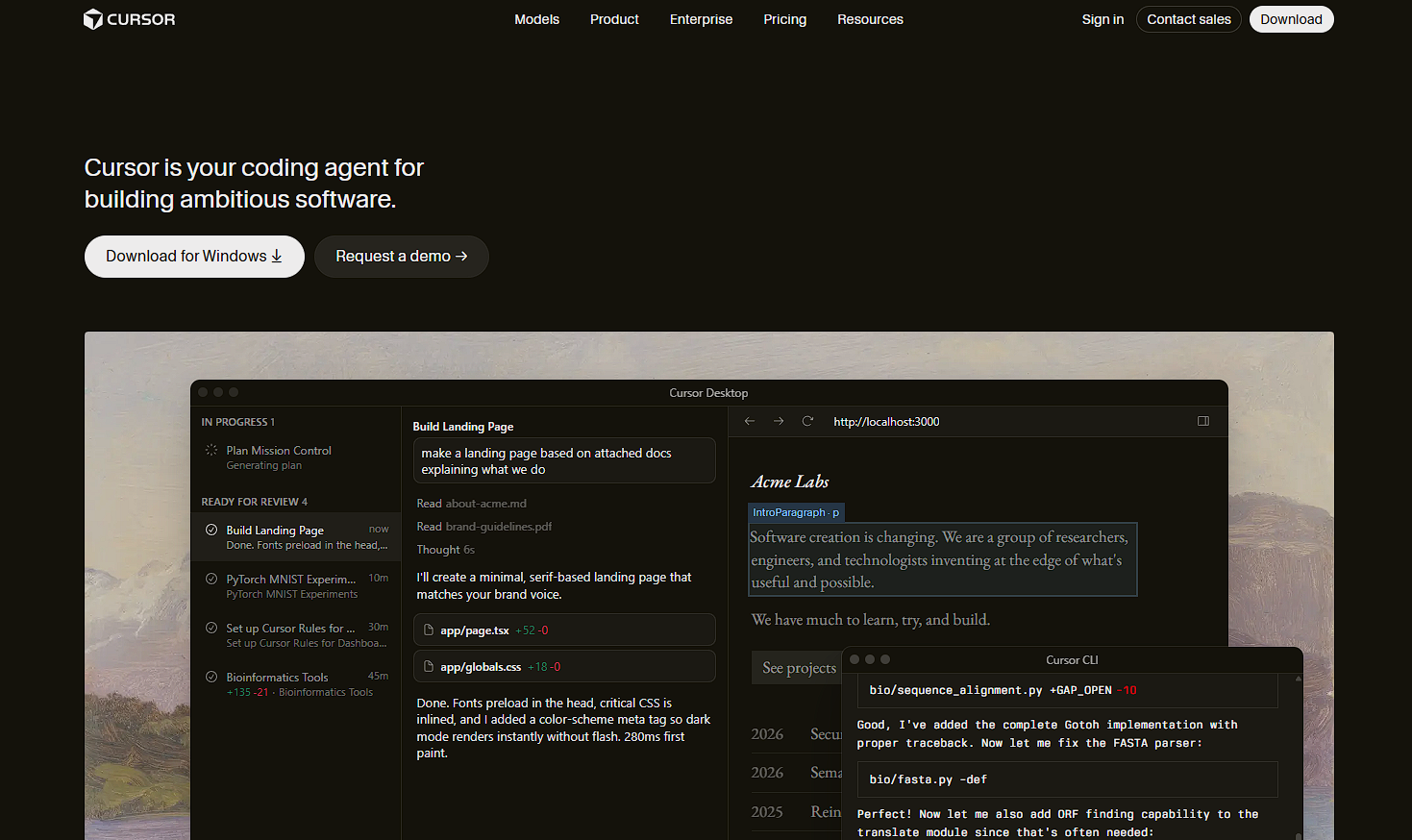
Cursor is a code editor built around AI. You describe a change in plain English, and it happens. It’s best for founders who already know some code and want to move faster.
Cursor works like a senior developer sitting next to you, one who never tires of small edits. If you can’t read code at all, there’s a learning curve worth knowing about first. Pair it with Lovable for the parts you’d rather describe than write.
Lovable: From Plain English to a Working Prototype
Lovable turns a written description into a clickable web app, often in minutes. It’s the fastest way to get a prototype in front of a customer or investor. Non-technical founders lean on it hardest, since there’s no code to read at all.
Use it for landing pages, early demos, and anything you need to show before it needs to scale. It’s also strong for testing a second or third idea quickly. That way, you’re not burning a month of engineering time on something that might not stick.
v0 by Vercel: Fast UI Components
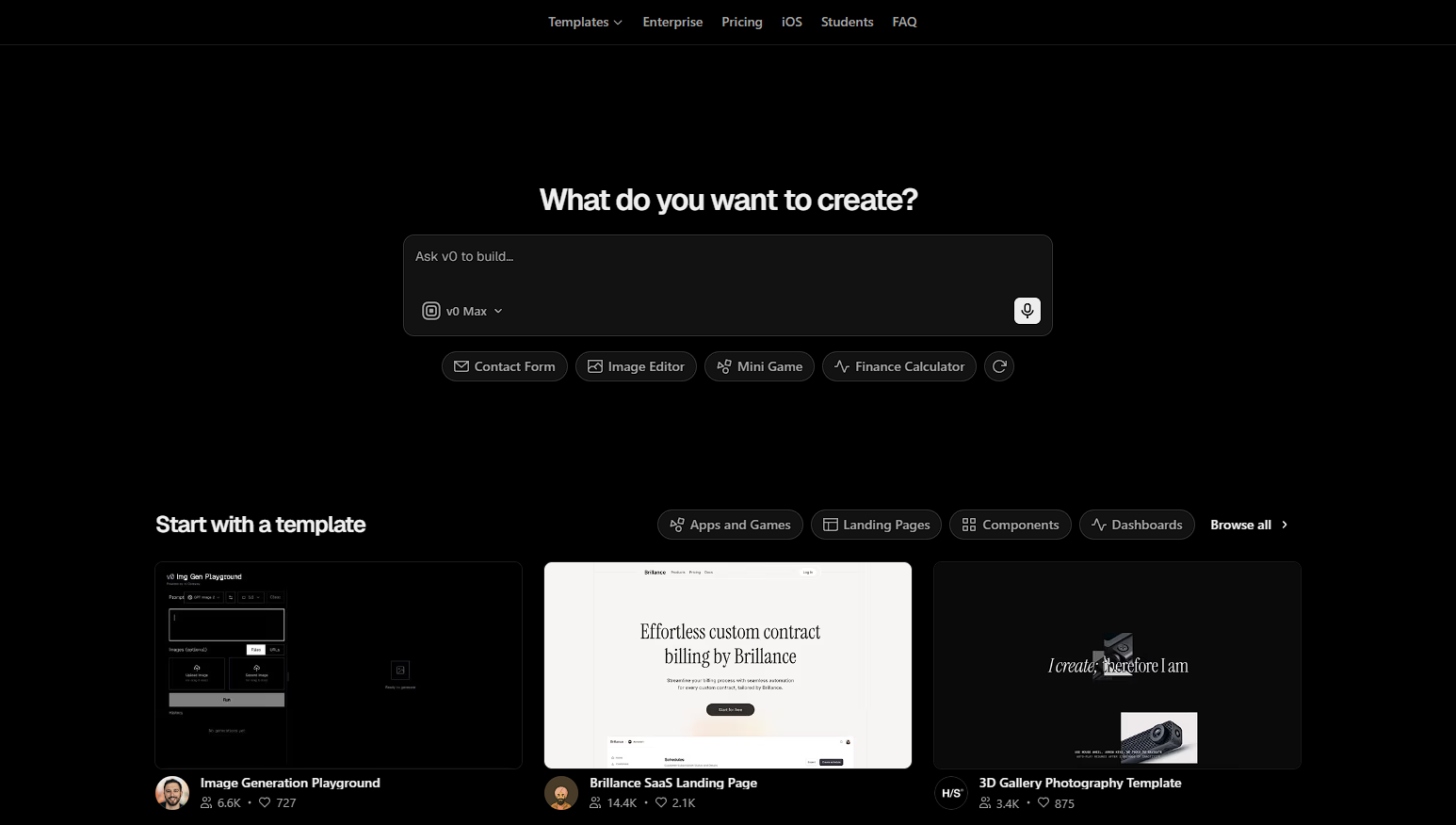
v0 by Vercel generates user interface components from a short description. It’s less about building a full app.
It’s about getting one clean piece fast, a signup form, a dashboard card, a pricing table. Developers often drop v0’s output straight into a larger Cursor or Lovable project.
Between the three, most founders don’t pick one and stick with it. They mix and match, based on whether the job is a full feature or a single component.
Product building gets your idea into the world. But once it’s out there, you need to think clearly about what comes next. That’s where research and strategy tools come in.
What Are the Best AI Tools for Strategy and Research?
The best AI tools for strategy and research are Claude, Perplexity, and Notion AI. Each one covers a different kind of thinking. Claude handles reasoning and writing, Perplexity handles sourced research, and Notion AI holds it all together.
Claude: Reasoning, Writing, and Synthesis
Claude is built for deep reasoning. It’s strong at drafting product requirements and synthesizing customer interviews. Feed it ten interview transcripts, and it pulls out the patterns you’d spend a weekend finding by hand.
Founders also use it for marketing strategy and competitive positioning. It’s handy for turning a messy voice memo into a clear plan.
It won’t replace your judgment on the call you have to make. But it gets you there with a clearer head.
Perplexity: Research You Can Actually Cite
Perplexity is an AI search tool that answers questions with real, cited sources. That beats a guess pulled from memory. It matters when you’re sizing a market or checking a competitor’s pricing for a pitch deck.
You can trace every number back to where it came from. Investors will ask about that eventually anyway.
Say a partner asks where your market figure came from mid-pitch. Having the source ready changes how that meeting goes.
Notion AI: A Knowledge Base That Scales With You
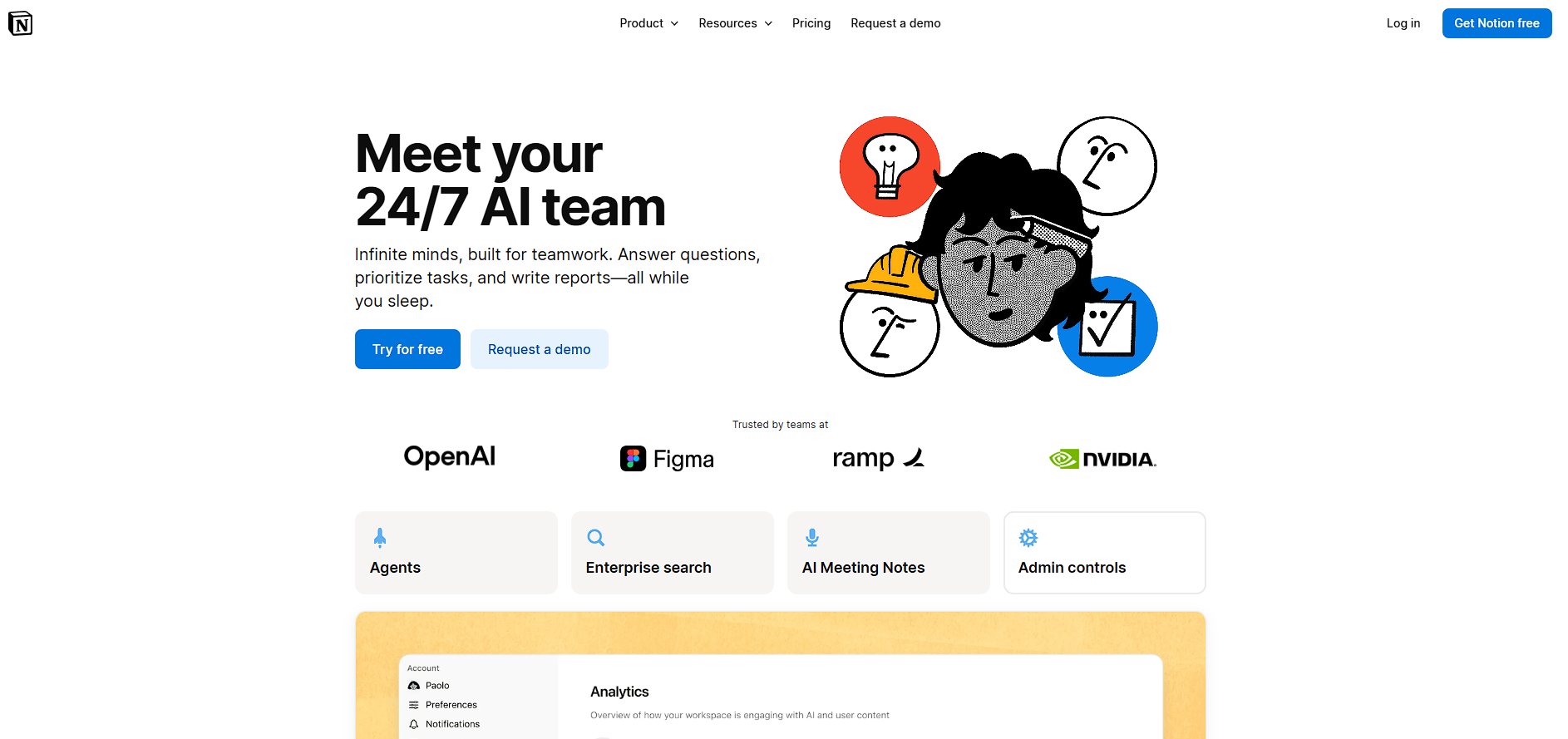
Notion AI works inside Notion to summarize documents and draft updates. It can also answer questions across your company wiki. It’s less flashy than the others, but it stops your best decisions from living only in your head.
Once you hire past yourself, that shared memory matters. It’s the difference between a smooth ramp and a confused new hire. Nobody notices this kind of quiet infrastructure until it’s missing.
Strategy tools sharpen your thinking. Meetings and pitch decks are where that thinking has to hold up in front of someone else. That’s the next category.
What Are the Best AI Tools for Meetings and Presentations?
The best AI tools for founder meetings and presentations are Granola and Gamma. They solve two different problems. Granola captures what happened in the room, and Gamma turns your notes into something you can show.
- Granola: An AI notetaker built for founder-style meetings, it records the conversation and turns it into clean, structured notes with follow-ups flagged.
- Gamma: An AI presentation builder that turns messy notes into a polished deck, often in the time it takes to make coffee.
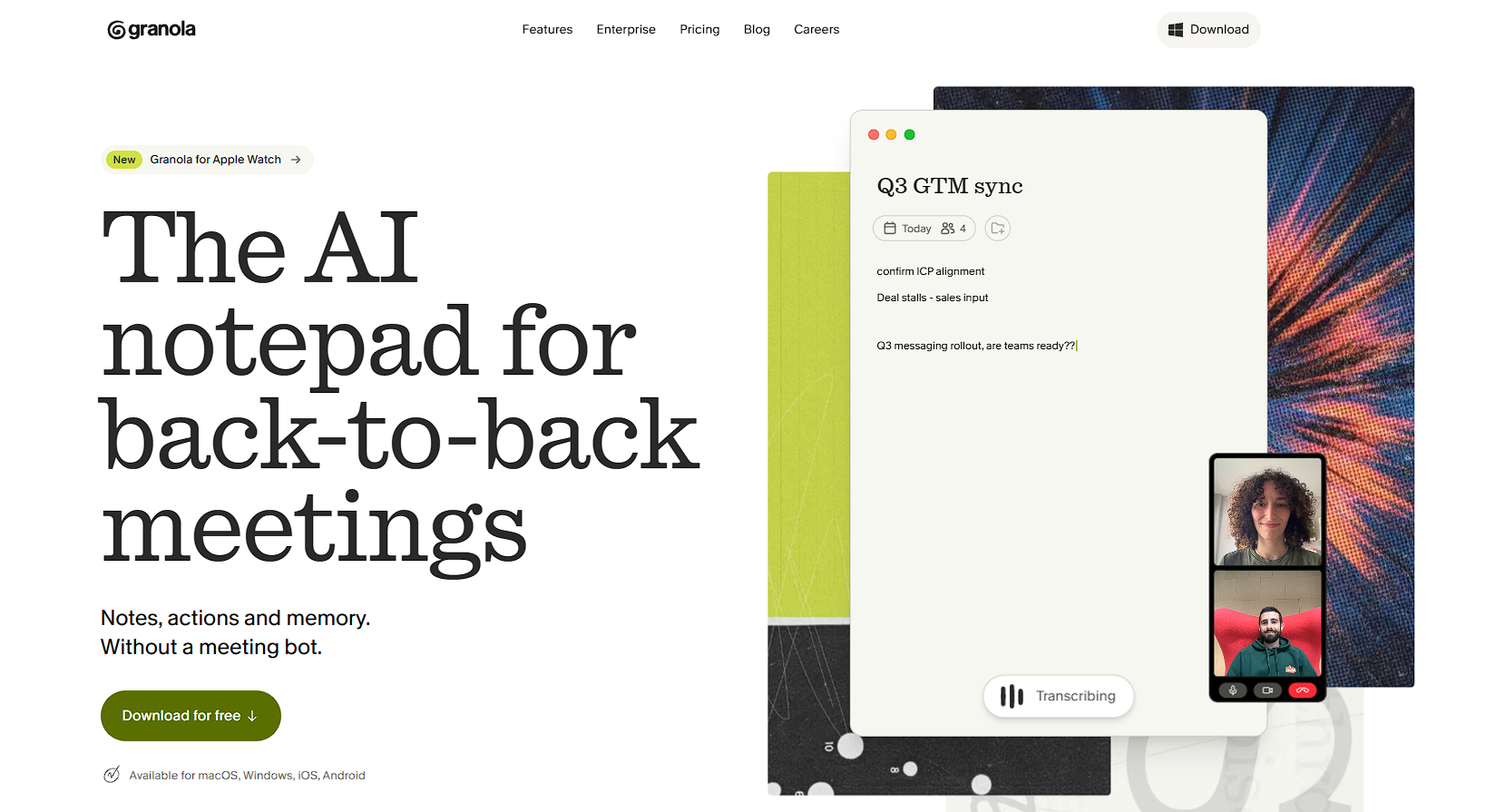
Between the two, you walk out of an investor meeting with clean notes and a deck worth sending. That covers the meeting itself.
What happens between meetings, in your inbox and your DMs, is a different problem. It’s the one most lists never touch.
What AI Tool Category Do Most Founder Lists Forget?
Most founder lists forget daily communication. That’s the investor emails, recruiting messages, and customer replies you write more than anything else.
Building tools help you make a product. Research tools help you think. But neither one sits inside your inbox.
Picture the actual week. Cold emails to three funds before coffee. A LinkedIn reply to a candidate. A customer asking about the roadmap. A partnership request you need to decline, kindly.
None of that needs a code editor. It needs something that lives right where you’re already typing. Add up those messages across a single day. You’re looking at hours gone before you’ve touched the product at all.
What Does a Founder Communication Tool Actually Need to Do?
A founder communication tool needs to work inside the apps you already use. It should personalize messages, not just paste the same block everywhere. And it needs to let a new hire sound like you on day one.
Miss any one of those, and you’re back to typing from scratch. Here’s the short version of what to look for:
- It works inside Gmail, LinkedIn, Slack, and your CRM, with nothing new to install per app.
- It personalizes each message instead of pasting the same block of text everywhere.
- It hands your voice to your first hire without a week of training.
How Does Slashit Fill This Gap for Founders?
Slashit fills this gap with an AI text expander and rewrite hotkey. It lives inside every app you already type in. There’s no new tab, no copy-paste cycle, no switching out of your flow.
You type a short trigger, and your message appears, ready to personalize. It starts with snippets. Turn your investor cold email or your polite decline into a short trigger like /vc_intro or /decline.
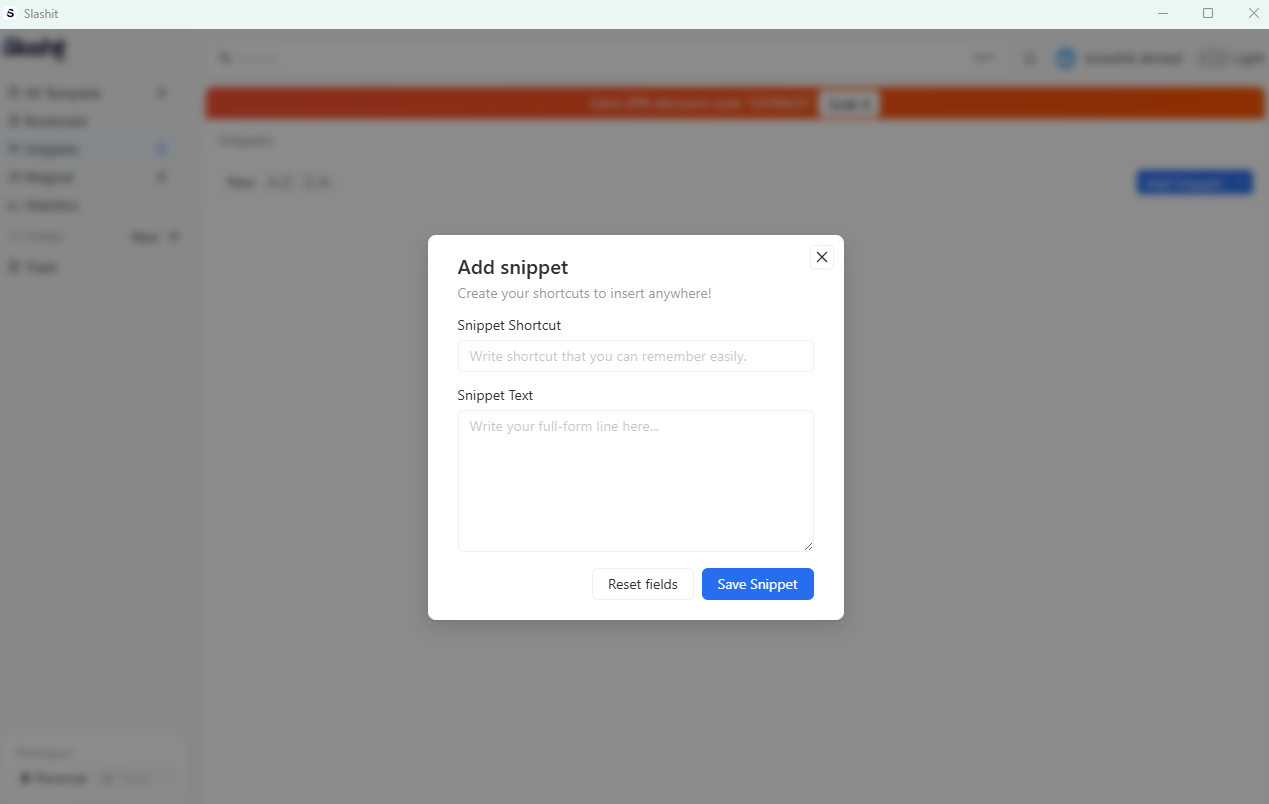
Type it once, and the whole message drops in, ready to send. From there, dynamic templates add the personal touch back. You build placeholders for things like {name}, {fund}, and {traction_metric}.
Slashit prompts you to fill each one in as you expand the snippet. That way, the message still reads like you wrote it just for them. Then there’s the AI rewrite hotkey.
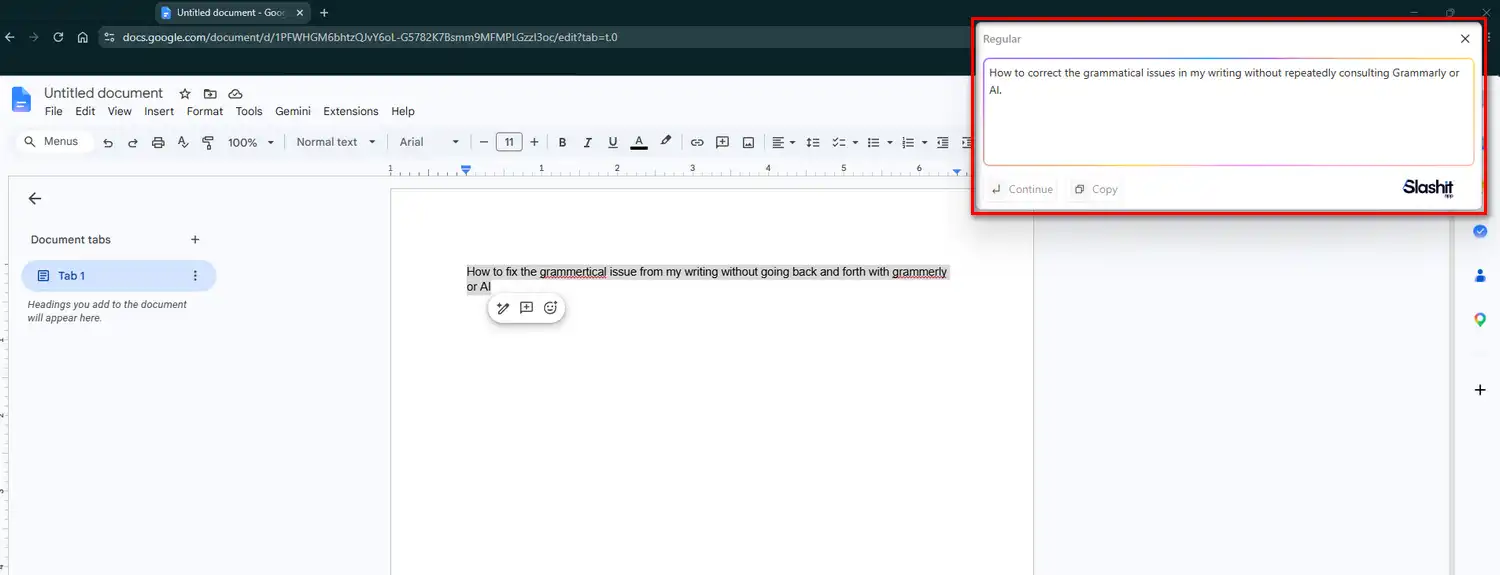
Draft something that reads too cold, or maybe too desperate. Highlight it, hit your hotkey, and pick an option like more confident, softer, or shorter. Slashit rewrites it in place, right where you’re typing.
Team sharing is where it compounds. The moment you hire a chief of staff or your first recruiter, they inherit your entire message library.
That means your investor update format, your decline templates, and your customer reply patterns, all in one place. Less drift, faster ramp, and your company sounds consistent even with five people sending on its behalf.
None of this needs an integration to set up. It works inside Gmail, LinkedIn, Slack, Notion, and your CRM, because it sits at the keyboard level.
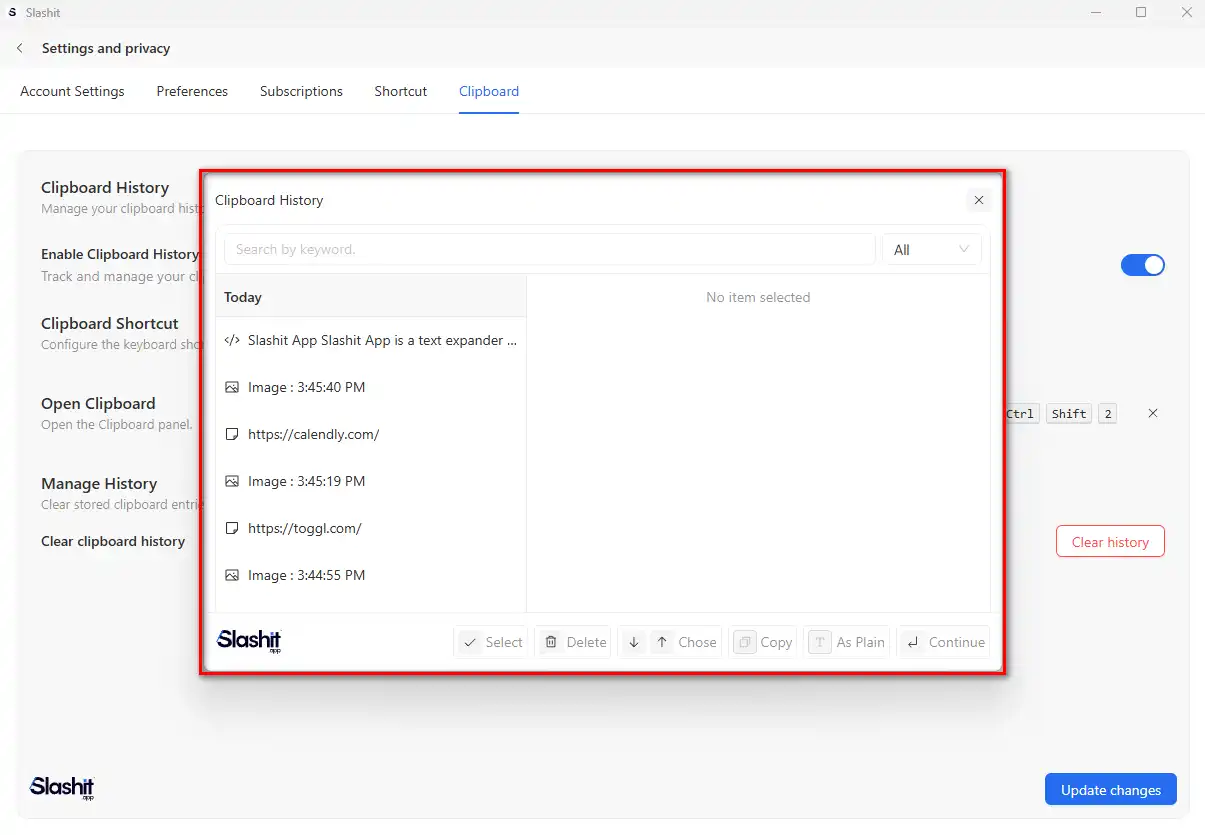
There’s also a built-in clipboard history. So the cap table link or Calendly URL you copied an hour ago is still one paste away. And the cost stays low on purpose, with a free plan to start.
Premium runs from just $5 a month, which matters when you’re funding every tool yourself. Founders who’ve used it say the difference shows up fast.
One seed-stage founder went from fifty hand-typed cold emails to twenty tailored ones before lunch. Their response rate doubled. A Series A founder cut a four-hour monthly investor update down to about one.
A technical founder caught a recruiting message that read as too desperate. One hotkey fixed the tone, and the hire closed two weeks later. You can read more of these stories on the Slashit customers page.
The pattern holds across all three. It’s less time typing and more time on what actually moves a company forward. That’s talking to customers and building the product.
What Can AI Tools Not Do for a Founder?
AI tools cannot find your first customers, set your pricing, or make a hard strategic call for you. They’re excellent at clearing busywork.
But the judgment still has to come from you. A list that skips this isn’t being fully honest.
- Closing a deal still takes a real relationship, not a generated email. AI can help you write the first message, but trust gets built by you, on the call.
- Pricing decisions need customer conversations, not a prompt. A tool can suggest a number, but only your customers can tell you if they’ll pay it.
- Slashit, like every tool here, only clears the busywork. It doesn’t write your strategy, and it was never meant to.
That said, clearing the busywork buys you time to make those calls well. So the stage you’re at should decide which tools you actually pay for.
How Should Founders Build Their AI Stack by Stage?
Founders should build their AI stack in three stages. Start with research tools.
Add building tools once you’re validating. Add communication tools once real people fill your inbox. Paying for every tool on day one wastes money on capability you don’t need yet.
- Idea stage: Perplexity and Claude cover research and early customer interview synthesis. You’re validating a problem, not building yet.
- MVP stage: Add Lovable or v0 for a clickable prototype, then Cursor once you’re building the real product.
- Post-launch stage: This is when Slashit earns its spot, once you’re emailing investors and replying to customers daily.
Notice the pattern. Every stage adds a tool because a new kind of busywork just showed up. It’s never because a list said so.
That’s also why Slashit sits at the end here, not the start. Early on, you don’t have enough repeat messages yet for a text expander to pay off. The moment you do, it becomes one of the highest-value five dollars you’ll spend that month.
Quick Comparison: Best AI Tools for Founders
Here’s the shortest way to compare all eight tools side by side. This shows what each is best for and what it costs to start.
| Tool | Best For | Starting Price | Category |
|---|---|---|---|
| Cursor | Editing and building code with AI | $20/month | Product building |
| Lovable | Turning ideas into working prototypes | $25/month | Product building |
| v0 by Vercel | Generating UI components fast | Free tier available | Product building |
| Claude | Reasoning, writing, and strategy | Free tier available | Strategy and research |
| Perplexity | Sourced market and competitor research | Free tier available | Strategy and research |
| Notion AI | Company knowledge base and docs | Included with Notion plans | Strategy and research |
| Granola | AI notetaking for founder meetings | Free tier available | Meetings |
| Gamma | Turning notes into pitch decks | Free tier available | Presentations |
| Slashit | Investor, recruiting, and customer messages | Free, Premium from $5/month | Daily communication |
Frequently Asked Questions
What is the best AI tool for startup founders?
There’s no single best AI tool for every founder. The right one depends on what’s eating your time. Claude and Perplexity cover thinking and research. Cursor and Lovable cover building. Slashit covers the daily messages founders underestimate.
Do founders need more than one AI tool?
Yes, most founders end up running two to four AI tools at once. Each one covers a different part of the job. A research tool, a building tool, and a communication tool solve completely different problems. Forcing one tool to do all three usually means it does none of them well. It’s less like picking a favorite and more like assembling a small team. Each tool covers a role you’d otherwise have to hire for.
What AI tool helps founders save time on emails and outreach?
Slashit is built for that. It turns repeated investor, recruiting, and customer messages into short triggers you can personalize in seconds. It also includes an AI rewrite hotkey to fix tone without leaving the app you’re typing in. See how it works on the Slashit for founders page.
Is there a free AI tool for founder communication?
Yes, Slashit has a permanent free plan. It covers core snippets, dynamic templates, and the AI rewriter, with no credit card required. Premium adds more snippets and team sharing, starting at $5 a month. That’s a fraction of most other AI tools on this list.
What is the best AI stack for a solo founder on a budget?
A solid budget stack for a solo founder starts with Perplexity or Claude for research. Add Lovable for an early prototype and Slashit for daily outreach. That combination covers thinking, building, and talking to people. Those are the three jobs every solo founder juggles at once. Add heavier tools like Cursor once you’re actively building the real product. Most of that stack starts free, so the real cost of testing it is your time.
The Bottom Line for Founders
The best AI tools for founders in 2026 cover four jobs. That’s building your product, sharpening your strategy, running your meetings, and handling the messages you send every day.
Most lists stop at the first three.
But the fourth is where your actual hours go. It’s the investor emails, the recruiting replies, and the customer questions you answer fifteen ways a month.
Building tools get you a product, and research tools get you clarity. The hours disappear somewhere in between, in the messages you write while waiting for your next meeting.
That’s worth fixing first, and it’s worth doing for free. You didn’t start a company to become a full-time typist across five inboxes. Fix the part of the day that steals your focus. The rest of your stack gets a lot more room to do its job.
See how Slashit works for founders. Build your first snippet in under five minutes.
// more articles
 Productivity
 10 Best Grammarly Alternatives in 2026: Free and Paid
Comparing the best Grammarly alternatives for 2026 by price, AI customization, and use case, so you can find the right fit fast and skip the guesswork.
 Productivity
 Text Expander for Founders: Save Hours Every Week
A text expander for founders turns investor updates, cold outreach, and hiring replies into one hotkey. Compare tools, get templates, and set up in minutes.
 Productivity
 Text Expander for Managers: Stop Retyping the Same Messages
A text expander for managers turns repeated messages into instant shortcuts. See how tools like Slashit save managers hours every week.

// blog updates
