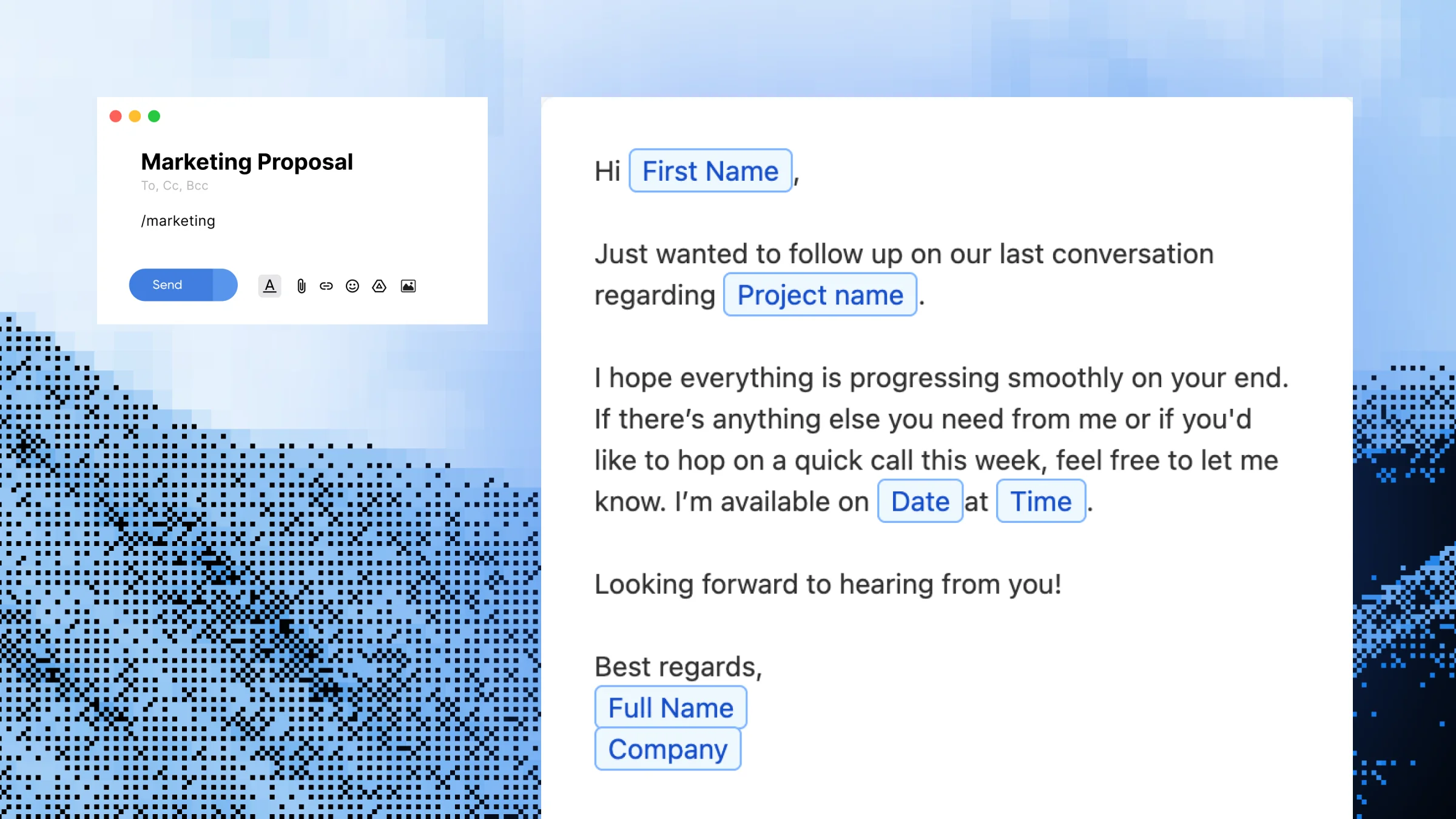
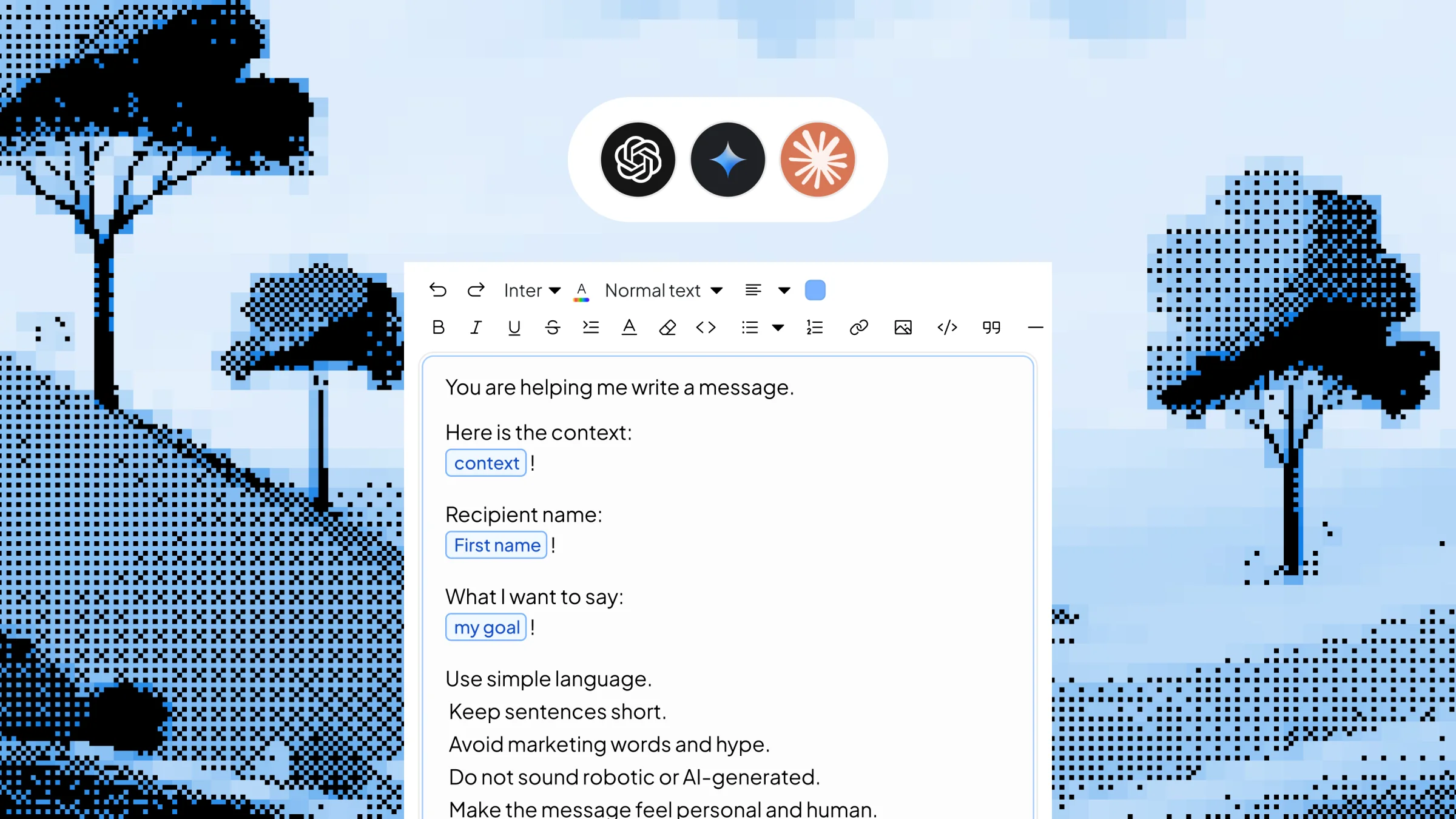
You’re Typing the Same Words All Day Long
You don’t realize how much repetitive typing you do until you count it. The same signature. The same greeting. The same Calendly link. The same address. The same “thanks for reaching out, I’ll get back to you shortly.” Hundreds of keystrokes a day, none of them new. You retype your full email signature 30+ times every day, type your address, phone or tax ID every time someone asks, paste the same Calendly link or portfolio URL over and over, send “thanks, I’ll review this and get back to you” 20 times a week, and repeat standard greetings, closings and brand phrases across Slack, email and DMs.
Type a short code. Get a full message. Anywhere you type.
What You Can Do With Snippet
One-Keystroke Text Expansion
Turn 3–5 character triggers into full sentences, paragraphs or contact blocks. You stop pausing to type the same thing for the hundredth time, and the words you’d type anyway come out exactly the way you want them.
Snippets That Work in Every App
Your Snippet expand the same way in Gmail, Slack, LinkedIn, Notion, Zendesk, HubSpot and any browser tab. There’s no Gmail-only extension or Slack-only command to learn — one snippet works everywhere.
Replace Boilerplate Like Signatures and Sign-Offs
Save your email signature, your “thanks, looking into it” reply, your meeting closer and your standard disclaimers as snippets. A support agent can fire off /thx or /escalate in two keystrokes and keep the rest of the reply for the actual answer.
Store your Calendly link, mailing address, phone, portfolio URL or invoice details once and expand them anywhere. A freelancer can drop their full payment instructions into a client message with /pay instead of digging through old invoices.
Share Snippets Across Your Team
Build a snippet once and roll it out to teammates so everyone uses the same approved wording for tricky replies, brand lines and policy responses.
How Snippet Work
Step 1 — Open Slashit and click “New Snippet”
Start a new snippet from your library or create one inline as you go.
Step 2 — Give it a shortcut name
This is your trigger word — something short and memorable like /sig, /thx, /addr or /cal.
Step 3 — Paste in the full text you want it to expand into
A signature, a stock reply, a URL, an address, a paragraph of boilerplate — anything you type more than twice.
Step 4 — Save it
Your Text Snippet is now active across every app on your computer — no integrations, no setup per app.
Step 5 — Type the shortcut anywhere
Slashit replaces the trigger with the full text instantly — in email, chat, CRMs, helpdesks or any text field.
See Snippet in Action
You’re a customer support agent halfway through your morning ticket queue. A new customer asks where their order is, and you start typing the same “we’re looking into it” reply you’ve sent 40 times this week. Without Slashit, that’s roughly 25–35 seconds of typing per ticket. Multiply that by 60+ tickets a day and you’re losing real hours to keystrokes alone.
With Slashit, you type:
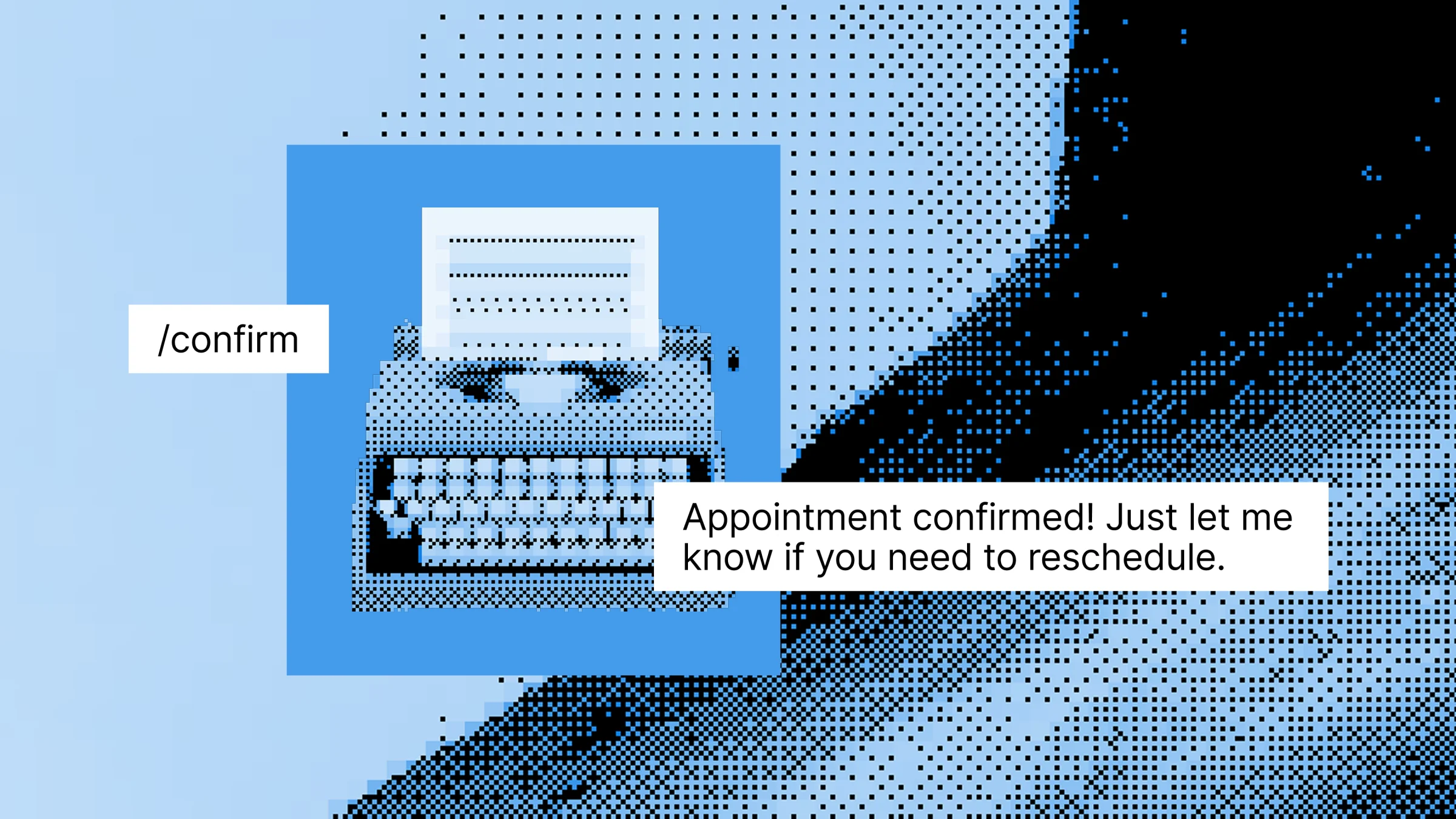
/thx
Slashit instantly expands it to:
"Hi there — thanks for reaching out! I'm sorry for the delay on your order. I'm looking into this with our shipping team now and will follow up with a status update by end of day."
Then you type:
/sig
And your full support signature drops in:
"— Aaron, Customer Support | Reply times: Mon–Fri, 9am–6pm ET | help@yourcompany.com"
Elapsed time for both: about 2 seconds.
Who Uses Snippet — and How
- Support Agents — Build snippets for the 10–20 replies you send most: acknowledgments, refund confirmations, status updates, escalations, sign-offs. Cut average handle time without sounding scripted.
- Sales Reps — Save your prospecting opener, your demo confirmation, your follow-up nudge and your Calendly link as snippets. Fire off /book or /follow in two keystrokes instead of digging through saved templates.
- Freelancers — Store your payment terms, scope clarifications, portfolio link, hourly rate and onboarding instructions as snippets. Reply to client questions faster without losing the polished tone that wins you repeat work.
- Developers — Save commit message templates, license headers, common code boilerplate, PR comment phrases and meeting notes formats as snippets. Spend more brain cycles on actual code, less on retyping scaffolding.
- Marketers — Use Snippet for brand taglines, campaign URLs, social CTAs, partnership outreach lines and standard disclaimers. Keep your team’s outbound copy consistent across email, LinkedIn and Slack.
Before Snippet vs. After
| Without Slashit | With Slashit's Snippet |
|---|
| Typing your full email signature on every reply | /sig expands the complete signature in one keystroke |
| Pasting your Calendly link from a browser bookmark | /cal inserts it in any app, no tab-switching |
| Retyping the same "thanks, looking into it" reply | /thx fires off the polished version instantly |
| Looking up your mailing address every time someone asks | /addr fills it in across email, forms and DMs |
| Spelling out tax IDs, license numbers or account numbers | Save them once, expand them anywhere with a trigger |
| Typing the same company tagline or disclaimer | One shortcut, full approved text — every time |
| Spending 15+ minutes a day on repetitive typing | Reclaiming that time for actual work |
What Users Say About Snippet
I rebuilt my entire support reply library as Slashit snippets. /refund, /shipping, /thx, /escalate — what used to take me 30 seconds of typing now takes one. I’m handling roughly 25% more tickets a day with less fatigue.
— Aaron T. · Senior Support Agent
As a freelancer, I have snippets for my Calendly link, payment terms, portfolio, scope clarification and rate replies. I genuinely don’t remember what life looked like before /pay and /book.
— Lina M. · Freelance UX Researcher
Half my workday is writing the same kinds of replies. With Snippet in Slashit, I save my common phrases, code boilerplate and even commit message templates — saving probably 90 minutes a day.
— Ravi P. · Senior Software Engineer
Snippet Work Everywhere You Type
Slashit runs at the operating system level on Mac and Windows, so your snippets expand the same way in any browser tab or desktop app — without integrations, plugins or per-tool setup.
Gmail
Outlook
Slack
Microsoft Teams
Notion
LinkedIn
Upwork
Zendesk
HubSpot
Intercom
Plus any other browser, CRM, helpdesk, code editor or text field on your computer. Available on macOS and Windows.
Start Using Snippet Free Today
Stop retyping your signature, your address, your standard replies and your boilerplate disclaimers. Save them once as Snippet, give each a short trigger, and let Slashit type them for you — in every app, across Mac and Windows.
Try Snippet Free · See How It Works
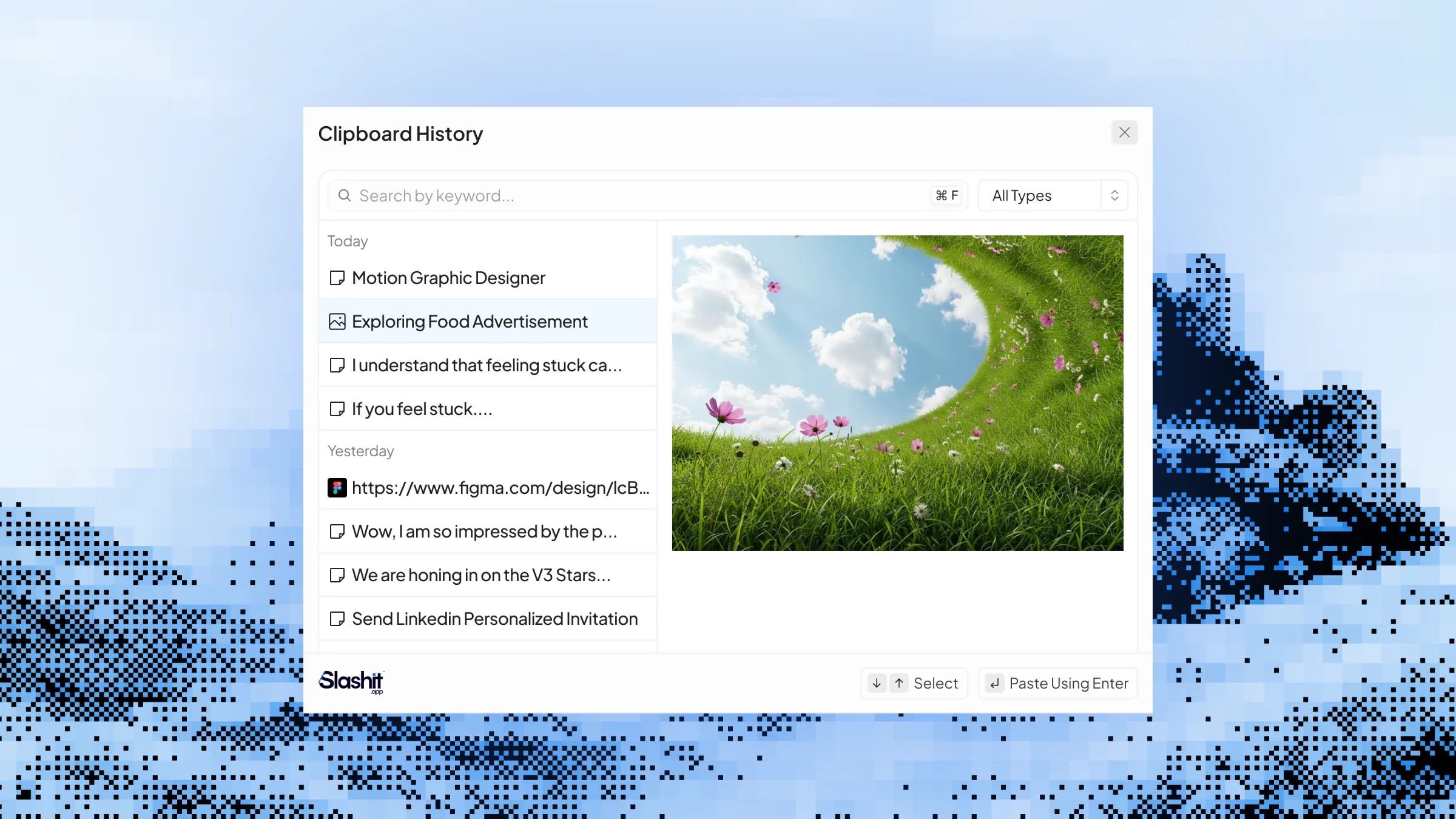 Clipboard History