You’re Retyping the Same Prompts Into ChatGPT All Day
You’ve already written the perfect prompt for your LinkedIn posts. You know the exact wording that gets the right tone, length and structure. And yet every time you want to write a new post, you switch to ChatGPT, retype the entire prompt, fill in the new topic, generate, copy, switch back, paste. Over and over. You retype long AI prompts every time you want to generate a LinkedIn post, cold email or summary. You switch to a chatbot tab and back for every piece of content you draft. You forget which prompt actually worked best for your tone and style. Your best prompts live in a Google Doc, scattered Notion pages or your head. And there’s no way to capture “the prompt that works” once and reuse it with different inputs.
Save the prompt. Trigger the shortcut. Fill in the inputs. Get AI-generated content — anywhere.
What You Can Do With Dynamic Templates with AI
Save Your Best Prompts as Shortcuts
Your tested, polished prompts stop living in scattered docs. Save them once as Dynamic Templates with AI — a /linkedinpost, a /coldemail, a /summary, a /tweet — and trigger them from a keystroke instead of retyping a wall of text into ChatGPT.
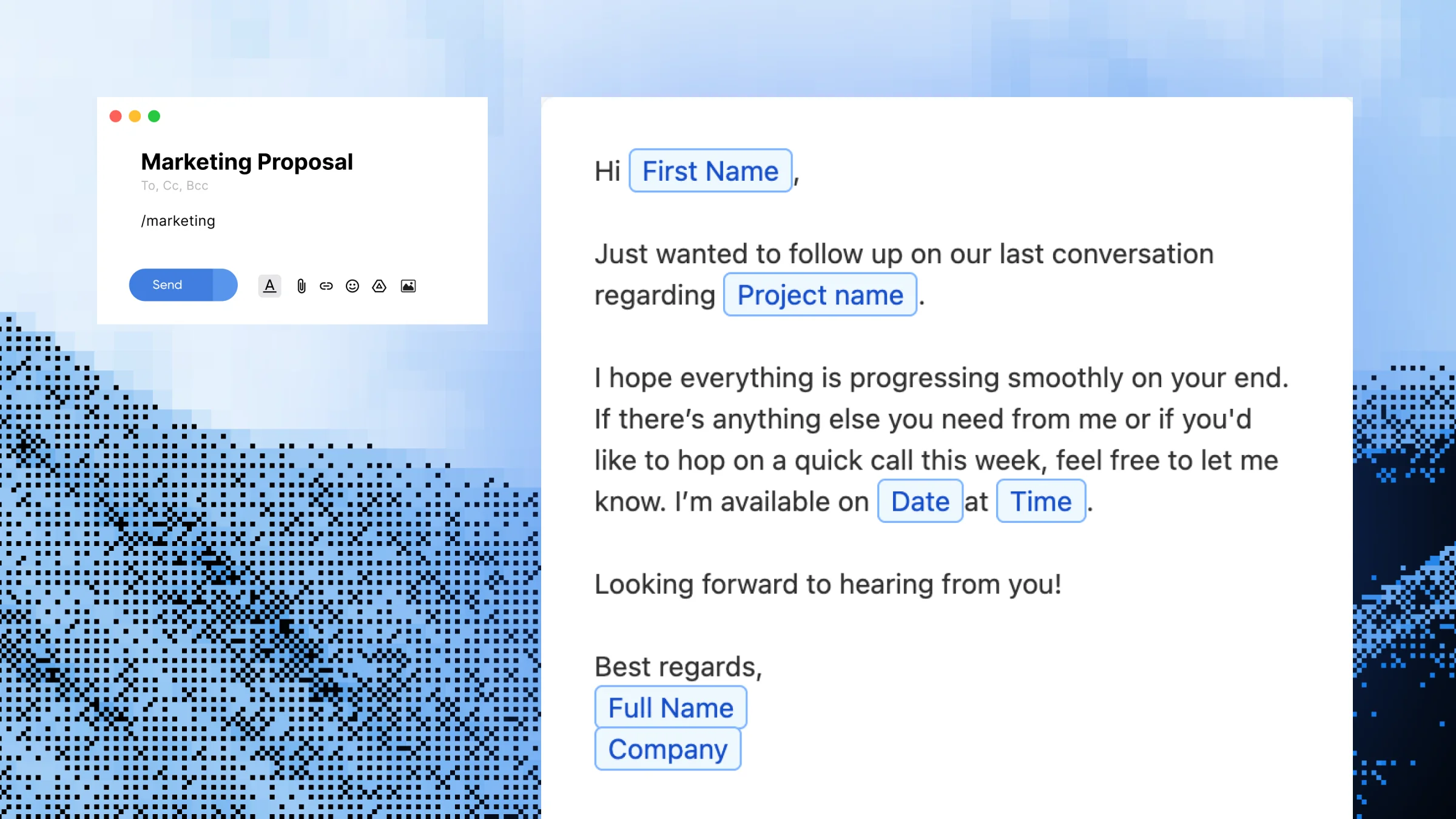
Each template captures the parts that change with placeholders. A content marketer can build /linkedinpost once with {topic} and {audience} placeholders, and generate a tailored post for every new idea — same prompt structure, different inputs, different output.
Generate Anywhere — Not Just in a Chatbot Tab
The generated content drops directly into Gmail, Slack, LinkedIn, Notion or any other text field where your cursor is. A sales rep can run /coldemail inside their CRM and watch a personalized opener appear in the message body, without ever leaving the page.
Build a Library of AI Generators
Most users end up with 5–15 templates for the content they create most: posts, emails, summaries, replies, product copy, descriptions. Your “AI library” stays organized inside Slashit instead of fragmented across saved chats.
Share AI Templates Across Your Team
Built a Dynamic Template with AI that consistently produces on-brand LinkedIn posts? Share it with your team so every teammate generates content using the same proven prompt — keeping voice, structure and tone consistent.
How Dynamic Templates with AI Work
Step 1 — Open Slashit and click “Add Template”
Start a new template from your library.
Step 2 — Name it and set a shortcut
Pick something memorable like /linkedinpost, /coldemail, /summary or /productdesc.
Step 3 — Write your AI prompt with placeholders for variable content
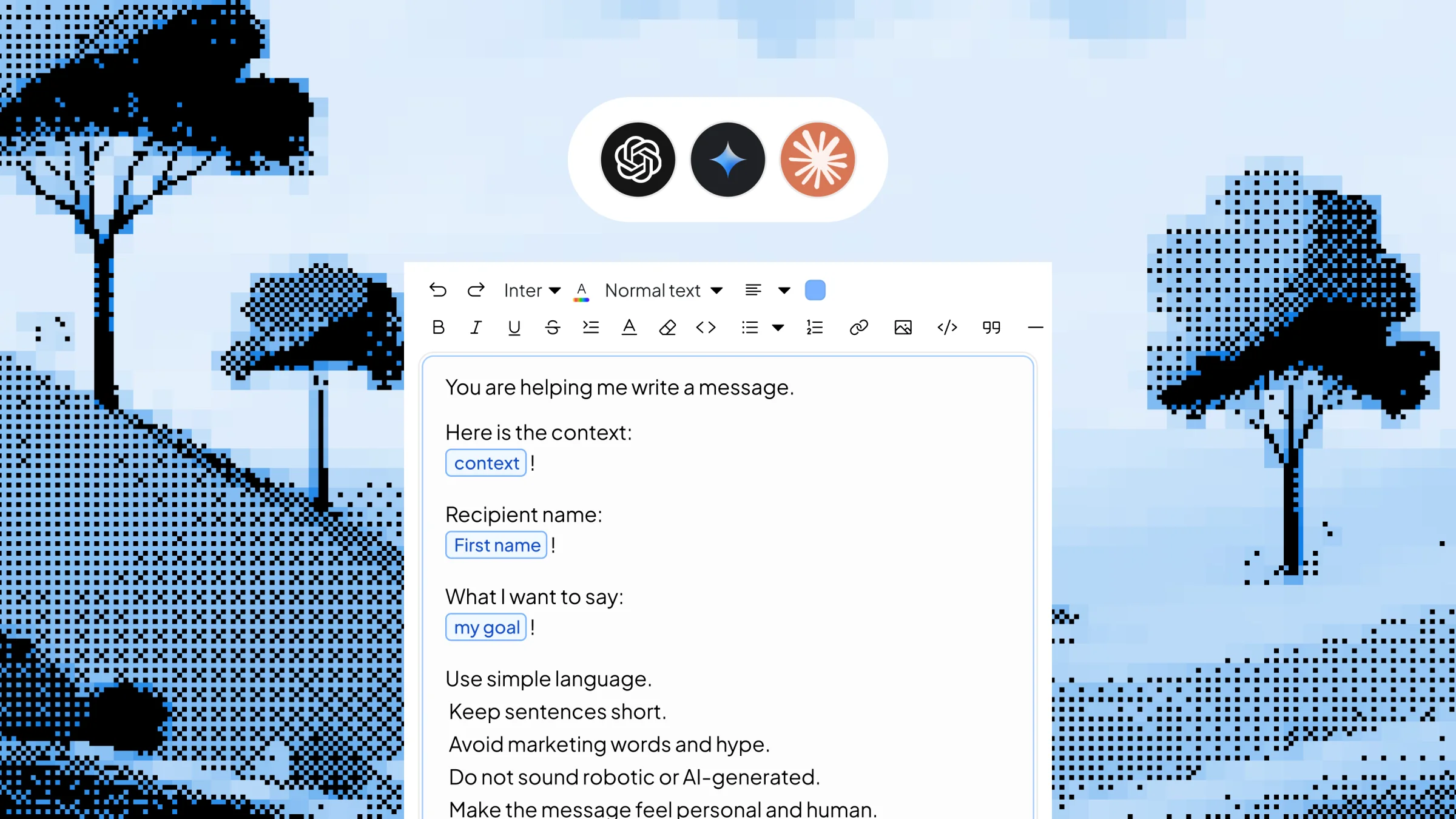
For example: “Write a LinkedIn post about {topic} in a {tone} tone. Keep it under 200 words and include a hook.” Placeholders capture the parts that change each time.
Step 4 — Activate “Use as AI Prompt” and choose your AI model
Pick ChatGPT, Gemini or your preferred AI engine for this template.
Step 5 — Save it — then trigger anywhere
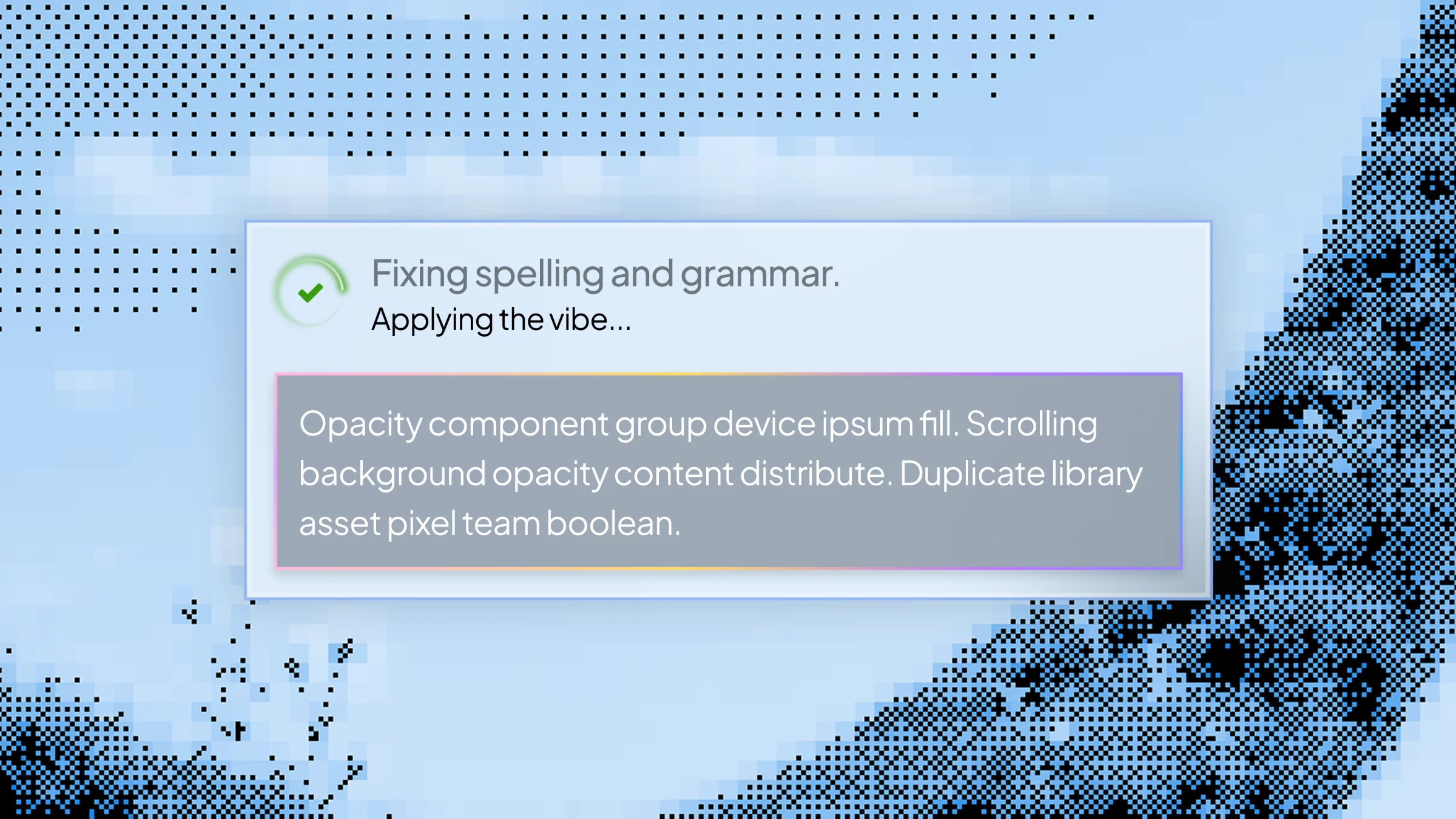
Type the shortcut, fill in the popup with your inputs, hit enter, and the AI-generated content appears in place — no integrations, no retyping prompts.
See Dynamic Templates with AI in Action
You’re a content marketer about to write your second LinkedIn post of the week. Without Slashit, that means switching to ChatGPT, retyping your “write me a LinkedIn post” prompt with all your tone and length rules, plugging in the new topic, generating, copying and pasting it back into LinkedIn. About 8–12 minutes of work.
With Slashit, you type:
/linkedinpost
A small popup appears with a single field:
Topic:
Why most remote work productivity advice is wrong
Saved prompt sent to ChatGPT: "Write a LinkedIn post about {topic} in a thought-leader tone. Open with a contrarian hook. Keep it under 200 words. End with a question that invites comments."
About three seconds later, this appears in the LinkedIn composer:
"Most remote work advice misses the point. It's not about morning routines or noise-canceling headphones. It's about who you do your worst hours next to. The biggest productivity unlock I've found isn't a tool — it's choosing one person to share my 'stuck' moments with in real time. What's the smallest change that doubled your remote output?"
Elapsed time: under 10 seconds.
Who Uses Dynamic Templates with AI — and How
- Content Marketers — Build /linkedinpost, /tweet, /newsletter and /blogintro with placeholders for topic, audience and tone. Generate a week of social content in the time it used to take to write one post.
- Sales Reps — Set up /coldemail with placeholders for prospect name, company and pain point. Generate personalized outbound openers from your CRM, without leaving the deal record.
- Founders & Managers — Use /investorupdate, /boardsummary and /weeklyupdate with placeholders for metrics, wins and asks. Turn a Monday morning grind into a 10-minute task.
- Support Agents — Build /custom_reply with placeholders for the customer’s issue, sentiment and history. Generate a contextual response instead of bending a generic canned reply.
- Recruiters — Create /candidate_outreach with placeholders for role, candidate background and team highlight. Send personalized cold outreach that actually sounds personal — at scale.
Before Dynamic Templates with AI vs. After
| Without Slashit | With Slashit's Dynamic Templates with AI |
|---|
| Retyping a full LinkedIn post prompt into ChatGPT every time | Type /linkedinpost, enter the topic, hit enter |
| Copy-pasting prospect details into a chatbot for each cold email | Type /coldemail, fill in name and pain point, get a tailored opener |
| Paste meeting notes into ChatGPT and ask for a summary every week | Type /summary, paste the notes, get a structured recap |
| Rewriting your "investor update" prompt for every weekly send | Type /investorupdate, fill in metrics and wins, done in minutes |
| Best prompts trapped in a Google Doc you forget to open | Best prompts saved as shortcuts and triggered from any app |
| Inconsistent AI output across your team | Shared templates run the exact same prompt for everyone |
What Users Say About Dynamic Templates with AI
I used to spend 10–15 minutes per LinkedIn post — half of it just re-prompting ChatGPT. Now /linkedinpost asks me for the topic, I hit enter, and the draft is in front of me in five seconds. I’m posting four times a week instead of once.
— Tom L. · B2B Content Marketer
For cold outreach, I built /coldemail with placeholders for the prospect’s name, company and pain point. The AI writes a personalized opener every time using my exact prompt. My reply rate doubled in six weeks.
— Jasmine D. · SDR Lead
My weekly investor update used to take me 90 minutes. I built /investorupdate with placeholders for our metrics, wins and asks. Now it takes me twelve minutes from blank field to send.
— Carlos R. · Startup Founder
Dynamic Templates with AI Work Everywhere You Write
Slashit runs at the operating system level on Mac and Windows, so AI-generated content drops into any browser tab or desktop app — without integrations, plugins or chatbot tabs to manage.
Gmail
Outlook
Slack
Microsoft Teams
Notion
LinkedIn
Upwork
Zendesk
HubSpot
Intercom
Plus any other browser, CRM, helpdesk, doc editor or text field. Works with ChatGPT, Gemini and other supported AI models. Available on macOS and Windows.
Start Using Dynamic Templates with AI Free Today
Stop retyping your best AI prompts every time you write a LinkedIn post, cold email, summary or update. Save the prompt once, set placeholders for what changes, trigger it from a shortcut anywhere you write — and let Slashit generate the content for you.
Try Dynamic Templates with AI Free · See How It Works
 Clipboard History