You’re Retyping the Same Message With Different Names
You know the message by heart at this point. The intro, the middle paragraph, the sign-off — only the name, date, and one or two details change. And yet you keep rewriting it from scratch, every single time. You retype the same email shell 20 times a day, just swapping out the client name and project. Generic canned responses sound robotic, so you end up rewriting them anyway. Saved drafts live in Google Docs, Notion, and your inbox — finding the right one takes longer than typing fresh. Mistakes slip through: wrong client name, last week’s date, last project’s scope still pasted in. And your team writes the same message five different ways, so brand consistency suffers.
One shortcut. Editable placeholders. A finished message in seconds — anywhere you type.
What You Can Do With Dynamic Templates
Placeholder-Powered Personalization
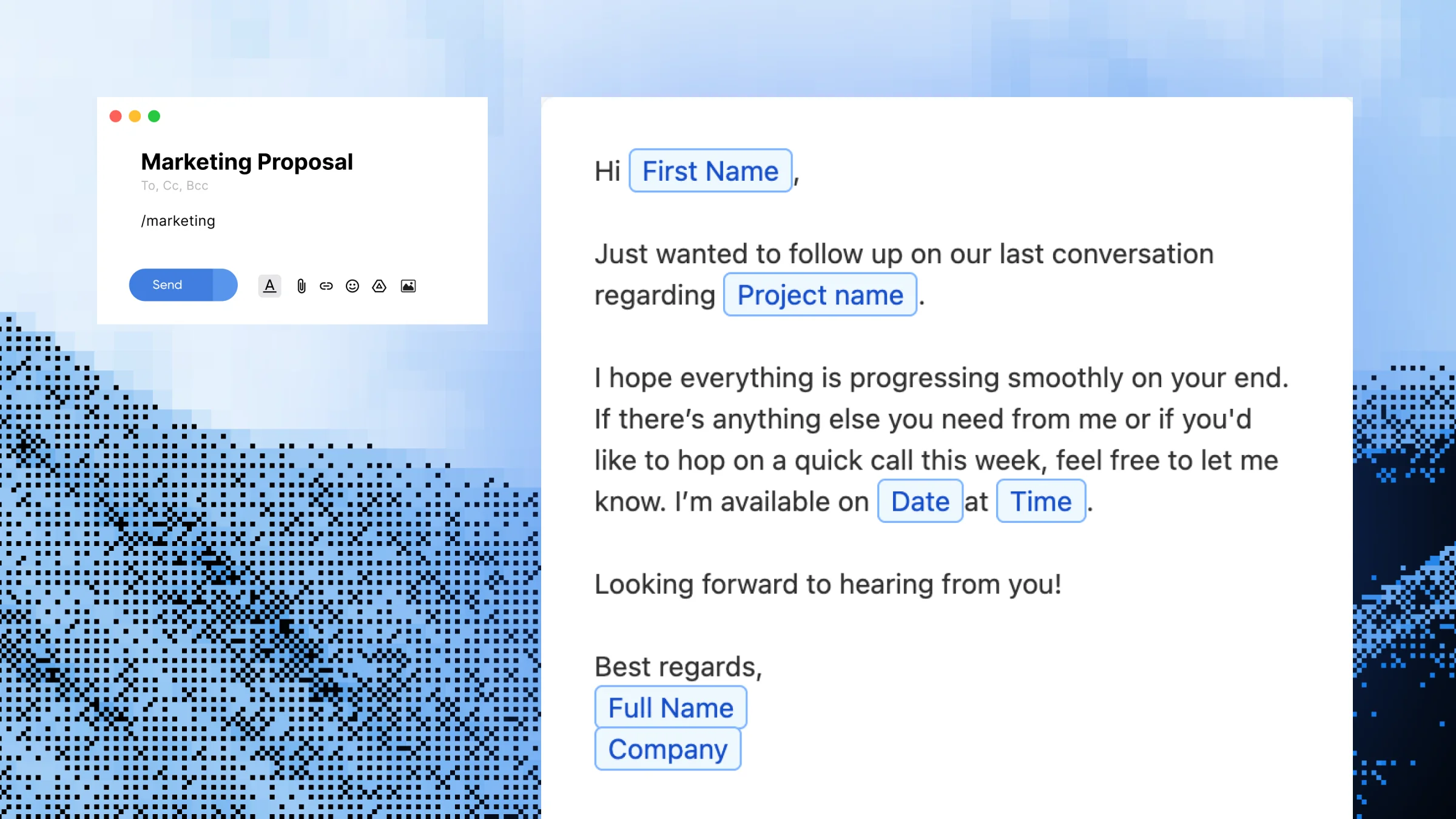
Drop placeholders into any template for the details that change — names, dates, designations, project types, deal sizes. Every message you send sounds written for that specific person, even though you reused the same shell.
Cross-App Templates Without Integrations
Your Dynamic Templates work the same way in Gmail, Slack, LinkedIn, Notion, Zendesk and any other app. There’s no Gmail-only plugin or Slack-only bot to install — one template, every app.
Faster Than Copy-Paste From a Doc
Instead of digging through a Google Doc, copying a paragraph, pasting it, and editing three fields, you type a shortcut and fill in a quick popup. A sales rep can send a tailored follow-up to 15 prospects in the time it used to take to send four.
Template Library You Can Organize
Group your Dynamic Templates by category — sales, support, onboarding, internal — so the right one is always one shortcut away. A freelancer can keep separate libraries for proposals, scope clarifications and client check-ins.
Consistent Messaging Across Your Team
Build a Dynamic Template once and share it with your team so everyone uses the same approved wording. Marketing leads, sales managers and support leads use this to keep voice and accuracy tight.
How Dynamic Templates Work
Step 1 — Open Slashit and click “Add Template”
Pick where you want this template to live — personal library, team folder, or a specific category.
Step 2 — Name your template and set a shortcut
This is your trigger word, like /prochat, /intro or /quote. Pick something short you’ll actually remember.
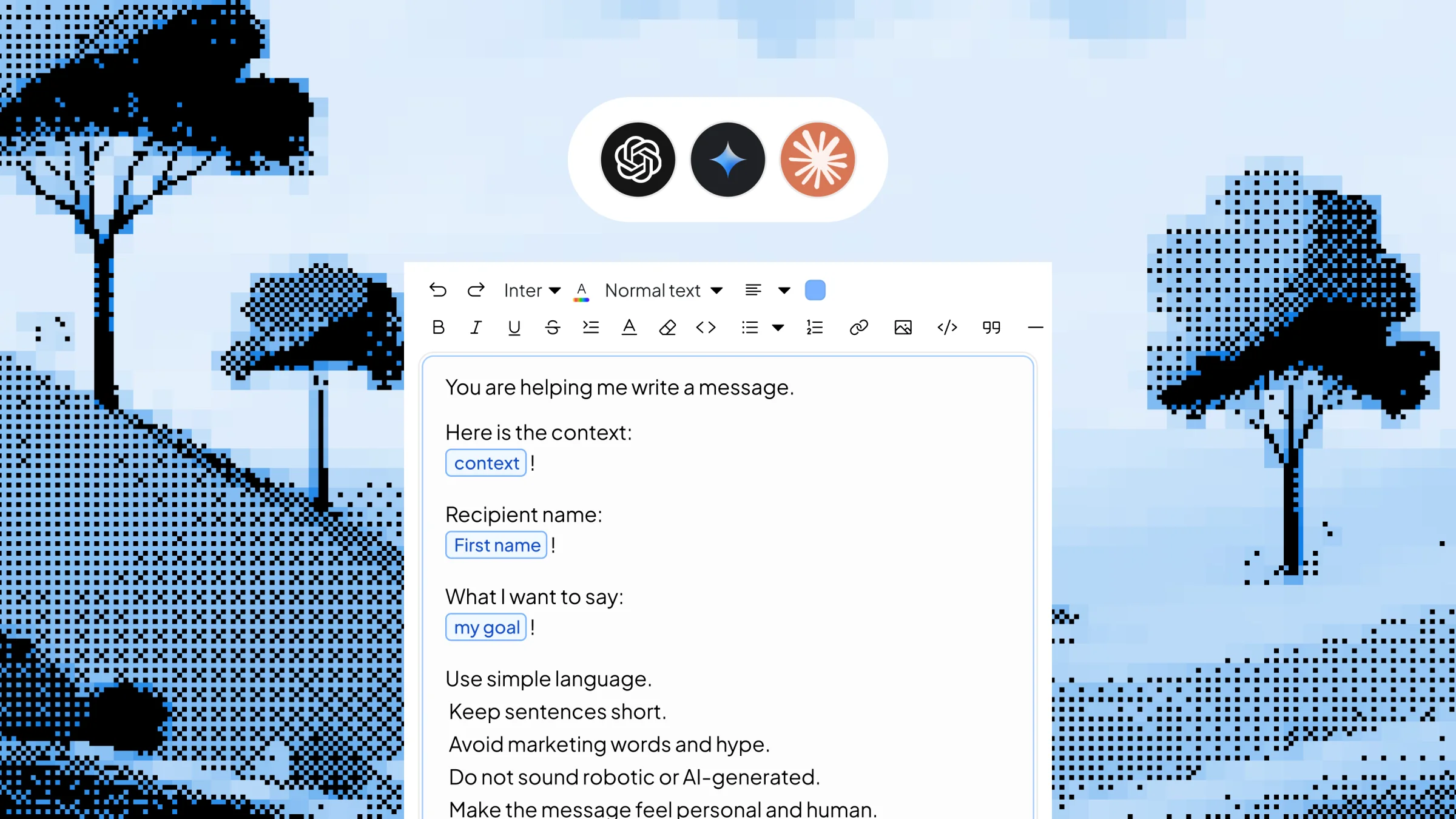
Step 3 — Write your message and drop in placeholders
Add placeholders for anything that changes — names, dates, project type, designation, ticket ID, dollar amounts.
Step 4 — Save it
Your Dynamic Template is now available everywhere you type — no integrations, no setup per app.
Step 5 — Type the shortcut to use it
Slashit opens a popup, you fill in the placeholders, and the finished personalized message inserts where your cursor is.
See Dynamic Templates in Action
You’re a project manager about to send a “kickoff intro” message to a new client in Gmail. Without Slashit, you open a Google Doc, scroll past three other templates, copy the right paragraph, paste it into Gmail, then manually edit the client name, the project type and the start date. That’s roughly two to three minutes of clicking and editing.
With Slashit, you type:
/prochat
A small popup appears asking for:
Project type:
Brand Refresh
Designation:
Head of Marketing
You hit insert. This appears in your email:
"Hi Sarah Chen — thanks again for the call earlier. Excited to officially kick off the Brand Refresh project on November 18. As Head of Marketing, you'll be our main point of contact on your side. I'll send the project workspace and intro deck before end of day…"
Elapsed time: about 8 seconds.
Who Uses Dynamic Templates — and How
- Sales Reps — Prospecting, follow-ups and discovery recaps with placeholders for prospect name, company, last meeting date and next step. Send 20+ tailored touches a day without retyping the same opener.
- Support Agents — Canned responses for refunds, shipping delays, escalations and feature requests. Placeholders for customer name, order ID and ticket date keep every reply accurate and personal.
- Freelancers — Proposals, scope confirmations, invoice reminders and project intros. Fill in client name, project type and rate, and send a finished message in under a minute.
- Marketers — Partnership outreach, brief approvals and campaign launches. Placeholders for partner name, campaign and launch date keep outbound communication on-brand across the team.
- Managers & Founders — One-on-one prep, status updates, hiring rejections and investor updates. Placeholders for name, role and date make every message feel written, not auto-generated.
Before Dynamic Templates vs. After
| Without Slashit | With Slashit's Dynamic Templates |
|---|
| Retyping a client intro email from scratch | Type /intro, fill in name and project, hit insert |
| Copy-pasting a support reply and editing 3 fields | Type /refund, fill in customer name and order ID |
| Hunting through Google Docs for the "right" template | One shortcut opens the exact template you need |
| Sending the wrong client name or last week's date by accident | Placeholders force you to enter fresh details every time |
| Each teammate writing the same message in their own words | Shared Dynamic Templates keep brand voice consistent |
| Spending 3–4 minutes per personalized message | Sending the same message in 10–20 seconds |
What Users Say About Dynamic Templates
I built one Dynamic Template for client onboarding emails — name, project type, start date as placeholders. What used to be a 4-minute task is now under 20 seconds, and I haven’t sent the wrong client name in months.
— Maya R. · Freelance Brand Designer
My support team rebuilt our entire canned-response library in Slashit. Same trigger words, but now the customer’s name and order ID auto-fill. Reply quality went up and ticket time went down.
— Daniel K. · Customer Support Lead
As a sales rep, I send 30 follow-ups a day. /follow with placeholders for name, last meeting date and next step has probably given me back five hours a week.
— Priya S. · SaaS Account Executive
Works Everywhere You Type
Slashit runs at the operating system level on Mac and Windows, so your Dynamic Templates expand the same way in any browser tab or desktop app — without integrations, plugins or per-tool setup.
Gmail
Outlook
Slack
Microsoft Teams
Notion
LinkedIn
Upwork
Zendesk
HubSpot
Intercom
Plus any other browser, CRM, helpdesk or text field on your computer. Available on macOS and Windows.
Start Using Dynamic Templates Free Today
Stop retyping the same message with different names. Build a Dynamic Template once, drop in placeholders for whatever changes, and send personalized emails, support replies, proposals and DMs in seconds — across every app you already use.
Try Dynamic Templates Free · See How It Works
 Clipboard History