Best Productivity Tools for Managers in 2026 (Tested and Compared)


Founder & CEO, Slashit App
You didn’t take a management role to spend your week retyping the same five messages. Yet here you are, writing another 1:1 agenda, another status update, another round of feedback that has to land just right.
Most guides to productivity tools for managers point you toward the same handful of apps: a task board, a chat app, a calendar tool. Those help. But they miss the part of the job that eats the most hidden time, which is the writing itself. Every status report, every onboarding message, every approval reply takes minutes you don’t get back.
This guide covers both sides of the problem. You’ll find the task management, communication, and scheduling tools that show up on every “best of” list, plus the category most of those lists skip entirely: tools built to cut down how much you actually type each day.
What Makes a Productivity Tool Actually Worth a Manager’s Time
A productivity tool earns its place in your day when it removes work you already do every week, not when it adds another app to check. That’s the single filter worth applying before you install anything new.
Beyond that filter, a few traits separate the tools that stick from the ones that get abandoned after a month:
- It works inside the apps you already use, so you’re not copying information between five tabs.
- It takes minutes to set up, not a training session.
- It solves one specific, recurring bottleneck rather than promising to fix everything at once.
- It scales to your team, so the whole group benefits, not just you.
Keep that list in mind as you read through the categories below. Some tools you’ll want immediately. Others might not fit your team at all, and that’s fine too.
Best Project and Task Management Tools for Managers
Asana, ClickUp, and Trello lead this category because each one solves the same core problem in a different way: giving you one place to see who’s doing what and when it’s due. If your team’s work still lives across sticky notes and memory, start here.
Asana
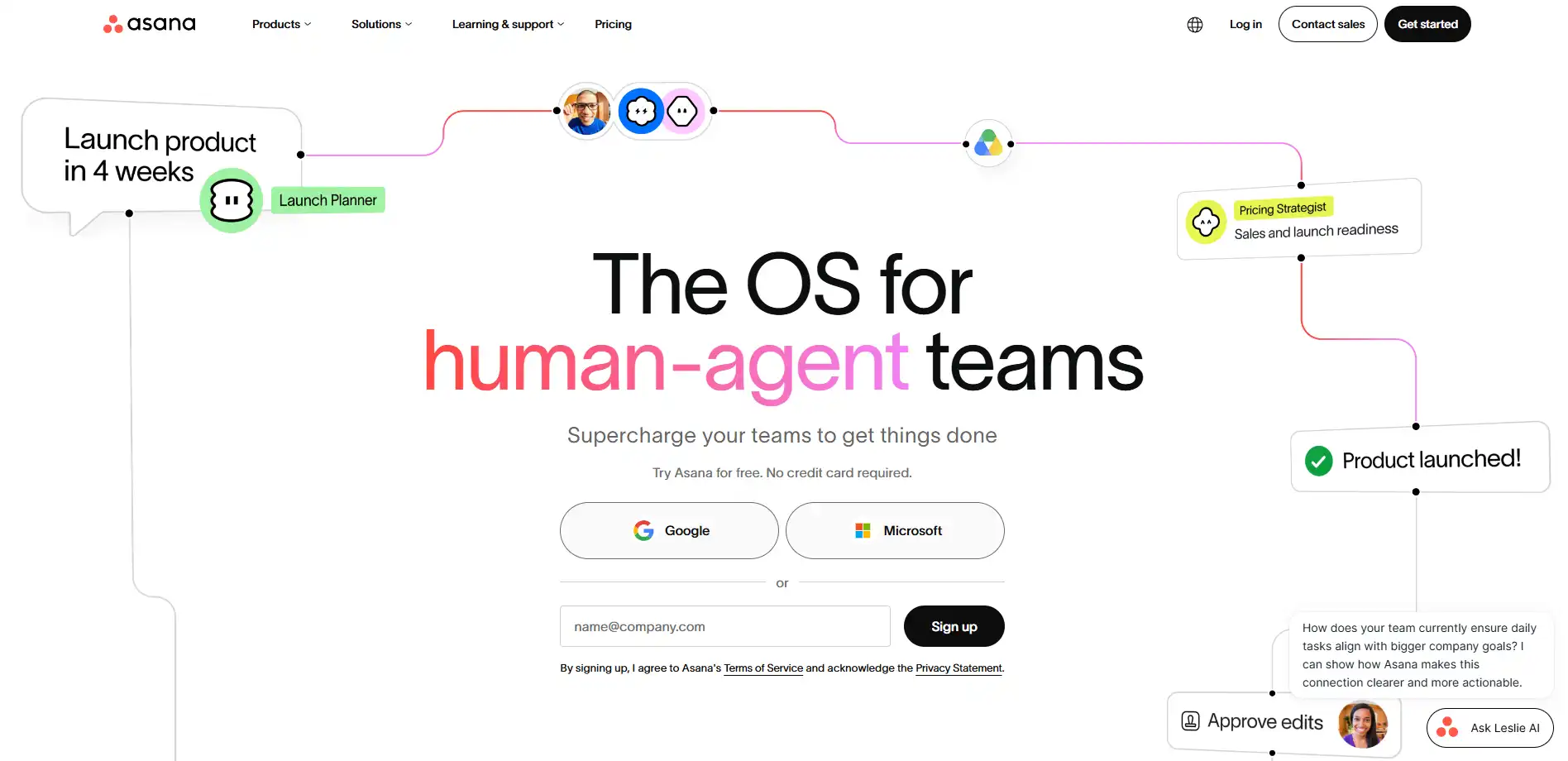
Asana works well when you need clear ownership on every task. You can assign work, set deadlines, and track progress across projects without digging through email threads to find status.
It has a free plan for small teams, and paid plans start at $10.99 per user per month. For managers running cross-functional projects with multiple stakeholders, the paid tier’s timeline and reporting views are usually worth the upgrade.
ClickUp
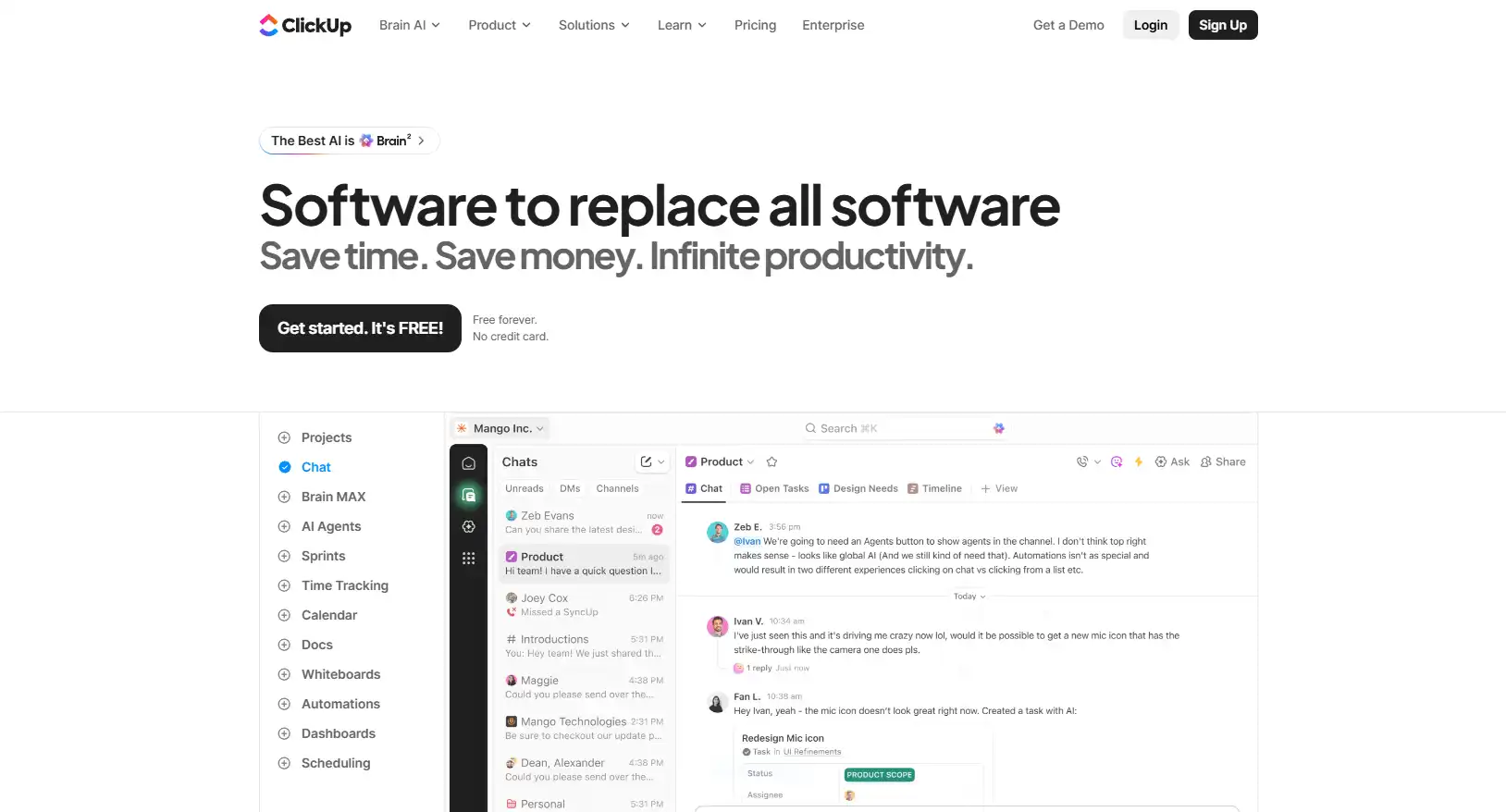
ClickUp trades simplicity for range. You get task lists, docs, time tracking, and custom views bundled into one platform, which suits managers who want fewer tools rather than more.
Plans start around $10 per user per month after a generous free tier. That said, the sheer number of features can slow down new hires during onboarding, so it rewards teams willing to invest a little setup time upfront.
Trello
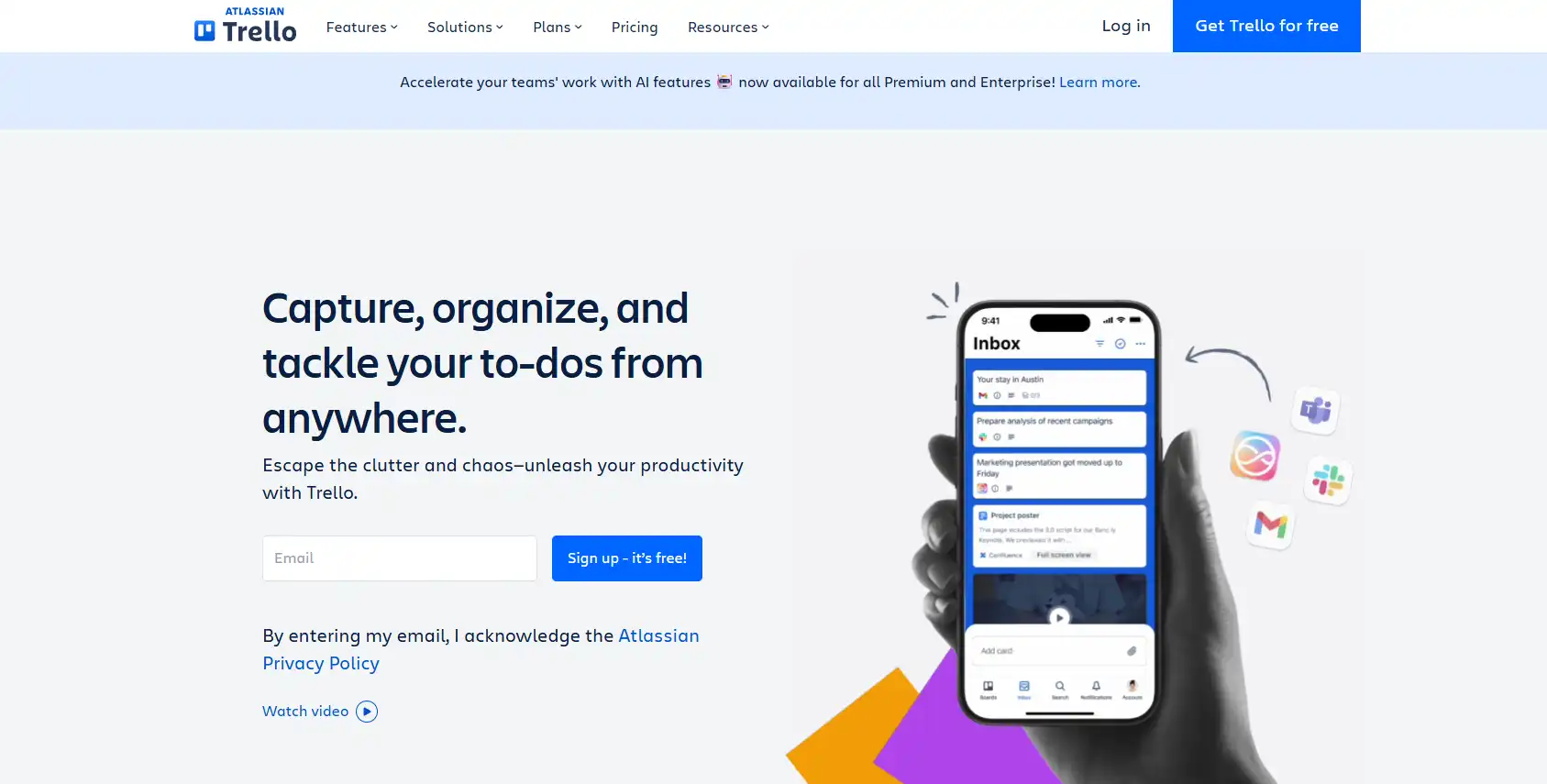
Trello keeps things visual. Its board-and-card system makes workflows easy to scan at a glance, which works especially well for managers who think in stages rather than spreadsheets.
The free plan covers most small teams, and paid plans start around $5 per user per month. It’s the simplest of the three, so if your team’s projects are straightforward, Trello is often the least overhead for the most clarity.
Task boards solve the “what needs to happen” problem well. They don’t solve the “how do I write all these messages” problem, and that’s where the next category comes in.
Best Communication and Writing Tools for Managers
Slack, Loom, and Otter.ai handle the visible side of team communication, but the real time sink is quieter: the minutes spent typing status updates, feedback, and replies that sound almost identical every week. That gap is worth its own category, and it’s where one tool in particular stands out.
Slashit App
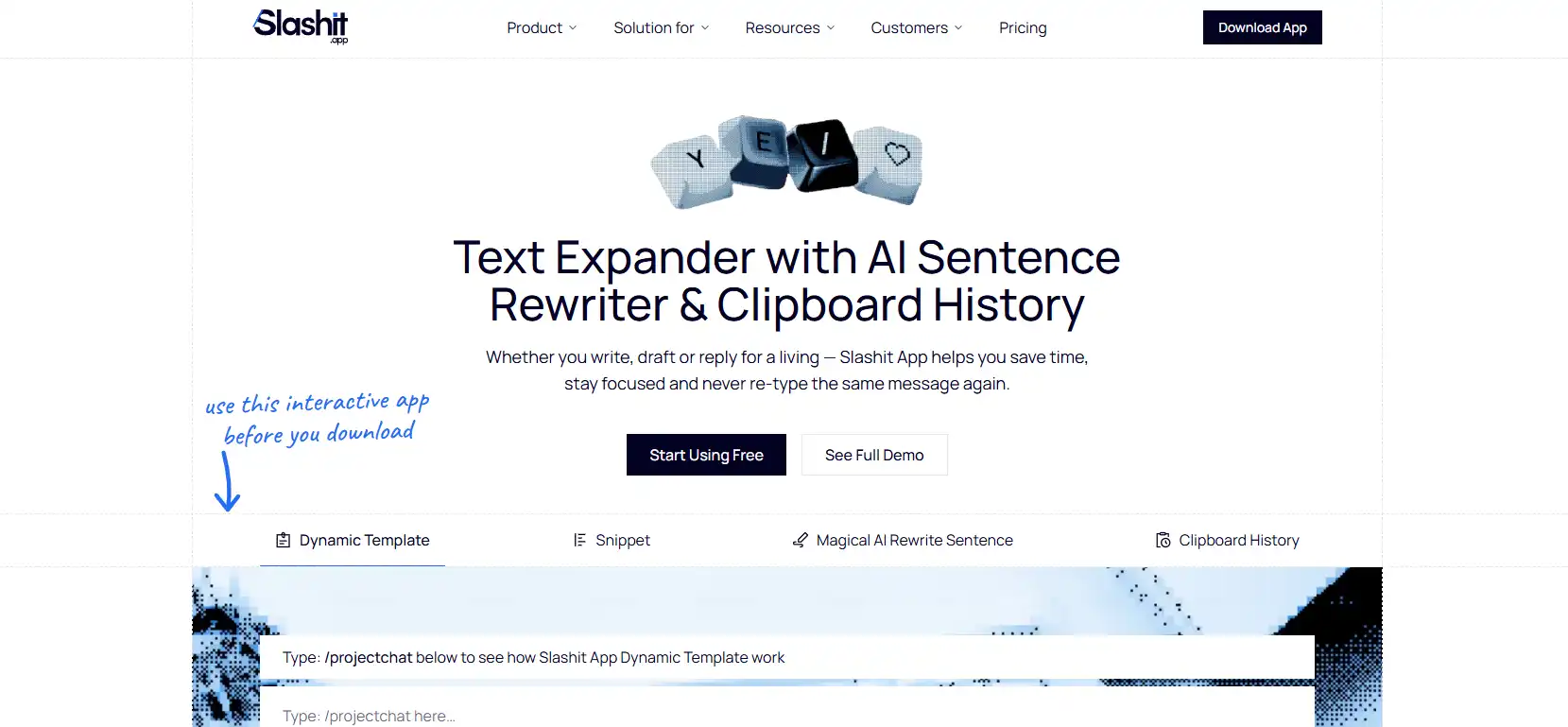
Slashit App is a text expander and AI rewriter that turns your most-used messages into short triggers, so you stop typing the same 1:1 agendas, status updates, and feedback notes from scratch every week.
If Slack handles where you talk to your team and Asana handles what needs doing, Slashit handles how fast you can actually write to your team, and that’s the piece most productivity lists leave out entirely.
Here’s how it plays out in practice. Type /1on1 and your standard meeting agenda drops in, ready for you to fill in the two or three details that changed since last week. Type /status and your leadership update format appears instantly, instead of you rebuilding it from a blank message every Monday.
Beyond basic snippets, Slashit lets you build dynamic templates with placeholders for things like a report’s name, project, or growth area. You fill in the blanks as the snippet expands, so every piece of feedback reads personal instead of copy-pasted, even though you built it once and reuse it dozens of times.
The part managers tend to lean on most is the AI rewriter. Draft a piece of feedback that came out blunter than you meant, highlight it, hit your hotkey, and choose “soften the tone” or “make it more constructive.”
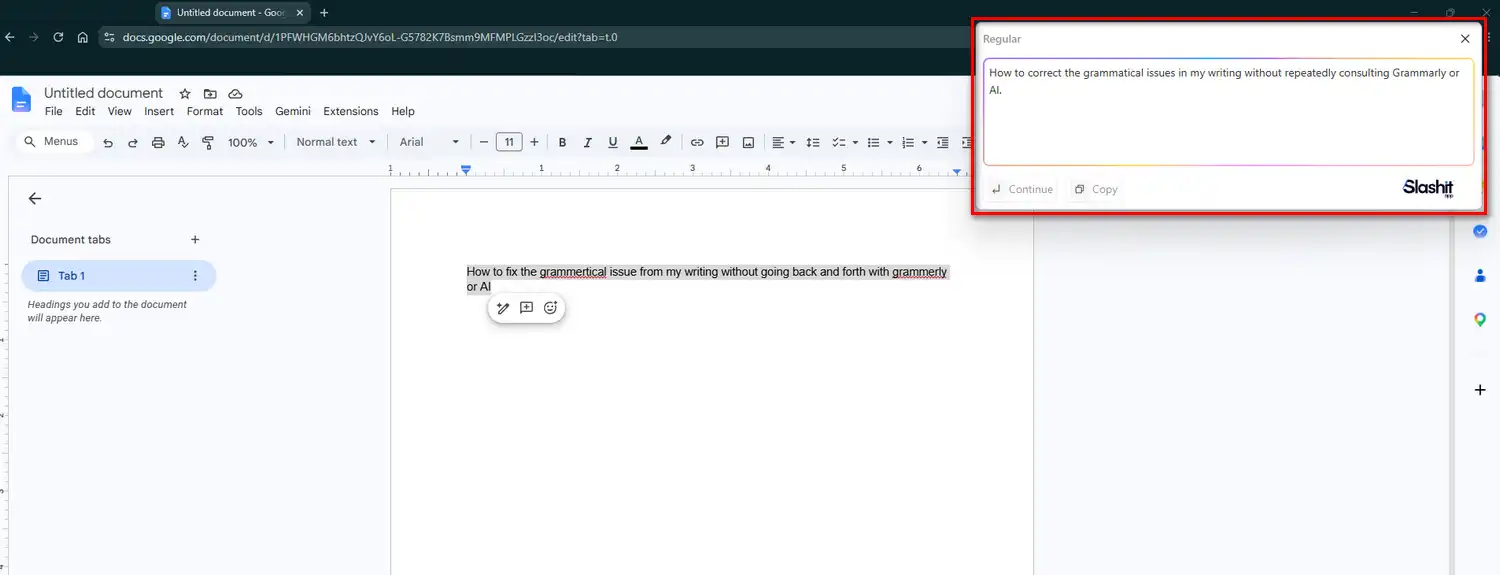
Slashit rewrites it right where you typed it, without you switching to a separate AI chat window and losing your train of thought. One engineering manager described going from dreading Monday’s round of typing to finishing it all in twenty minutes with a clear head.
There’s also a built-in clipboard history, so the ticket link, quote, or file URL you copied ten minutes ago is still one paste away instead of lost in your clipboard’s short memory.
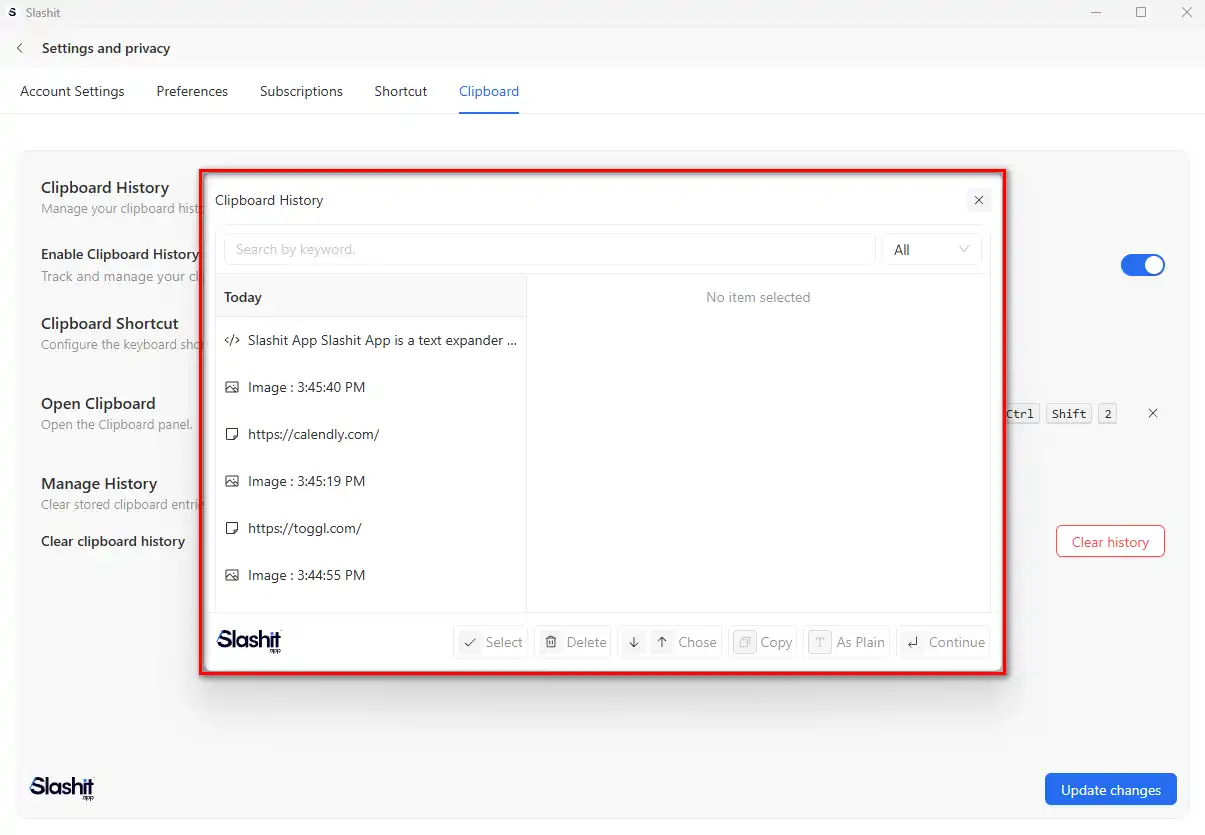
None of this needs a new app to babysit. Slashit works directly inside Slack, Gmail, Notion, Jira, and Google Docs, so your templates travel with you instead of living in a separate tool you have to remember to open.
Task boards organize the work. Slashit App cuts the time it takes to actually write about it, and that combination is what most “best tools for managers” lists miss.
Slack
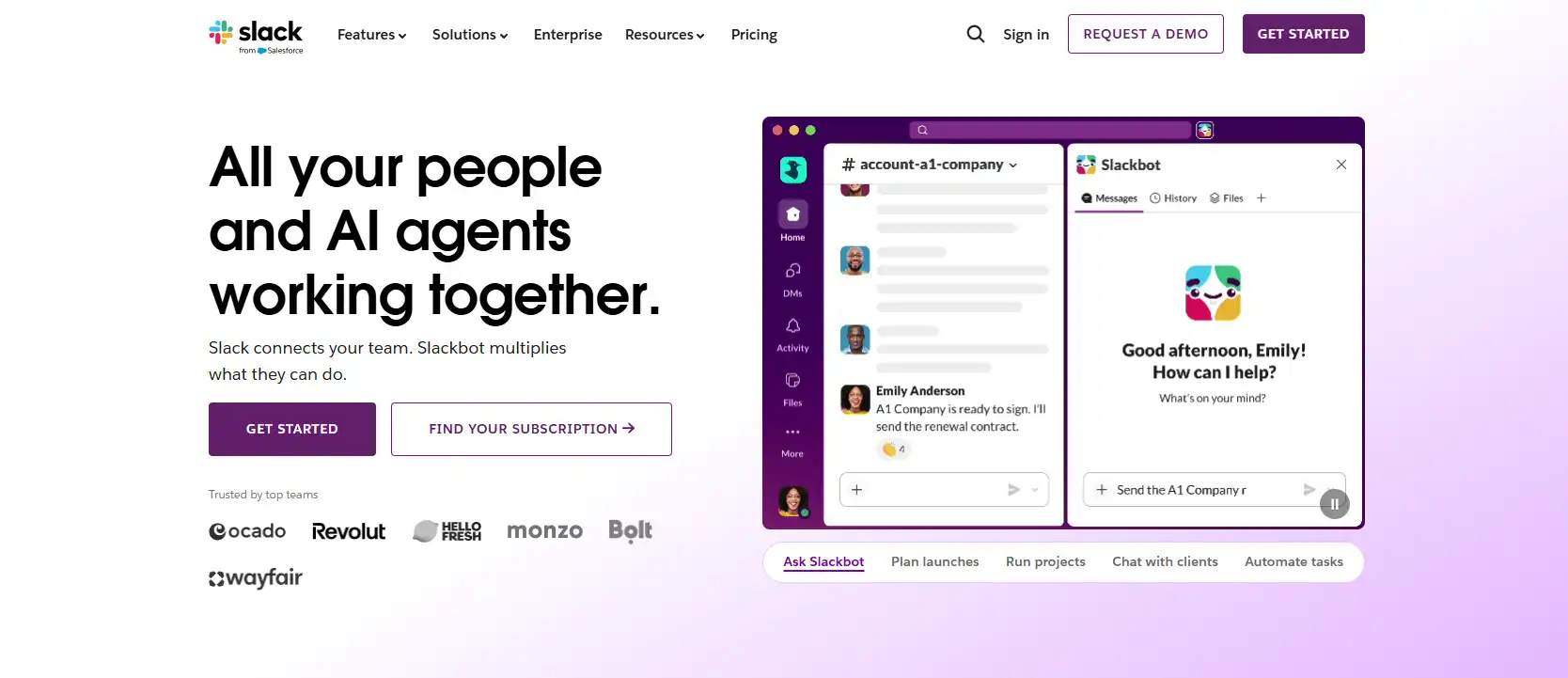
Slack replaced most internal email with searchable channels and instant messages. For managers, it’s usually where the daily “what’s blocking you” and “quick question” conversations happen.
It has a solid free plan, with paid tiers starting around $8.75 per user per month. The tradeoff is that fast-moving channels can bury important updates if you’re not disciplined about pinning and threading.
Loom
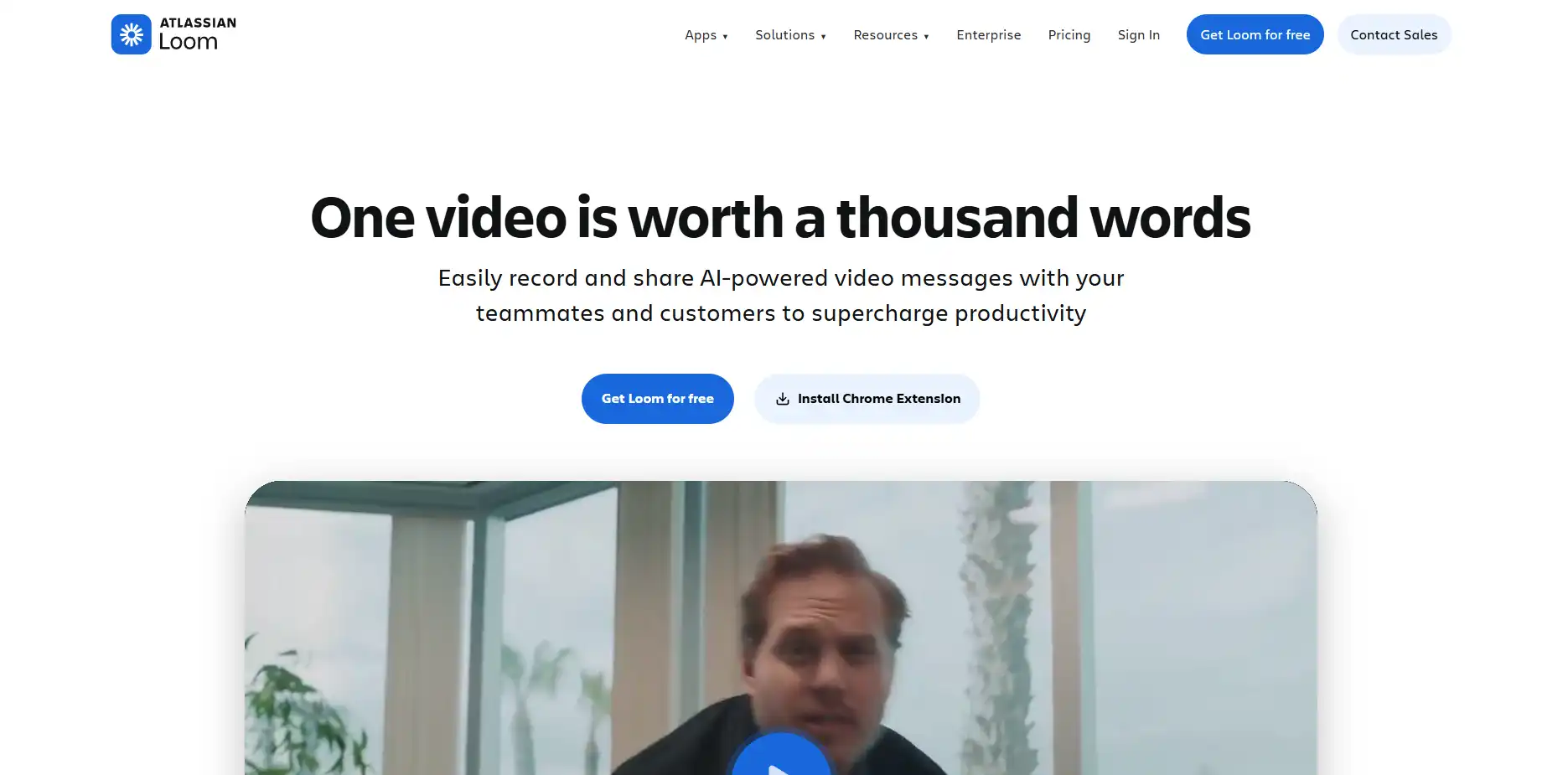
Loom lets you record a short video instead of scheduling a meeting or writing a long explanation. For managers explaining a process or giving context on a decision, a two-minute video often lands better than three paragraphs of text.
Paid plans start around $12.50 per month after a limited free tier. It’s most useful for async updates to distributed teams working across time zones.
Otter.ai
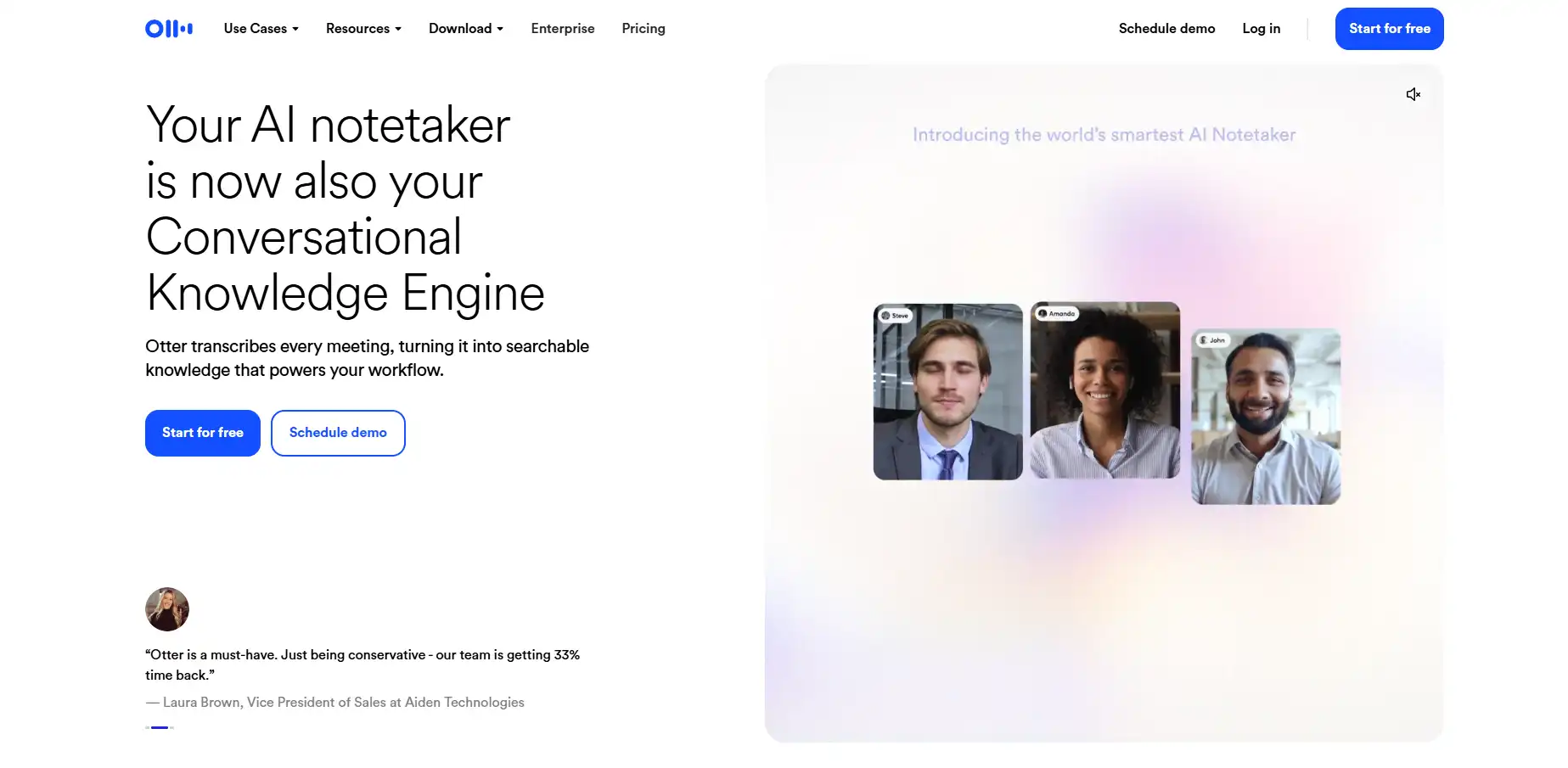
Otter.ai transcribes and summarizes meetings automatically, so you’re not relying on memory or scattered notes for what got decided. That’s especially handy after back-to-back 1:1s, when details blur together fast.
A free plan covers light use, and paid plans start around $8.33 per month. Managers who run a lot of meetings tend to get the most value here.
Best Time Tracking and Scheduling Tools for Managers
Toggl Track and Calendly solve two different scheduling headaches: knowing where hours actually go, and killing the back-and-forth of finding a meeting time. Both matter more than they get credit for, especially once your calendar starts filling up with other people’s requests.
Toggl Track
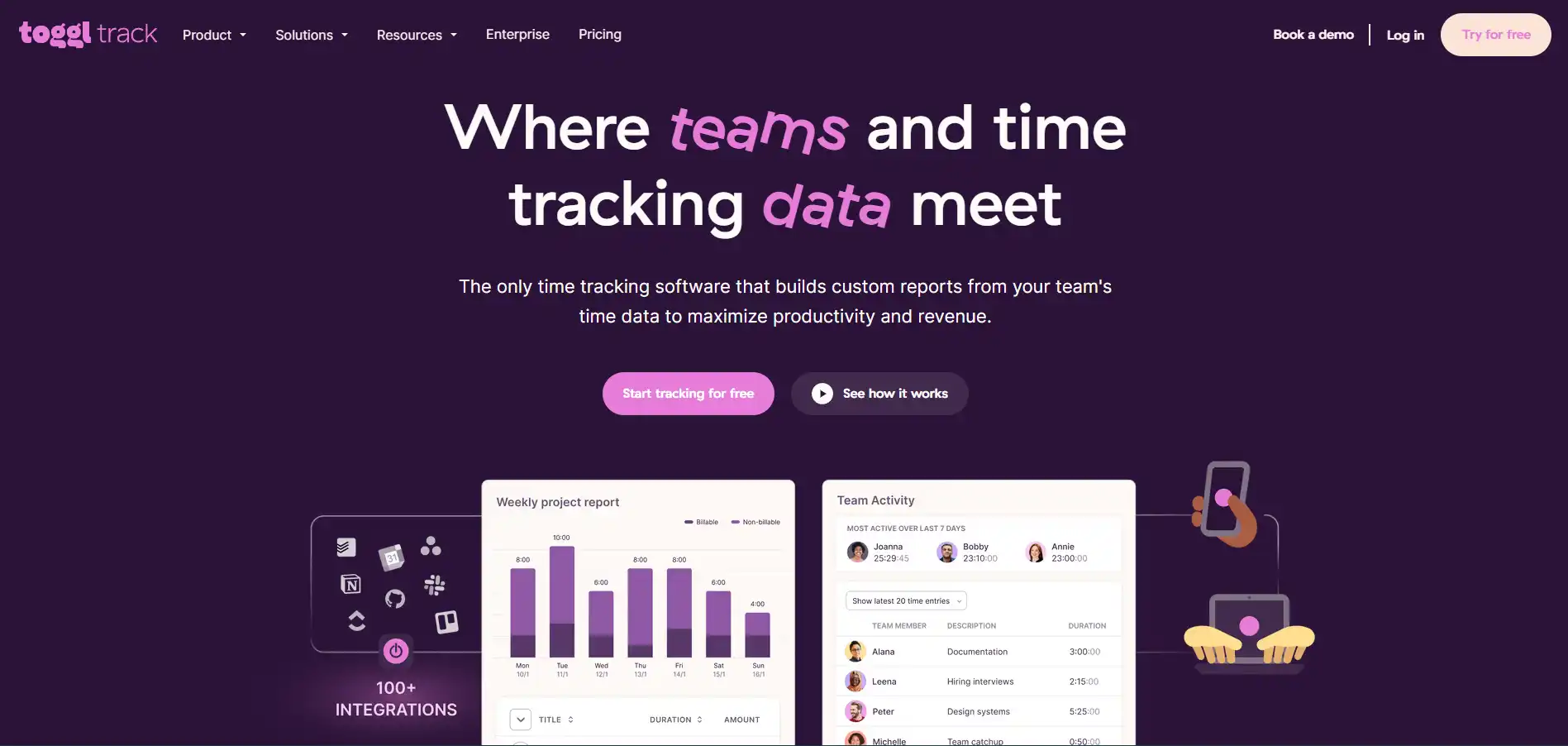
Toggl Track shows you exactly where your team’s hours are going, project by project, task by task. For managers reporting up to leadership, that kind of clear, exportable data saves you from guessing during budget or capacity conversations.
The free plan covers solo tracking, and paid plans start around $9 per user per month. Its browser extension means most people barely notice they’re tracking time at all.
Calendly
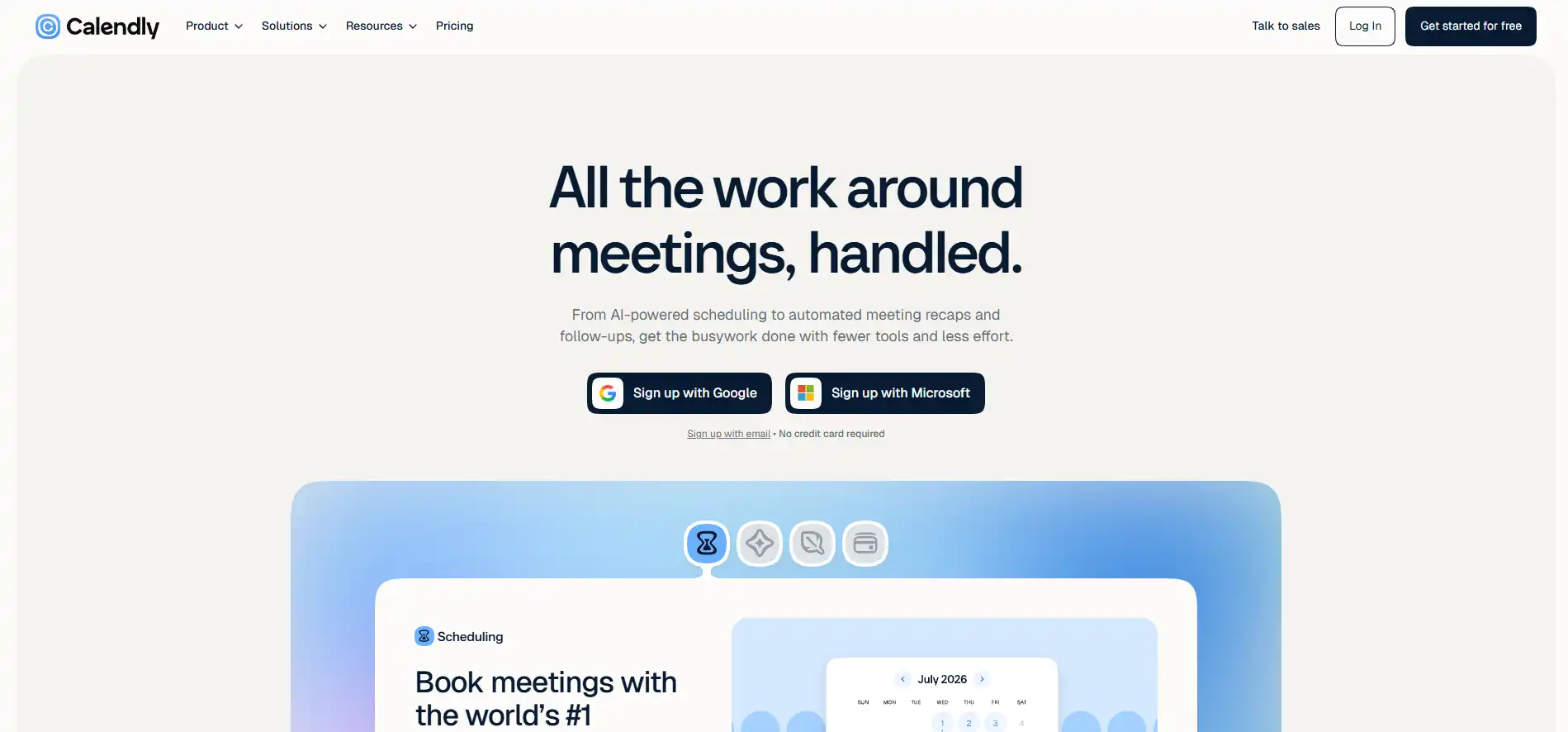
Calendly removes the “does Tuesday at 2pm work for you” email chain by letting people book time based on your real availability. For managers juggling 1:1s, interviews, and cross-team syncs, that alone can reclaim a meaningful chunk of the week.
A free plan handles basic scheduling, with paid tiers starting around $10 per month. Round-robin scheduling is particularly useful if you’re distributing interviews or client calls across a team.
Productivity Tools for Managers at a Glance
The table below summarizes what each tool is best for and roughly what it costs, so you can compare options without re-reading every section.
| Tool | Category | Best For | Starting Price |
|---|---|---|---|
| Asana | Task management | Clear task ownership | Free, paid from $10.99/user/mo |
| ClickUp | Task management | All-in-one project views | Free, paid from ~$10/user/mo |
| Trello | Task management | Visual, simple boards | Free, paid from ~$5/user/mo |
| Slack | Communication | Team messaging | Free, paid from ~$8.75/user/mo |
| Loom | Communication | Async video updates | Free, paid from ~$12.50/mo |
| Otter.ai | Communication | Meeting transcription | Free, paid from ~$8.33/mo |
| Slashit App | Writing & communication | Cutting repetitive typing | Free, paid from $5/mo |
| Toggl Track | Time tracking | Hours by project | Free, paid from ~$9/user/mo |
| Calendly | Scheduling | Removing scheduling back-and-forth | Free, paid from ~$10/mo |
Pricing changes over time, so it’s worth checking each tool’s current page before you commit to a paid plan.
How to Build a Productivity Stack That Actually Sticks
Pick two or three tools that solve your biggest bottleneck, not one tool from every category on this list. Stacking apps for the sake of coverage usually backfires, because every extra login is one more thing your team has to remember and adopt.
Start with whichever gap costs you the most hours right now. If your team’s work is scattered and nobody knows what’s due, a task manager like Asana or ClickUp comes first.
If your calendar is the problem, Calendly earns its spot. And if you’re the one drowning in repetitive typing every single day, that’s exactly the gap Slashit App was built to close, and it pairs naturally with whatever task or chat tool you’re already using.
That said, don’t roll out three new tools in the same week. Introduce one, give your team two weeks to build the habit, then layer in the next. Consistency beats speed here, and a tool your team actually uses beats a perfect stack nobody opens.
Frequently Asked Questions
What are the best productivity tools for managers?
The best productivity tools for managers cover four areas: task management (Asana, ClickUp, Trello), team communication (Slack, Loom, Otter.ai), daily writing (Slashit App), and time or scheduling (Toggl Track, Calendly). Most managers only need two or three of these, chosen around their biggest bottleneck.
How can managers save time on daily communication?
Managers save the most time by turning repeated messages, like 1:1 agendas, status updates, and feedback notes, into reusable templates instead of writing them from scratch each time. A text expander like Slashit App handles this directly, while an AI rewriter can quickly adjust tone on anything you’ve already drafted.
Do productivity tools really improve team performance?
Yes, when they remove a genuine bottleneck rather than adding complexity. A task manager that clarifies ownership, or a template system that speeds up feedback and onboarding, gives managers more time for actual coaching instead of admin work. The gain comes from time reclaimed, not from the tool itself.
What is the best free productivity tool for managers?
Trello, Slack, and Slashit App all offer usable free plans that cover the basics without a credit card. Trello’s free tier suits simple task boards, Slack’s free plan handles small-team messaging, and Slashit’s free plan covers core snippets and its AI rewriter, which is often enough for a manager to test the workflow before upgrading.
Is it worth paying for productivity tools as a manager?
Often, yes, once a free plan’s limits start slowing you down. Most of the tools on this list, including Slashit’s pricing, keep paid plans affordable relative to the hours they save each week. The better question isn’t whether to pay, but whether the specific bottleneck you’re solving is worth a few dollars a month to fix.
Final Thoughts
Managers don’t need more apps. They need fewer hours lost to work that shouldn’t take this long in the first place. Task boards and chat tools solve the visibility problem. Time tracking and scheduling tools solve the calendar problem.
However, the daily grind of retyping messages, agendas, and feedback rarely gets its own solution, even though it quietly eats more of your week than any meeting does.
That’s the gap worth closing first. See how Slashit App works for managers and start your first snippet library today.
// more articles
 Product
 Does ClickUp Have a Text Expander? What to Know
ClickUp doesn't have a native text expander. See its built-in template tools, where they fall short, and the best alternatives that work everywhere you type.
 Productivity
 10 Best Grammarly Alternatives in 2026: Free and Paid
Comparing the best Grammarly alternatives for 2026 by price, AI customization, and use case, so you can find the right fit fast and skip the guesswork.
 Productivity
 Text Expander for Founders: Save Hours Every Week
A text expander for founders turns investor updates, cold outreach, and hiring replies into one hotkey. Compare tools, get templates, and set up in minutes.

// blog updates
