Best Cross-Platform Text Expander in 2026: Top 7 Tools for Mac and Windows


Founder & CEO, Slashit App
Here is the straightforward answer: Slashit App is the best overall cross-platform text expander in 2026. It combines lightning-fast slash command text expansion, dynamic templates with custom placeholders, an inline AI sentence rewriter, and a searchable clipboard history manager into a single app for Mac and Windows.
If you type the same messages, emails, or code snippets every single day, relying on manual typing wastes hours every week. A dedicated text expander eliminates repetitive keystrokes, speeds up your workflow, and keeps your communication consistent across every desktop application.
Side-by-Side Feature Comparison Matrix
Here is how the top seven cross-platform text expanders compare across core features, operating systems, and pricing models in 2026.
| Tool | Supported Platforms | Standout Feature | Free Plan / Trial | Starting Price |
|---|---|---|---|---|
| Slashit App | macOS, Windows | AI Rewriter + Clipboard History + Snippets | Permanent Free Plan | $5/month or $54/year |
| Typedesk | macOS, Windows, Web, iOS, Android | Multi-platform team snippet sharing | Free trial | $5/user/month |
| TextExpander | macOS, Windows, Chrome, iOS | Legacy enterprise snippet management | 30-day free trial | $3.33/user/month |
| Lightning Assist | macOS, Windows | Prompt-based auto-completion | Free tier available | $4.99/month |
| PhraseExpress | macOS, Windows, iOS | Enterprise macro script automation | Limited free version | $49.95 one-time |
| Espanso | macOS, Windows, Linux | Open-source YAML code snippets | Completely free | Open-source |
| Magical | Web Browsers (Chrome, Edge) | In-browser CRM data auto-filling | Free tier available | $6.50/month |
What Makes a Great Cross-Platform Text Expander in 2026?
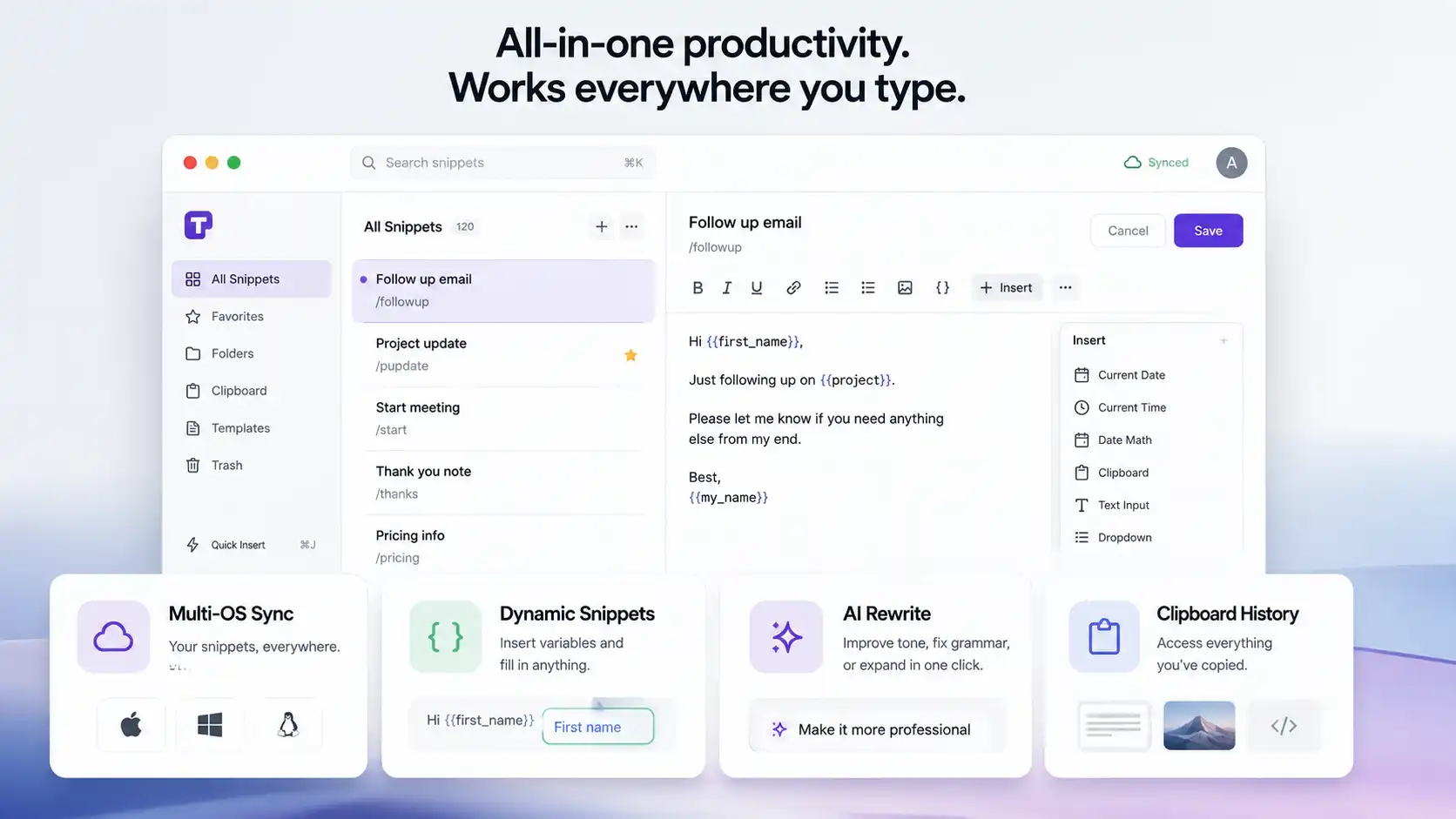
A great cross-platform text expander must work everywhere you type without forcing you to switch tabs or manage multiple subscriptions. It should bridge operating systems smoothly, support dynamic variables, integrate artificial intelligence natively, and offer secondary productivity tools like clipboard management.
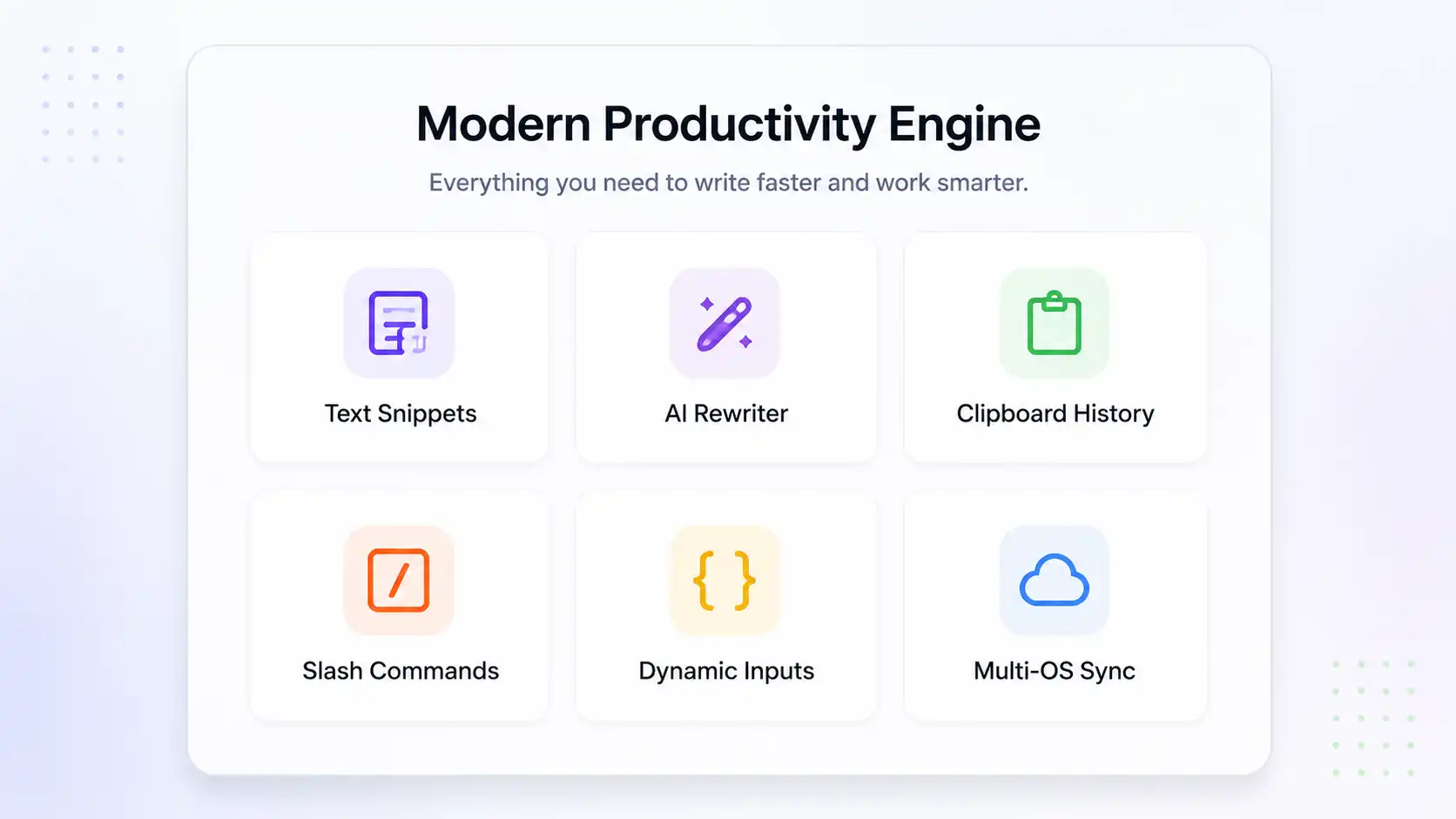
Seamless Multi-OS Synchronization
Your snippet library must follow you everywhere. Whether you jump from a MacBook Pro at your desk to a Windows desktop in your office, your custom triggers need to expand instantly without sync errors or missing placeholders.
Dynamic Snippets and Contextual Placeholders
Static text expansion is no longer enough for complex workflows. Modern text expanders allow you to insert dynamic variables like current dates, time math, text inputs, dropdown menus, and custom form fields on the fly.
Built-In AI Assistance and Rewriting
AI capabilities are now essential for modern writing tools. The best apps let you highlight any text, press a hotkey, and instantly adjust tone, summarize text, or expand a rough draft directly inside Slack, Gmail, or Notion.
Integrated Utilities like Clipboard History
Toggling between a text expander, a separate clipboard manager, and a web-based AI chat window creates friction. Consolidating search history, image clips, and snippets into one app keeps your system fast and clutter-free.
Detailed Reviews: Top Cross-Platform Text Expanders Compared
Selecting the right tool comes down to your personal workflow, budget, and platform setup. Here is a deep look at the top seven text expansion tools available in 2026.
1. Slashit App: Best Overall AI Text Expander for Mac and Windows
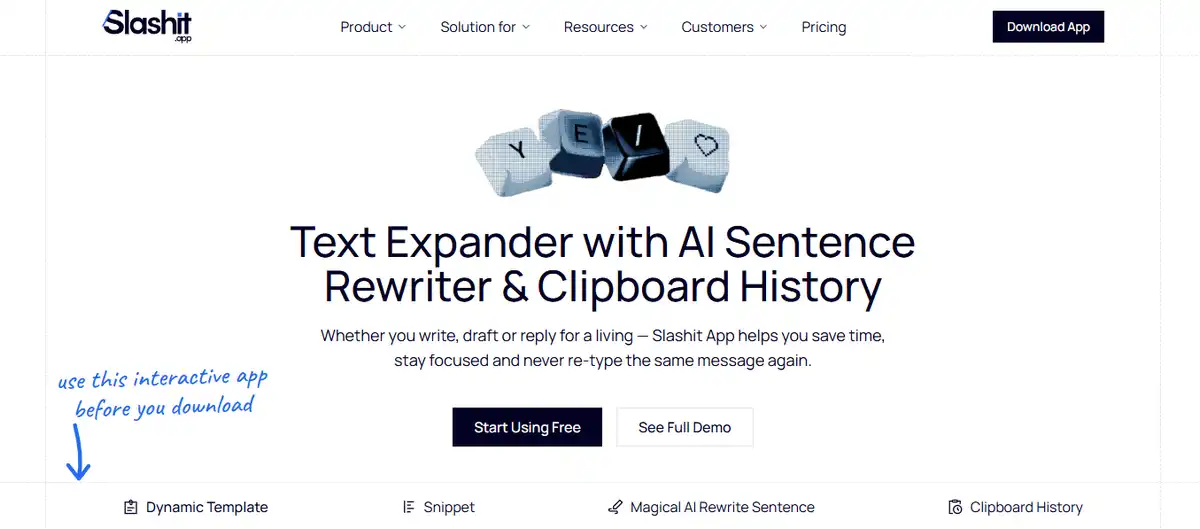
Slashit App is the most complete cross-platform text expander available today. It merges trigger-based slash commands, dynamic variable templates, an inline AI sentence rewriter, and a searchable clipboard history manager into one seamless desktop application for Mac and Windows.
You know that feeling when a customer asks a familiar question for the tenth time today? You open your notes app, search for the old reply, copy it, switch tabs, paste it, and edit the name. That little dance costs you several minutes every single time.
With Slashit App, you simply type /reply inside Gmail, Slack, Intercom, or Zendesk. A clean popup lets you drop in the customer name and order number, and your perfectly written response lands on the screen in a fraction of a second.
You type: /reply
│
▼
Slashit: [ Fill Placeholder: “Customer Name” ]
│
▼
Output: “Hi Sarah! Thanks for reaching out. Your order…”
What truly sets Slashit App apart from legacy tools is its Magical AI Rewriter hotkey. If you write a quick email draft that sounds a bit too harsh or blunt, you do not need to open ChatGPT in a browser tab.
Just highlight your text, trigger the Slashit hotkey, and transform the tone instantly making it more professional, friendly, or concise right inside your active window. Combine that with a full searchable clipboard history that saves your copied links, images, and text snippets, and Slashit App replaces three separate paid tools at once.
Key Strengths: Native Mac and Windows support, slash command expansion, inline AI rewriter, built-in clipboard history, dynamic templates with custom form fields.
Best For: Freelancers, founders, customer support teams, sales pros, marketers, and developers who want an all-in-one productivity engine.
Pricing: Permanent free tier available. Premium plans start at just $5 per month or $54 billed annually.
2. Typedesk: Best for Team Collaboration and Shared Templates
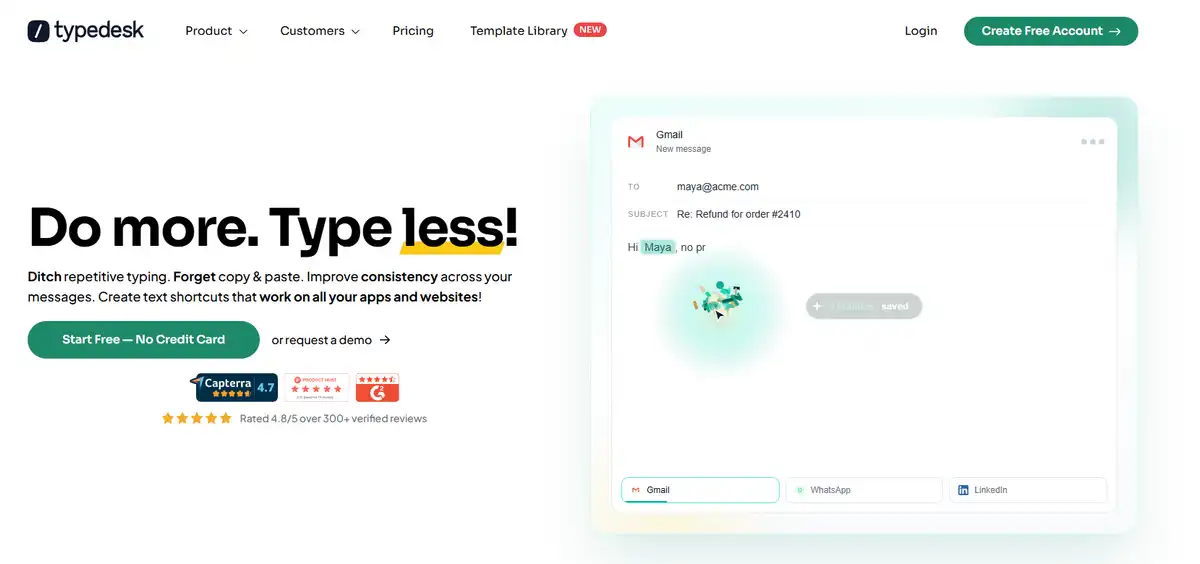
Typedesk is a solid text expander built specifically for team collaboration across multiple operating systems. It lets teams store, organize, and share snippet libraries with granular permissions, making it great for customer support departments.
If you run an agency or manage a growing support desk, keeping everyone on the same page is tough. Typedesk solves this by letting admins push updated canned responses to every team member simultaneously. Its app works on macOS, Windows, web browsers, iOS, and Android.
The editor includes fill-in-the-blank forms, dynamic variables, and custom drop-down selectors. While it lacks built-in clipboard history and native AI hotkeys like Slashit App, its organizational folder system works well for large corporate teams.
Key Strengths: Cross-platform availability, multi-user snippet sharing, role-based folder permissions.
Best For: Customer success teams and agencies needing centralized message templates.
Pricing: Offers a limited free trial, with paid plans starting at $5 per user monthly.
3. TextExpander: The Industry Legacy Tool
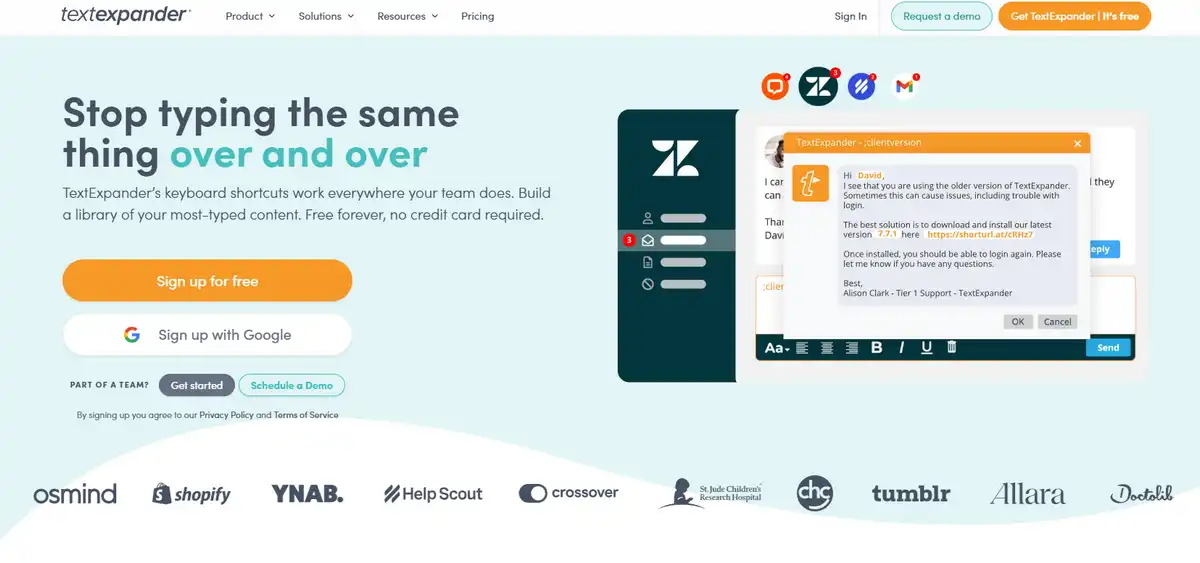
TextExpander remains one of the most recognized snippet managers for corporate power users. It offers advanced nested snippets, team statistics, and deep variable customization for macOS and Windows.
TextExpander pioneered shortcut expansion over a decade ago. It excels at complex syntax, optional text blocks, and tracking how many hours your team saves each month. For large enterprises with established setups, it provides reliable cloud syncing.
However, TextExpander feels dated compared to newer tools. It forces you into a monthly per-user subscription without offering a permanent free tier. It also lacks an integrated clipboard manager and direct inline AI rewriting, meaning you still need extra apps for full desktop productivity.
Key Strengths: Detailed usage analytics, advanced nested triggers, long industry track record.
Best For: Enterprise companies already locked into the TextExpander ecosystem.
Pricing: No free plan available (30-day trial only). Individual plans start at $3.33 per month billed annually, while team plans run $8.33 per user monthly.
4. Lightning Assist: Best for AI-Driven Response Automation
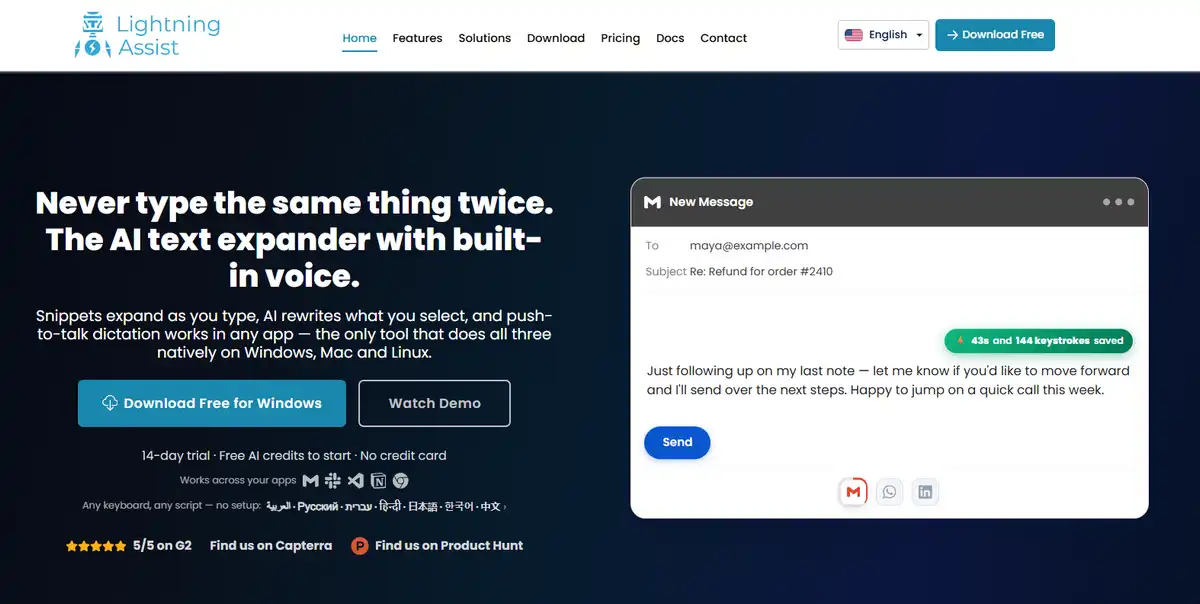
Lightning Assist focuses on prompt-driven auto-completion across Mac and Windows desktops. It targets users who want generative AI to write full paragraphs from brief user prompts.
Instead of only expanding short static codes, Lightning Assist uses contextual AI prompts to draft emails and documents. You type a rough command, and the tool generates complete sentences based on your stored instructions.
It works nicely for users who draft long-form content or cold outreach. On the downside, its classic text expansion features and shortcut triggers are less polished than dedicated snippet managers, and it does not include clipboard tracking.
Key Strengths: Fast AI text generation, custom prompt triggers, desktop support.
Best For: Sales reps and outreach specialists doing heavy cold emailing.
Pricing: Free tier with basic generations; paid tiers start around $4.99 per month.
5. PhraseExpress: Best for Enterprise Macro Automation
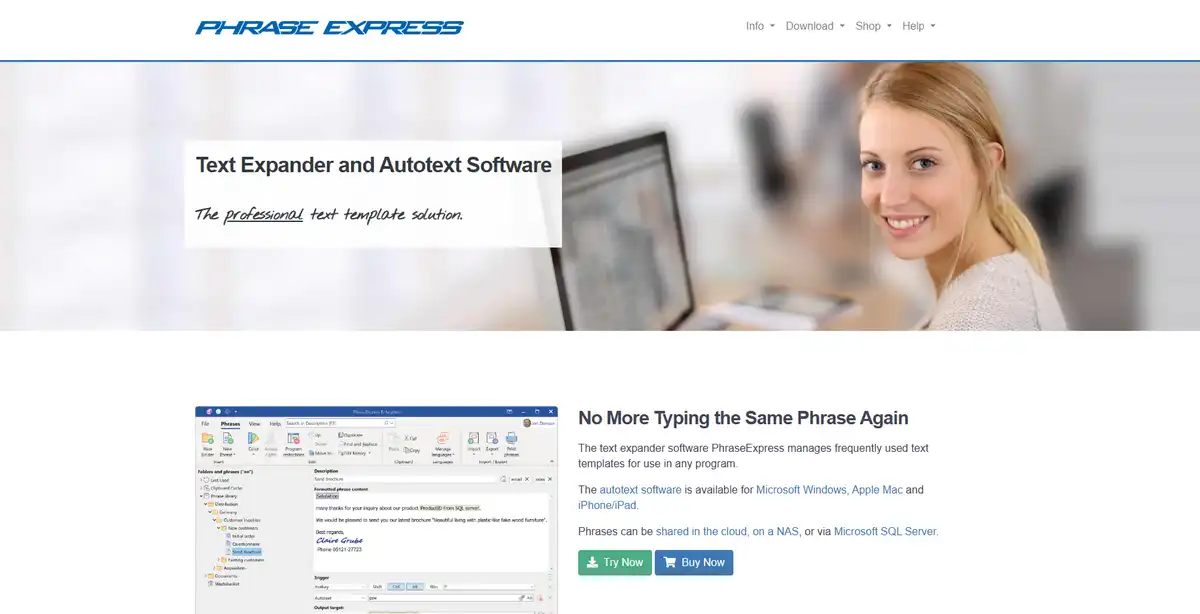
PhraseExpress is a heavy-duty macro launcher and text expander built for technical power users. It goes far beyond text snippets by launching applications, executing scripts, and connecting to SQL databases.
Imagine needing a shortcut that grabs data from an internal database, formats it into a table, and inserts it into a local document. PhraseExpress handles these complex workflows easily. It supports Windows, macOS, and iOS with enterprise-grade data encryption.
The trade-off is a steep learning curve and a visual design that feels like early 2000s enterprise software. It is overly complex for users who simply want fast text expansion, clean templates, or quick AI rewrites.
Key Strengths: Advanced macro automation, SQL database integration, offline local security.
Best For: System administrators, medical coders, and legal professionals needing secure automation.
Pricing: Perpetual license model starting around $49.95 per user, plus optional upgrade maintenance fees.
6. Espanso: Best Free Open-Source Text Expander for Developers

Espanso is a free, open-source, code-based text expander that runs light on system memory. It supports Linux, macOS, and Windows through simple file-based configurations.
If you spend your entire day inside VS Code, terminal windows, or lightweight text editors, Espanso is a fantastic choice. You manage your snippets using simple YAML files, allowing you to track your trigger library using Git repositories.
Because Espanso relies on code files, it lacks a visual interface. There are no graphical form builders, no built-in clipboard history panels, and no native AI tools. Non-technical users will likely find the manual setup frustrating.
Key Strengths: 100% free and open-source, extremely fast, cross-platform including Linux.
Best For: Software engineers, system admins, and technical writers comfortable with YAML.
Pricing: Completely free.
7. Magical: Best Browser-Based Expansion for Web Apps

Magical is a browser extension that handles snippet expansion and data transfers across web tabs. It lets you pull contact details from one browser tab and drop them into a web CRM without copying manually.
Magical shines if 100% of your daily work happens inside Google Chrome or Microsoft Edge. Setting up triggers is fast, and its ability to scrape basic web fields makes updating spreadsheets easy.
Its biggest flaw is that it is strictly a browser extension. If you need text expansion inside desktop software like Apple Mail, native Slack apps, Notion desktop, or Microsoft Word, Magical cannot help you.
Key Strengths: In-tab data scraping, easy browser setup, zero desktop installation needed.
Best For: Web-based sales reps and recruiters working exclusively in browser tabs.
Pricing: Free tier available; core paid features start at $6.50 per month.
How to Choose the Right Text Expander for Your Workflow
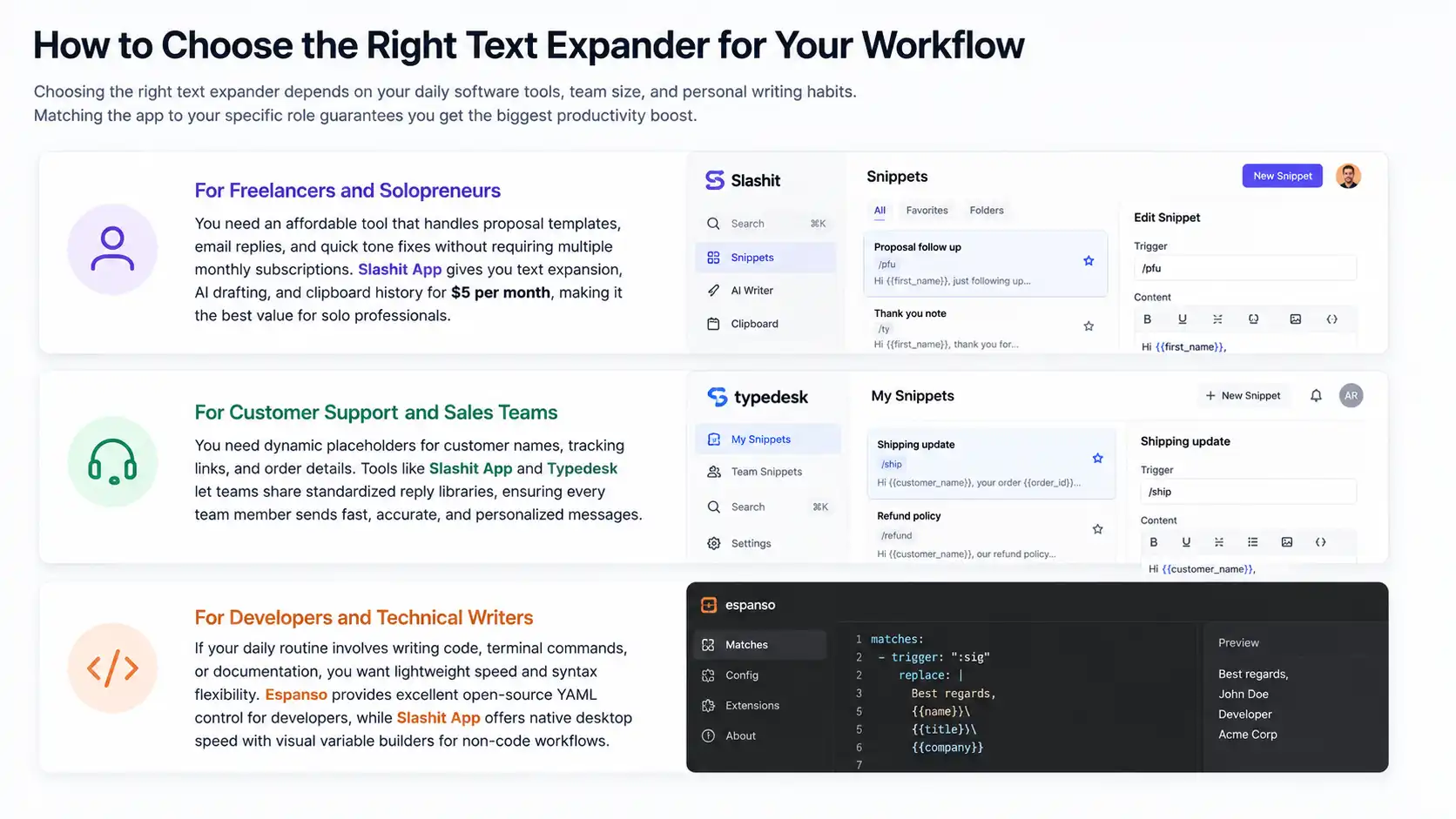
Choosing the right text expander depends on your daily software tools, team size, and personal writing habits. Matching the app to your specific role guarantees you get the biggest productivity boost.
For Freelancers and Solopreneurs
When you manage your own business, speed and cost matter. You need an affordable tool that handles proposal templates, email replies, and quick tone fixes without requiring multiple monthly subscriptions. Slashit App gives you text expansion, AI drafting, and clipboard history for $5 per month, making it the best value for solo professionals.
For Customer Support and Sales Teams
Support reps and sales agents answer the same questions every day. You need dynamic placeholders for customer names, tracking links, and order details. Tools like Slashit App and Typedesk let teams share standardized reply libraries, ensuring every team member sends fast, accurate, and personalized messages.
For Developers and Technical Writers
If your daily routine involves writing code, terminal commands, or documentation, you want lightweight speed and syntax flexibility. Espanso provides excellent open-source YAML control for developers, while Slashit App offers native desktop speed with visual variable builders for non-code workflows.
Frequently Asked Questions
What is the best free cross-platform text expander for Mac and Windows?
Slashit App is the best free cross-platform text expander for Mac and Windows. Its permanent free tier gives you trigger-based slash commands, basic templates, and a searchable clipboard history manager without requiring a credit card. Developer-focused users can also consider Espanso as a completely free, open-source alternative.
How do AI text expanders differ from traditional snippet expanders?
Traditional text expanders replace short abbreviations with static text strings or basic form fields. AI text expanders go further by letting you rewrite text in place, adjust draft tones, summarize long paragraphs, and generate contextual responses directly inside any desktop app using simple keyboard shortcuts.
Can text expanders work inside web apps like Gmail, Notion, and Intercom?
Yes, system-wide desktop text expanders work inside every web app and desktop program. Desktop applications like Slashit App, TextExpander, and Typedesk listen for your keyboard shortcuts across your operating system, meaning your triggers expand seamlessly inside Gmail, Slack, Notion, Intercom, Apple Mail, or Google Docs.
Does using a text expander impact system performance or data security?
Modern text expanders are lightweight desktop utilities designed to run quietly in the background without slowing down your computer. Privacy-focused tools encrypt your template libraries locally or over secure cloud connections, ensuring your private snippets and copied clipboard data stay safe.
Final Verdict: Which Text Expander Wins in 2026?
Slashit App is the clear winner for the best cross-platform text expander in 2026.
While legacy software like TextExpander paved the way, Slashit App provides a modern, all-in-one productivity engine that combines slash command snippets, dynamic placeholders, an inline AI sentence rewriter, and a searchable clipboard manager into one clean desktop app for Mac and Windows.
Instead of juggling three separate apps and paying triple the subscription fees, you can consolidate your entire typing workflow into a single keystroke-driven utility.
Ready to eliminate repetitive typing and reclaim hours of your work week? Download Slashit App for Mac or Windows for free today and experience the ultimate cross-platform writing assistant!
// more articles
 Productivity
 10 Best Grammarly Alternatives in 2026: Free and Paid
Comparing the best Grammarly alternatives for 2026 by price, AI customization, and use case, so you can find the right fit fast and skip the guesswork.
 Productivity
 Text Expander for Founders: Save Hours Every Week
A text expander for founders turns investor updates, cold outreach, and hiring replies into one hotkey. Compare tools, get templates, and set up in minutes.
 Productivity
 Text Expander for Managers: Stop Retyping the Same Messages
A text expander for managers turns repeated messages into instant shortcuts. See how tools like Slashit save managers hours every week.

// blog updates
