11 Agent Productivity Tools Every Support Team Lead Should Use in 2026


Founder & CEO, Slashit App
Your best agent just spent four minutes typing out the same shipping policy explanation she’s written two hundred times this month. Multiply that across your whole team and you’re looking at hours of lost time every single day, not because agents are slow, but because the tools around them make repetitive work feel unavoidable.
I’ve run support teams where this exact problem quietly ate a full day of output every week, and nobody noticed until we actually timed it. Support team leads don’t need more dashboards telling them productivity is a problem. They need a short list of tools that actually fix it. Here are 11 categories worth knowing, the specific tools inside each one, and where they fit on a real team.
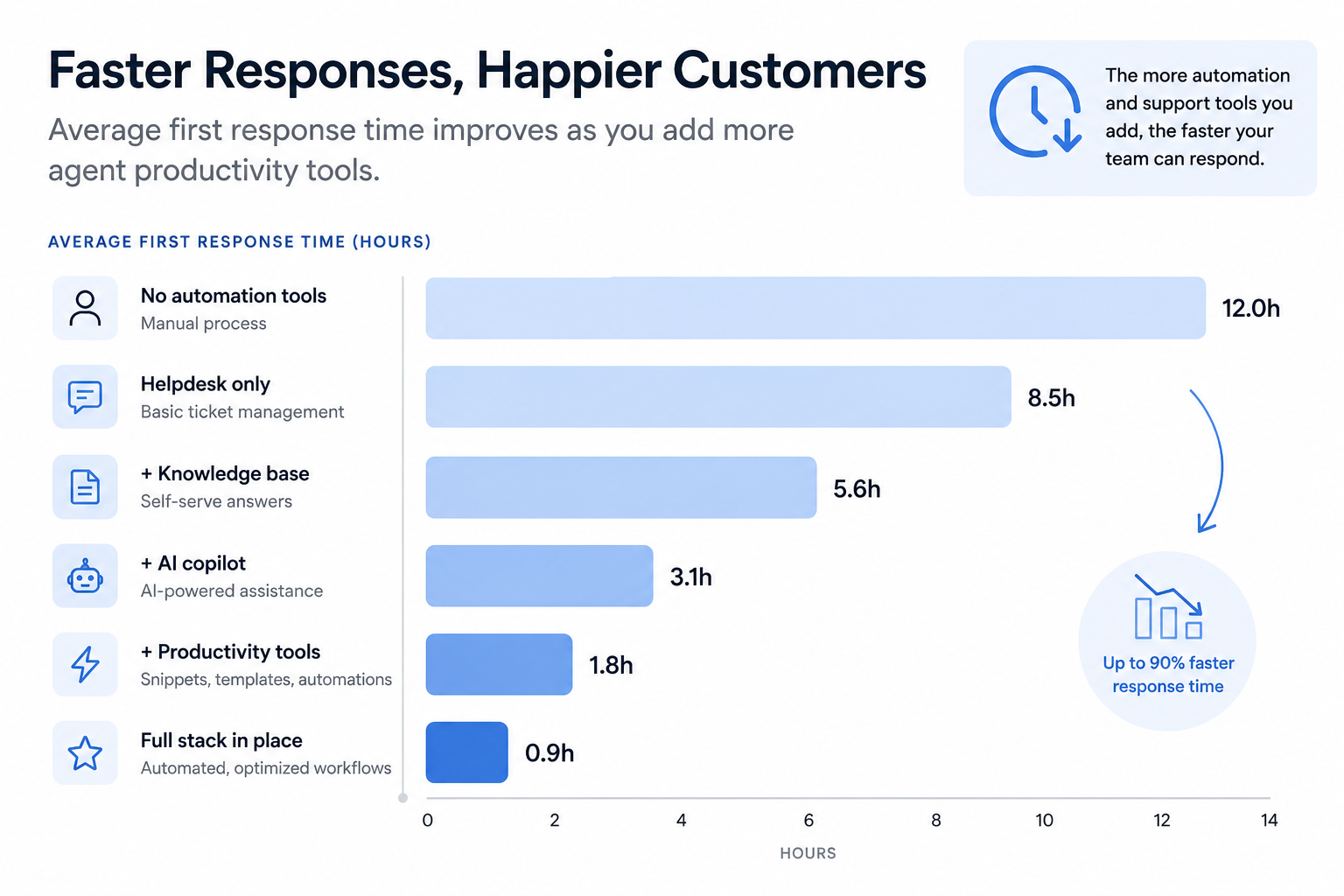
The stakes are higher than they look. Response speed is now the single biggest factor customers weigh in a support experience, ranked above resolution speed and channel availability, and satisfaction drops in an almost straight line the longer a reply takes to arrive.
Why Does Support Agent Productivity Break Down in the First Place?
Most productivity loss on a support team comes from three things: retyping answers, switching between five tabs to find one piece of context, and not knowing where the bottlenecks actually are. None of that is a motivation problem.
An agent who has to search old tickets for the return policy wording, paste it into a reply, then tweak the tone so it doesn’t sound copy-pasted, has already burned two or three minutes on a question they’ve answered all week. Do that fifty times a day across a ten-person team and you’ve lost an entire agent’s worth of output to typing and searching alone.
Team leads usually notice the symptom first: rising response times, agents staying late, CSAT slipping during busy weeks. The fix isn’t a pep talk. It’s removing the friction between “I know the answer” and “the customer has the answer.”
That friction shows up directly in the numbers. Support ticket volume is up sharply over the past few years while teams juggle more channels than ever, and a majority of support teams report being understaffed for the volume they’re actually handling.
What Should You Look for in Support Team Productivity Tools?
The right tools reduce clicks per ticket, keep context in one place and get agents productive within days, not months. That’s the entire filter. Anything that takes a quarter to roll out or needs a dedicated admin just to maintain isn’t a productivity tool, it’s a project.
A few things worth checking before you commit to anything on this list:
- Setup time. If it takes more than a week to see agents actually using it, adoption will stall.
- Works across channels. Email, chat and social should all benefit, not just one inbox.
- Reporting that means something. Ticket counts alone don’t tell you where time is going. Look for response time and resolution time by agent.
- Agents actually like using it. Tools that get bypassed within a month were never really adopted.
What Are the Best Canned Response, Macro and Text Expansion Tools?
Canned responses inside your helpdesk save time until every reply starts sounding like it came from the same robot, which is exactly where a text expander with AI rewrite built in earns its place.
Slashit
Slashit is a text expander with an AI sentence rewriter and clipboard history built in, and it works inside any app an agent types into, including Zendesk, Intercom, Gmail and Slack, without needing an integration.
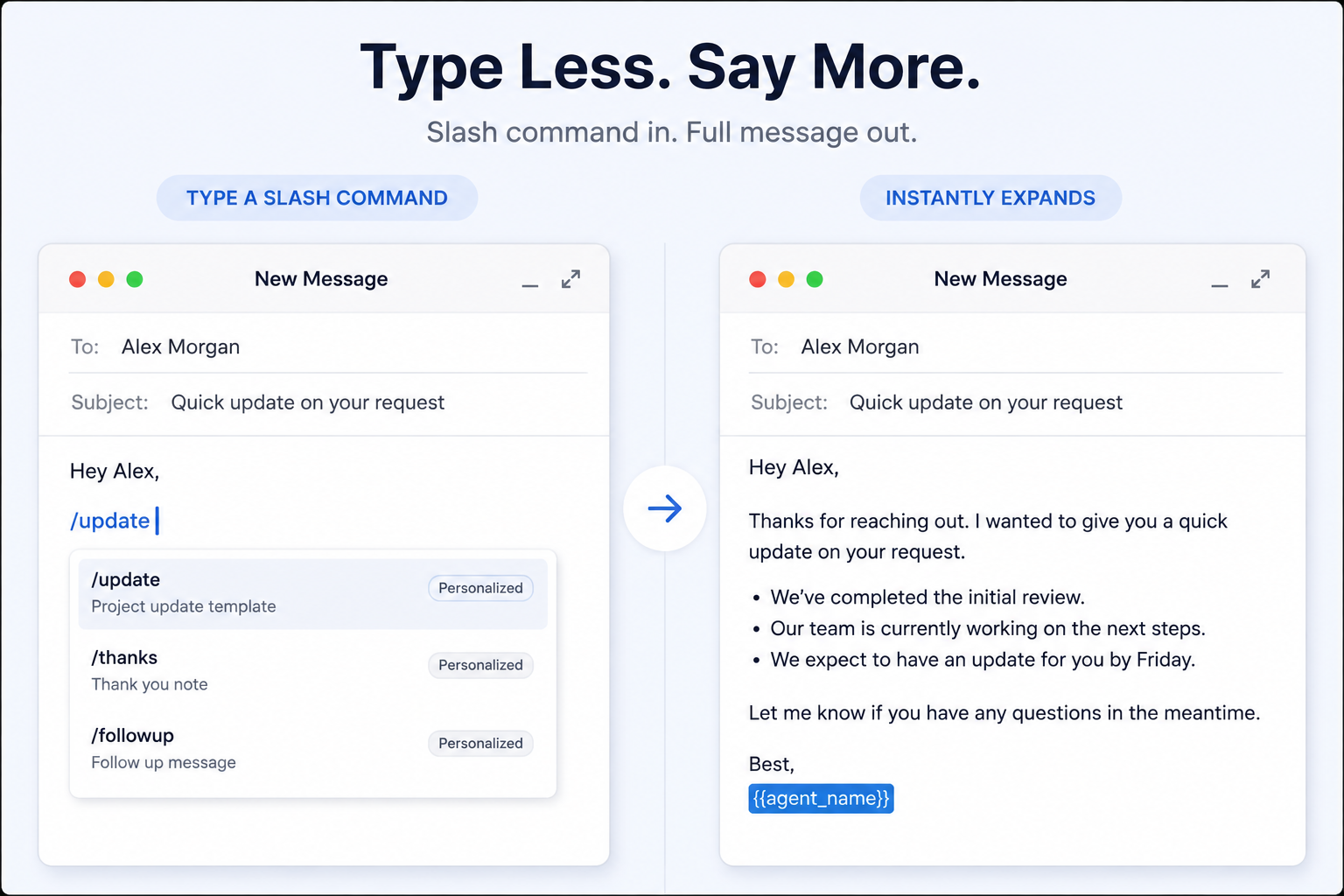
The first time I set this up for a support team, the win wasn’t the typing speed. It was watching an agent pull up a dynamic template with the customer’s name and order number already filled in, instead of hunting through the ticket to copy them over by hand. What used to take four minutes of typing and checking became a five-second slash command.
Where it earns its place over a plain macro is the AI rewrite step. An agent can run the same base template through a hotkey and get a version that doesn’t read like the last fifty replies that customer has seen from your team, without opening a separate AI tab and losing their place in the ticket.
The clipboard history turned out to be the feature agents mentioned most in feedback. Being able to grab an order number, ticket ID or address from three copies back without hunting through old tabs saves exactly the kind of small, constant friction that adds up across a shift. It’s covered in more depth in our roundup of the best text expander tools of 2026.
Built-in Helpdesk Macros
Most helpdesks, including Zendesk and Freshdesk, ship with macros: pre-written replies you can drop into a ticket with one click. They’re fast but rigid. Every agent sends the exact same wording, and updating a macro across a team usually means digging through an admin panel.
TextExpander
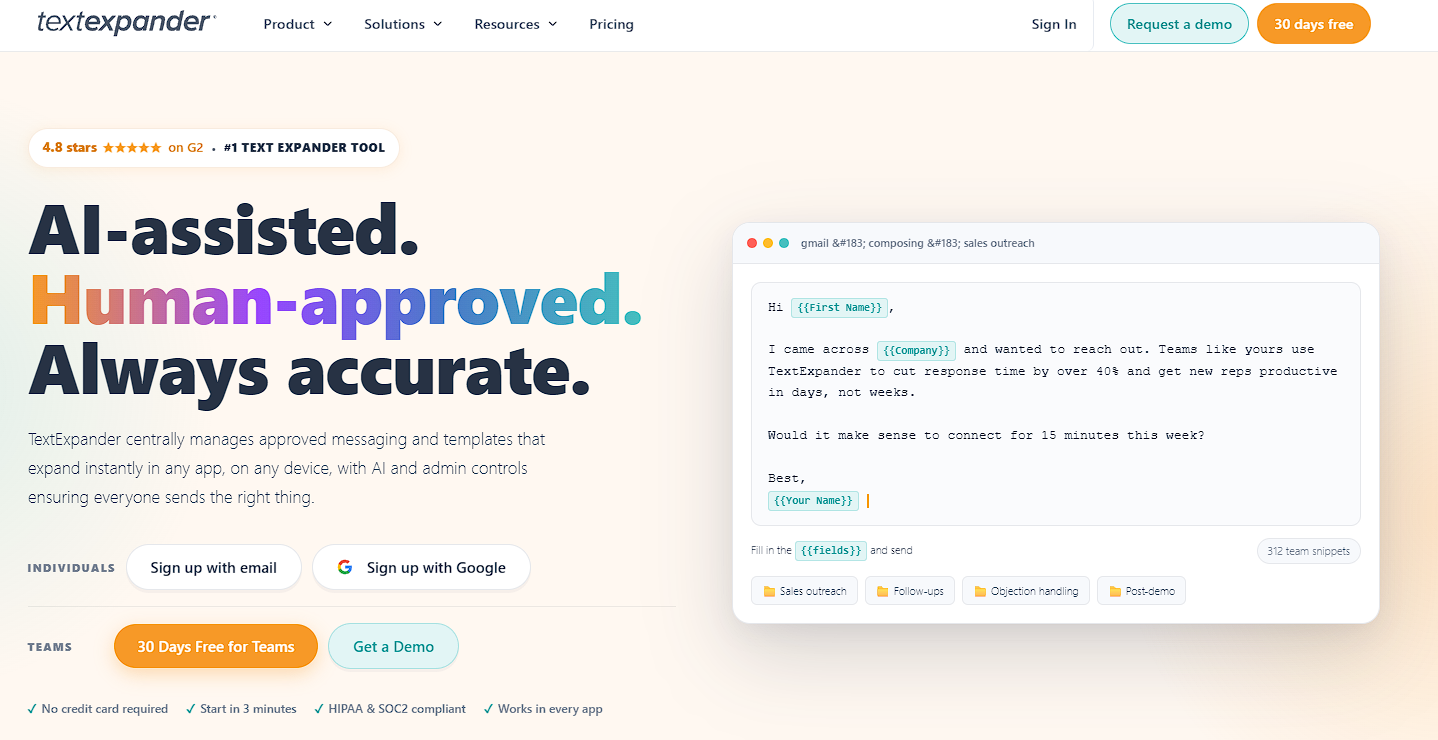
TextExpander is the long-standing name in this category, with strong snippet management and fill-in fields. It doesn’t include an AI rewrite step or clipboard history, so agents still need a separate tool if they want to vary tone or manage copied content, but for straightforward snippet libraries it’s a dependable pick.
What Are the Best Helpdesk and Ticketing Platforms for Support Teams?
Helpdesk software is the backbone every other tool on this list plugs into, since it’s where tickets live and get assigned. If your team is still working out of a shared email inbox, this is the first upgrade to make.
Zendesk
Zendesk handles omnichannel ticketing, AI-assisted replies and workforce management in one suite. It’s built for teams that want everything under one roof and don’t mind paying for the breadth. Pricing starts around $55 per agent per month on annual plans, which puts it firmly in mid-market to enterprise territory.
Freshdesk
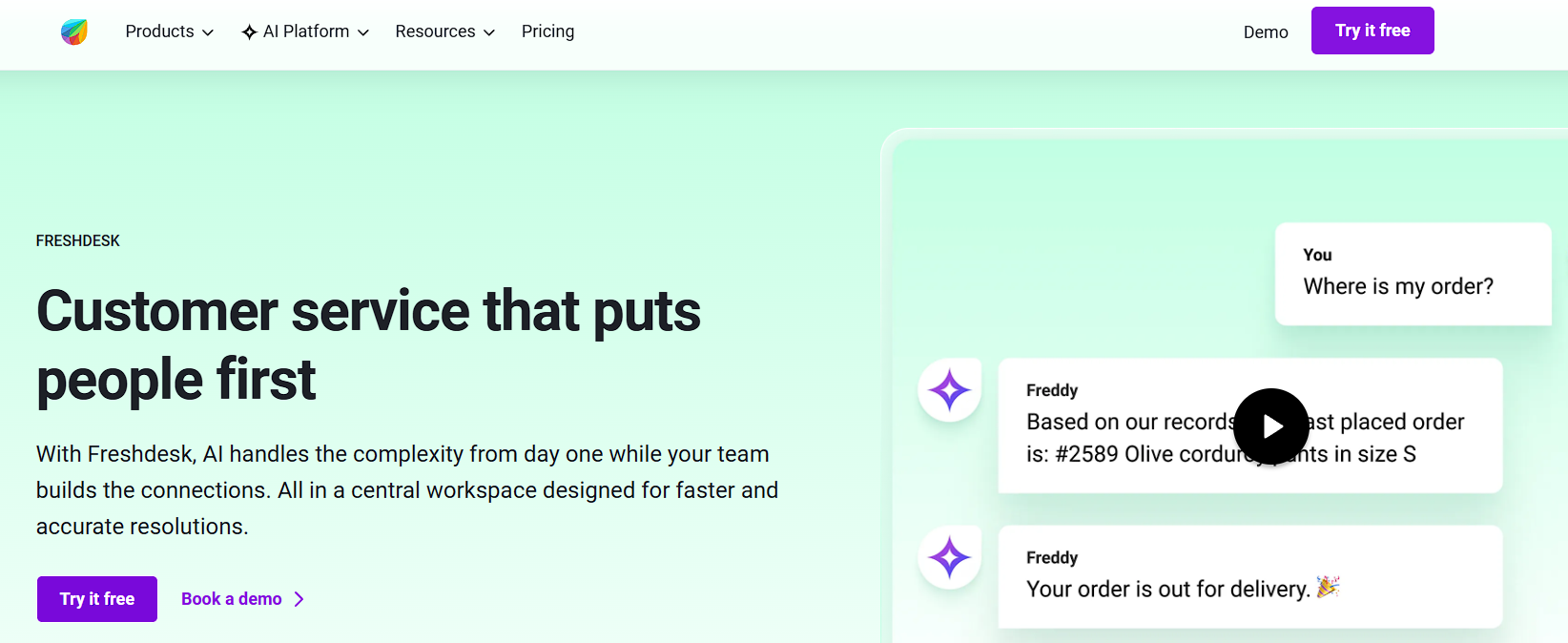
Freshdesk covers similar ground to Zendesk with a gentler learning curve and a genuinely useful free tier for small teams. It’s a solid starting point if you’re outgrowing a shared inbox but not ready for enterprise pricing.
Help Scout
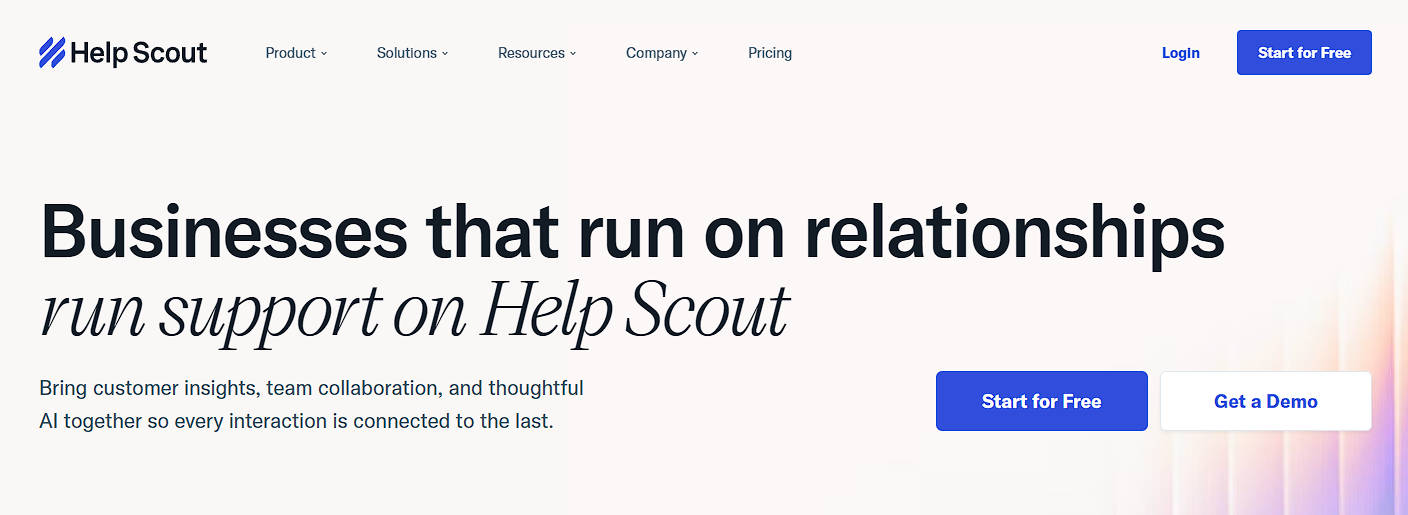
Help Scout keeps the interface close to a normal email client, which makes it one of the easiest helpdesks to onboard new agents into. It trades some of the automation depth of Zendesk for simplicity, and for smaller teams that trade is usually worth it.
Which Knowledge Base and Self-Service Tools Help Agents Work Faster?
A knowledge base only helps agent productivity if agents actually search it before typing a reply from scratch. The tools below are built to make that the path of least resistance.
Helpjuice
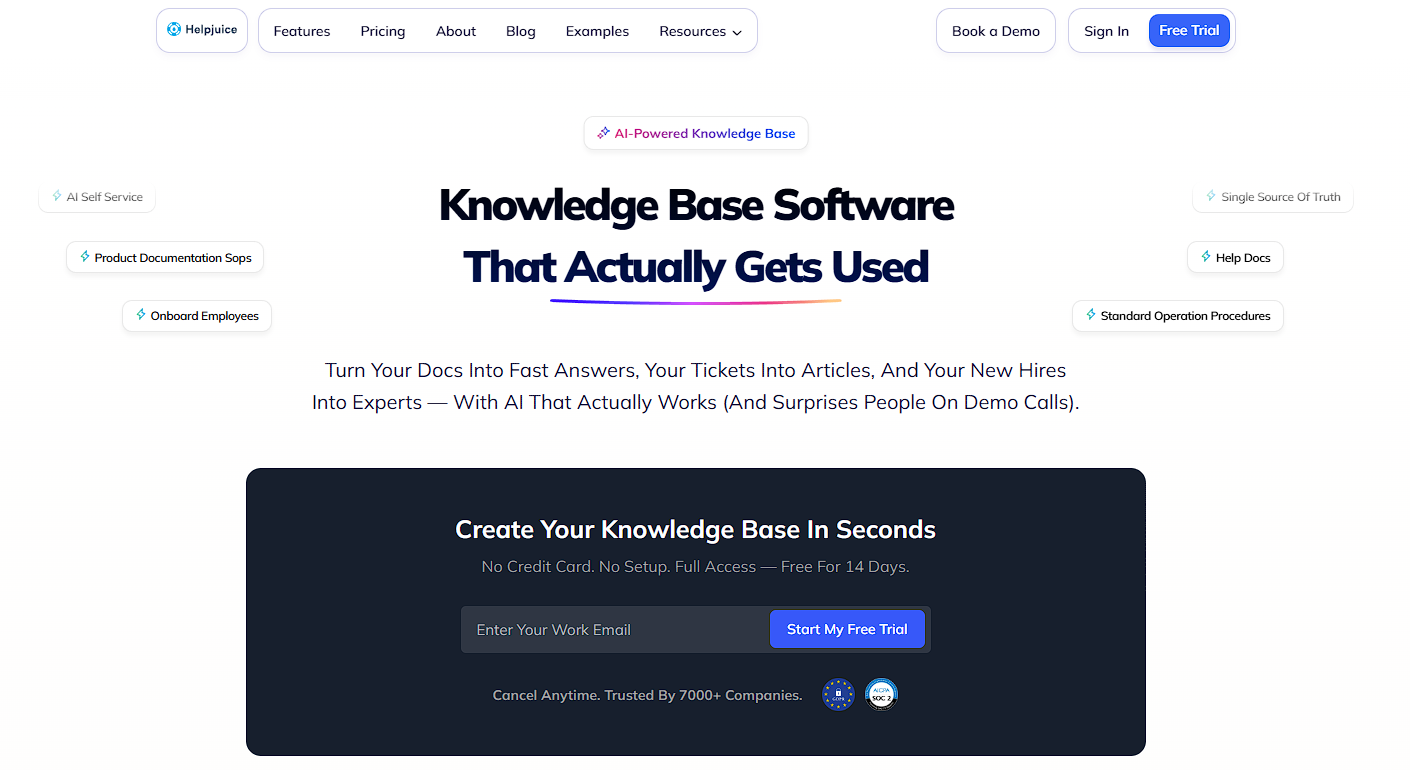
Helpjuice is purpose-built for internal and external knowledge bases, with search that’s fast enough that agents use it mid-conversation instead of guessing. It’s worth the switch once your internal wiki gets too big for anyone to keep in their head.
Notion
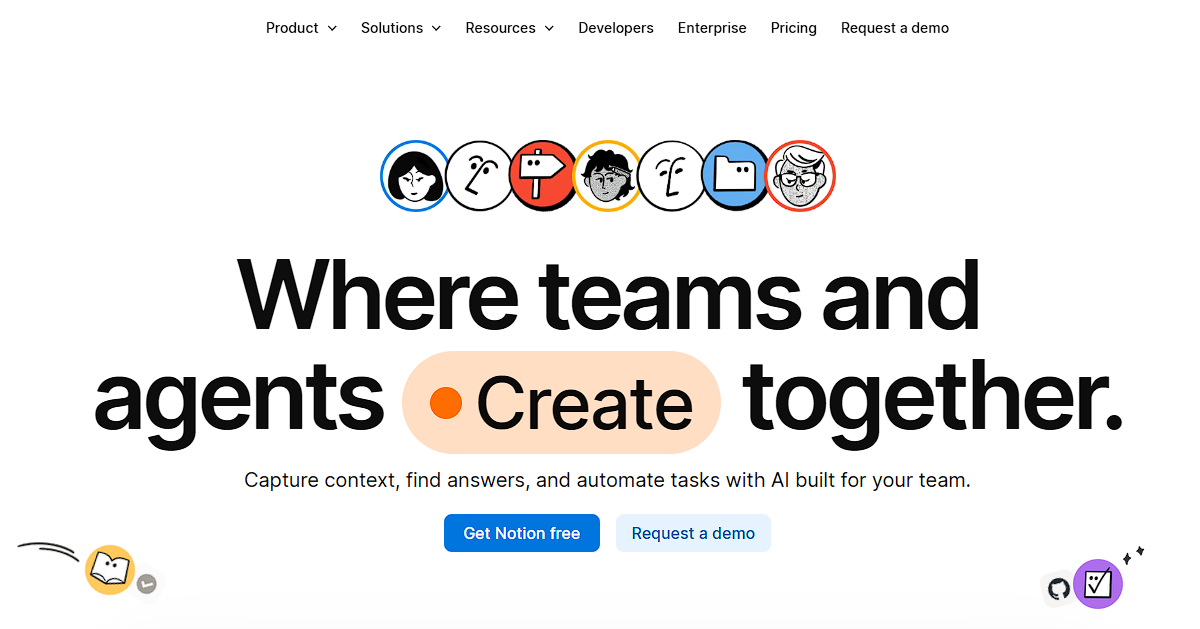
Notion works as a lighter-weight internal knowledge base for teams that don’t need a dedicated tool yet. It’s flexible enough to hold SOPs, macros and escalation paths side by side, though search gets slower as the workspace grows.
What Are the Best AI Copilot and Reply Assistance Tools?
AI copilots read the ticket and draft a reply before the agent even starts typing, which is a different job from a text expander and works well alongside one.
Intercom Fin

Intercom’s Fin drafts responses based on your help center content and can resolve simple tickets without an agent touching them at all. It’s strongest for teams with a well-maintained knowledge base already in place, since Fin is only as good as what it’s trained on.
Zendesk AI
Zendesk AI summarizes long ticket threads and suggests replies directly inside the Zendesk workspace. It’s a natural add-on if you’re already on Zendesk, though it adds cost on top of your existing plan.
If your team leans more on rewriting drafts than generating them from scratch, it’s worth comparing dedicated options in our breakdown of the best AI sentence rewriter tools.
Which Internal Communication Tools Do Support Teams Need?
Support agents need a fast way to loop in a teammate or escalate to another department without leaving their workflow, and that’s a different problem than ticketing software solves.
I’ve watched a team try to run escalations over a shared email thread once. Every escalation took three replies just to figure out who owned it, and the ticket sat untouched the whole time. Slack fixed that in a week.
Slack remains the default for most teams, with channels for escalations, huddles for quick voice calls and enough integrations to pull in alerts from your helpdesk. Discord has become a real alternative for smaller or remote-first teams that want a more casual, always-on space, particularly ones already running a community server for customers.
What Are the Best Workforce Management and Scheduling Tools?
Workforce management tools matter once your team is big enough that manual scheduling starts eating your afternoons, and they pay off by making sure the right number of agents are online when ticket volume actually spikes.
Assembled
Assembled forecasts ticket volume and builds schedules around it, then flags when you’re understaffed for an upcoming spike. It’s aimed at teams past the ten or fifteen agent mark where spreadsheet scheduling stops working.
Zendesk WFM
Zendesk’s workforce management module does similar forecasting and scheduling, with the advantage of living inside the same suite as your ticketing data if you’re already a Zendesk customer.
What Are the Best Quality Assurance and Coaching Tools?
QA tools turn “we think replies could be better” into specific, gradable feedback an agent can act on, which is what actually improves productivity over time instead of just measuring it.
MaestroQA

MaestroQA scores tickets against custom rubrics and tracks trends per agent over time, making one-on-ones more concrete than a general “keep it up” chat.
How Do These Support Agent Productivity Tools Compare?
Here’s how the tools above stack up by category, use case and starting price, so you can see the full picture at a glance before picking what to test.
| Tool | Category | Best For | Starting Price |
|---|---|---|---|
| Zendesk | Helpdesk | All-in-one mid to enterprise teams | ~$55/agent/mo |
| Freshdesk | Helpdesk | Growing teams on a budget | Free tier available |
| Help Scout | Helpdesk | Small teams wanting simplicity | ~$25/user/mo |
| Helpjuice | Knowledge base | Teams outgrowing a shared wiki | ~$120/mo flat |
| Notion | Knowledge base | Lightweight internal docs | Free tier available |
| Slashit | Text expansion, AI rewrite, clipboard | Fast, natural replies across any app | Free plan available |
| TextExpander | Text expansion | Straightforward snippet libraries | ~$3.33/user/mo |
| Intercom Fin | AI copilot | Auto-resolving simple tickets | Usage-based |
| Zendesk AI | AI copilot | Teams already on Zendesk | Add-on pricing |
| Slack | Internal comms | Team-wide escalation and huddles | Free tier available |
| Assembled | Workforce management | Forecasting for 10+ agent teams | Custom pricing |
| MaestroQA | QA and coaching | Structured ticket scoring | Custom pricing |
| Playvox | QA and coaching | QA plus gamified coaching | Custom pricing |
How Do You Choose the Right Productivity Stack for Your Team Size?
A three-person team needs about half of what a fifty-agent team needs, so match your stack to headcount and channel count rather than chasing every tool on this list. Trying to run enterprise-grade workforce management for a team of four just adds admin overhead nobody has time for.
Small teams, 1 to 10 agents: Start with a lightweight helpdesk like Help Scout or Freshdesk’s free tier, a shared knowledge base in Notion, and a text expander for repetitive replies. Skip dedicated WFM and QA tools until scheduling actually becomes hard to manage by hand.
Mid-size teams, 10 to 50 agents: Add a dedicated knowledge base tool, an AI copilot for your highest-volume ticket types, and a lightweight QA process even if it’s just a shared scorecard. This is also the range where workforce management tools start paying for themselves.
Enterprise teams, 50+ agents: This is where the full stack, helpdesk, WFM, QA, AI copilot and internal comms, tends to justify its cost. The main risk at this size is tool sprawl, so audit what agents actually use every quarter.
If you’re building out a broader productivity stack beyond support specifically, our roundup of 15 productivity tools for small businesses covers adjacent categories like project management and invoicing.
What Habits Make Any Productivity Tool Work Harder?
Tools only pay off when they’re paired with habits that keep them useful, since even the best software gets ignored if nobody maintains it.
- Audit macros and templates monthly. Outdated canned responses cost more time than they save when agents have to double-check and fix them.
- Give every new agent a template library on day one. Waiting until week three to hand over shortcuts means three weeks of typing everything from scratch.
- Review response time by agent, not just team average. Averages hide the two agents who are quietly drowning.
- Keep escalation paths written down somewhere searchable. A verbal-only process means every new hire learns it the slow way.
- Ask agents what’s actually annoying them. The best productivity fixes usually come from the person doing the ticket, not the dashboard. If typing speed itself is part of the problem, our guide on how to increase typing speed is worth sharing with the team.
Frequently Asked Questions
What tools improve customer support agent productivity?
A helpdesk for ticketing, a knowledge base for self-service, a text expander for repetitive replies, and an AI copilot for drafting responses cover most of the gains, with Zendesk, Freshdesk, Slashit and Intercom Fin as common starting points.
How do I reduce support agent response time?
Close the gap between knowing the answer and delivering it. Use templated replies with variables filled in automatically, a searchable knowledge base, and clear escalation rules so agents never wait on a manager.
What is the best free tool for support team productivity?
Freshdesk’s free tier covers basic ticketing, Notion works well as a free knowledge base, and Slashit’s free plan handles text expansion and clipboard history without needing a paid upgrade to start. For more free options, see our list of text expander alternatives.
Do text expanders work with helpdesk software like Zendesk or Intercom?
Yes. Tools like Slashit run at the operating system level, so they work inside Zendesk, Intercom, Gmail or any other app an agent types into, without needing a dedicated integration or admin setup.
How many tools does a small support team actually need?
Three, usually: a helpdesk, a shared knowledge base, and a text expander for repetitive replies. Everything else on this list becomes worth adding as headcount and ticket volume grow.
Give Your Support Team Its Time Back
The best productivity stack isn’t the biggest one. It’s the one your team actually uses without being told to, and that starts with removing the small frictions, like retyping the same reply for the hundredth time, that add up to hours every week.
I’ve seen the same pattern on every team I’ve helped set this up for: nobody believes the time savings until they see their own numbers a week in, and then nobody wants to go back to typing everything by hand. Response speed already decides a large share of how customers judge a support interaction, so the fastest win on this whole list is usually the smallest one to set up.
If that’s the piece missing from your stack, Slashit for support teams is worth a look, and you can download it free to see how much time your team gets back in the first week.
// free tools for this
// more articles
 Productivity
 10 Best Grammarly Alternatives in 2026: Free and Paid
Comparing the best Grammarly alternatives for 2026 by price, AI customization, and use case, so you can find the right fit fast and skip the guesswork.
 Productivity
 Text Expander for Founders: Save Hours Every Week
A text expander for founders turns investor updates, cold outreach, and hiring replies into one hotkey. Compare tools, get templates, and set up in minutes.
 Productivity
 Text Expander for Managers: Stop Retyping the Same Messages
A text expander for managers turns repeated messages into instant shortcuts. See how tools like Slashit save managers hours every week.

// blog updates
